
Retropa / Symbian
The first smartphone games, back in your hand.
Before the iPhone, Symbian smartphones and the N-Gage game deck played real 3D games: racing, stealth, shooters and platformers on a small portrait screen and a numeric keypad. Import a game into Retropa and it plays on iPhone and iPad, on a gamepad or on a phone keypad of the time.

Free to download. Optional in-app purchases. iOS 18 or later.
N-Gage and S60 games, running
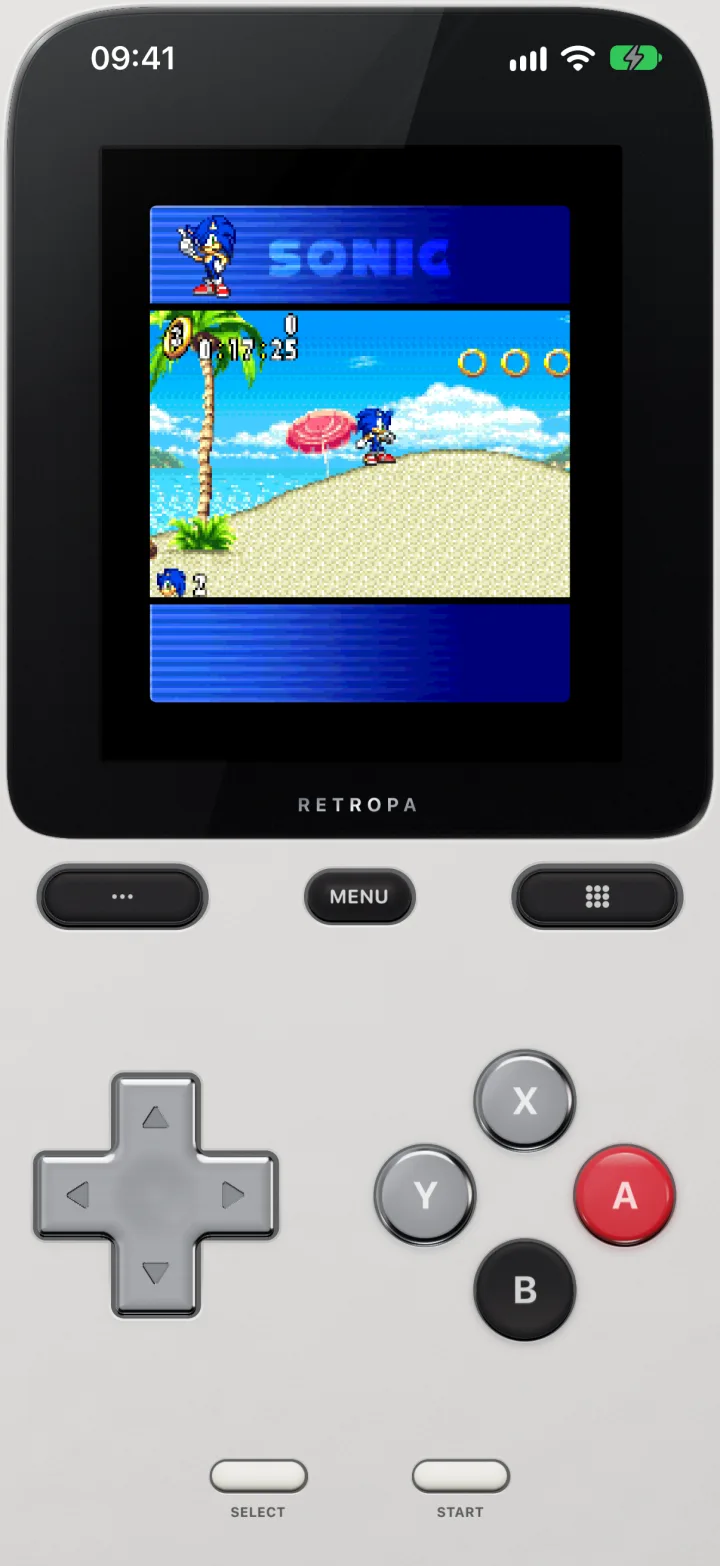
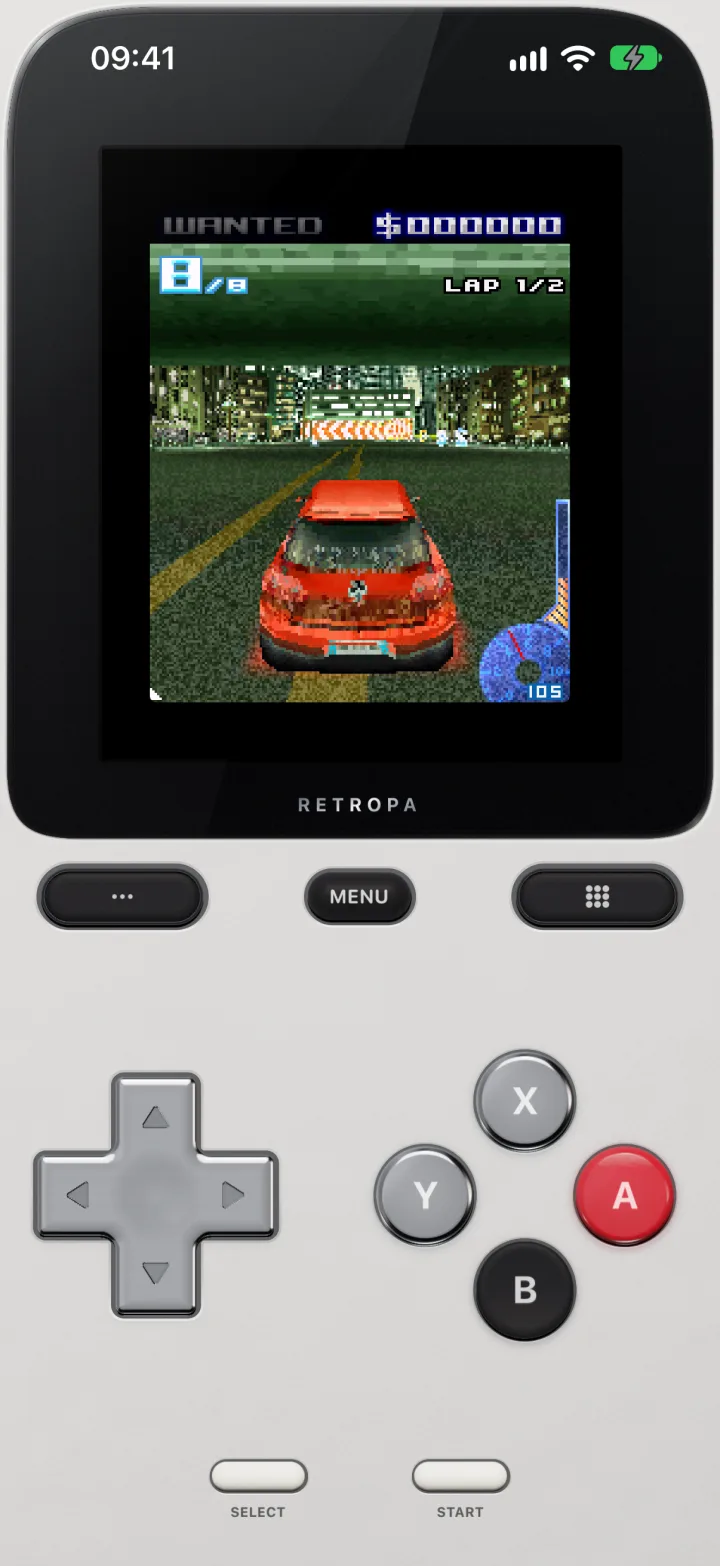
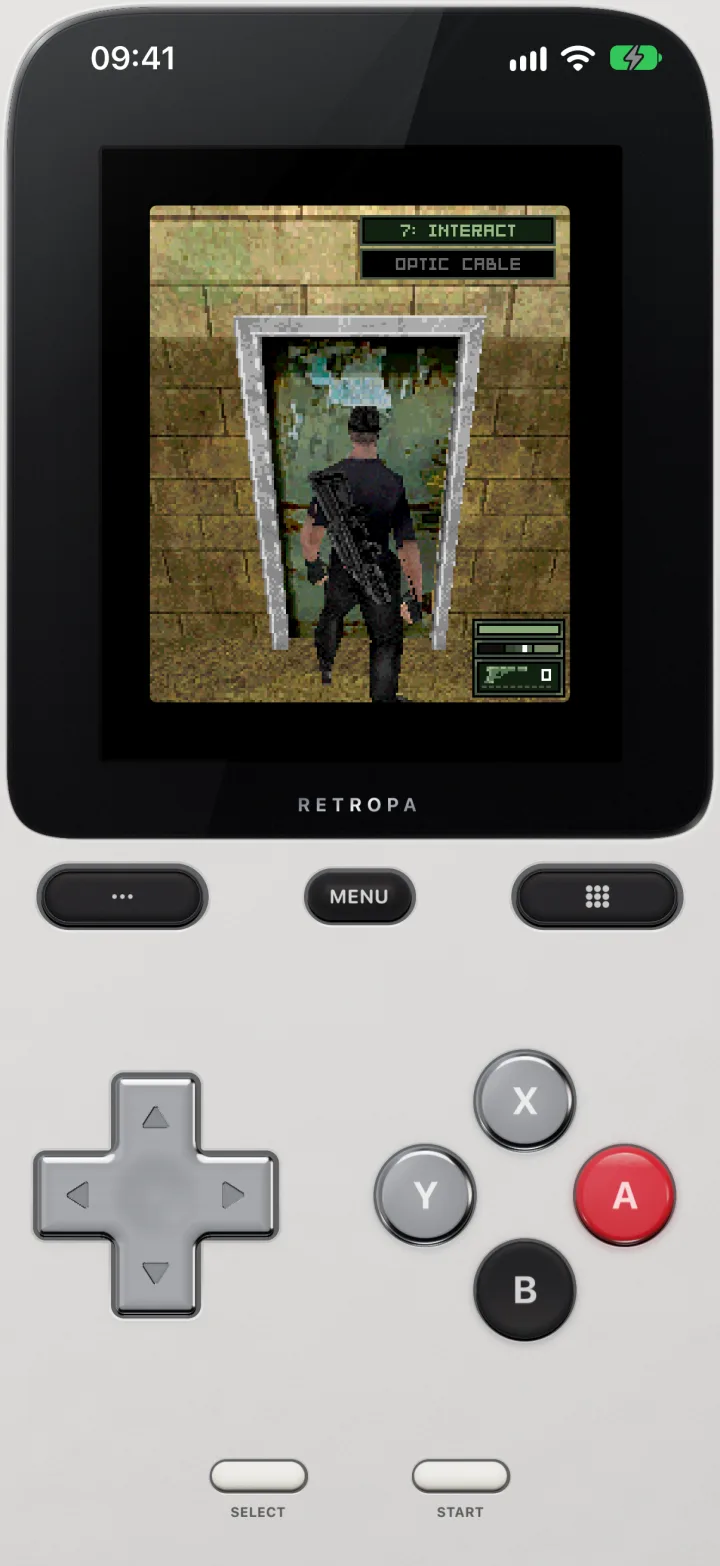
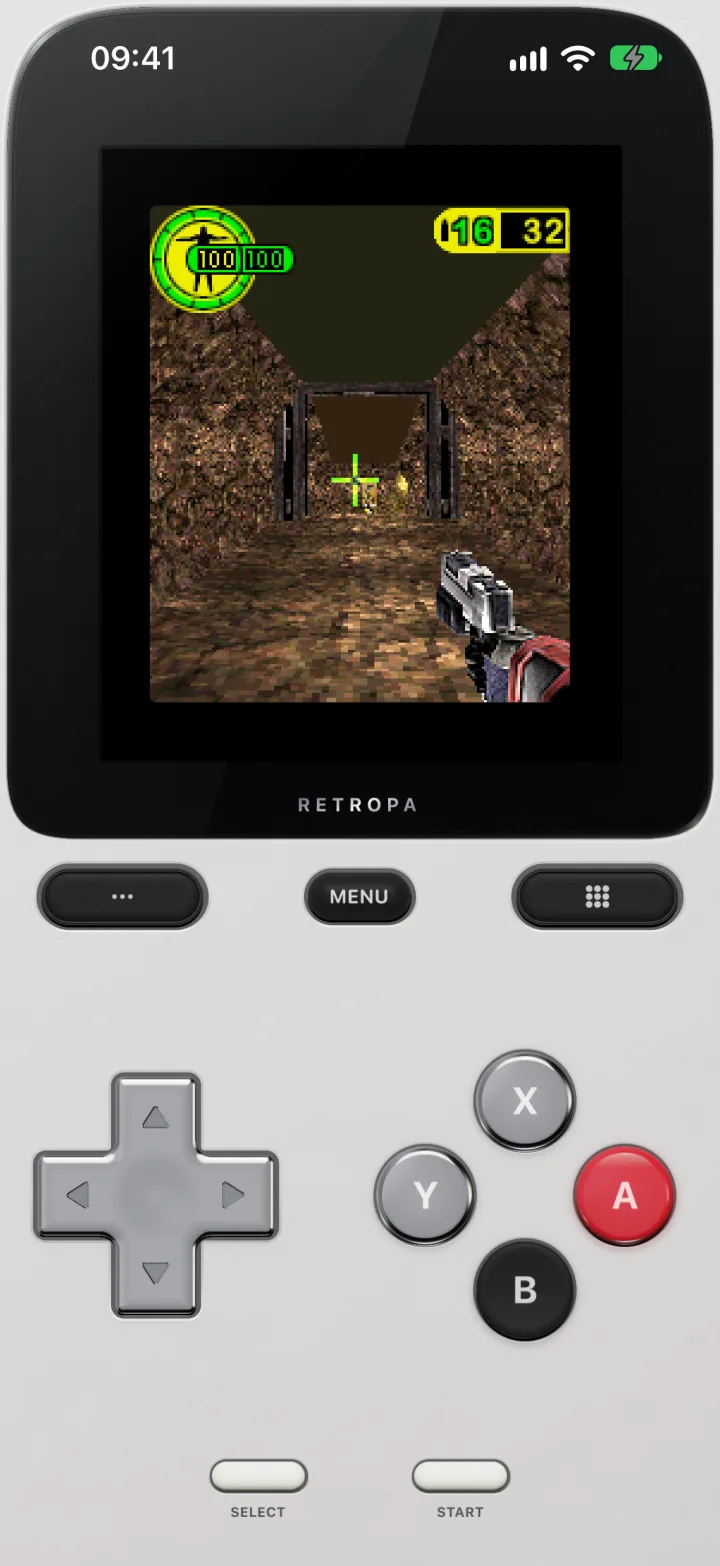
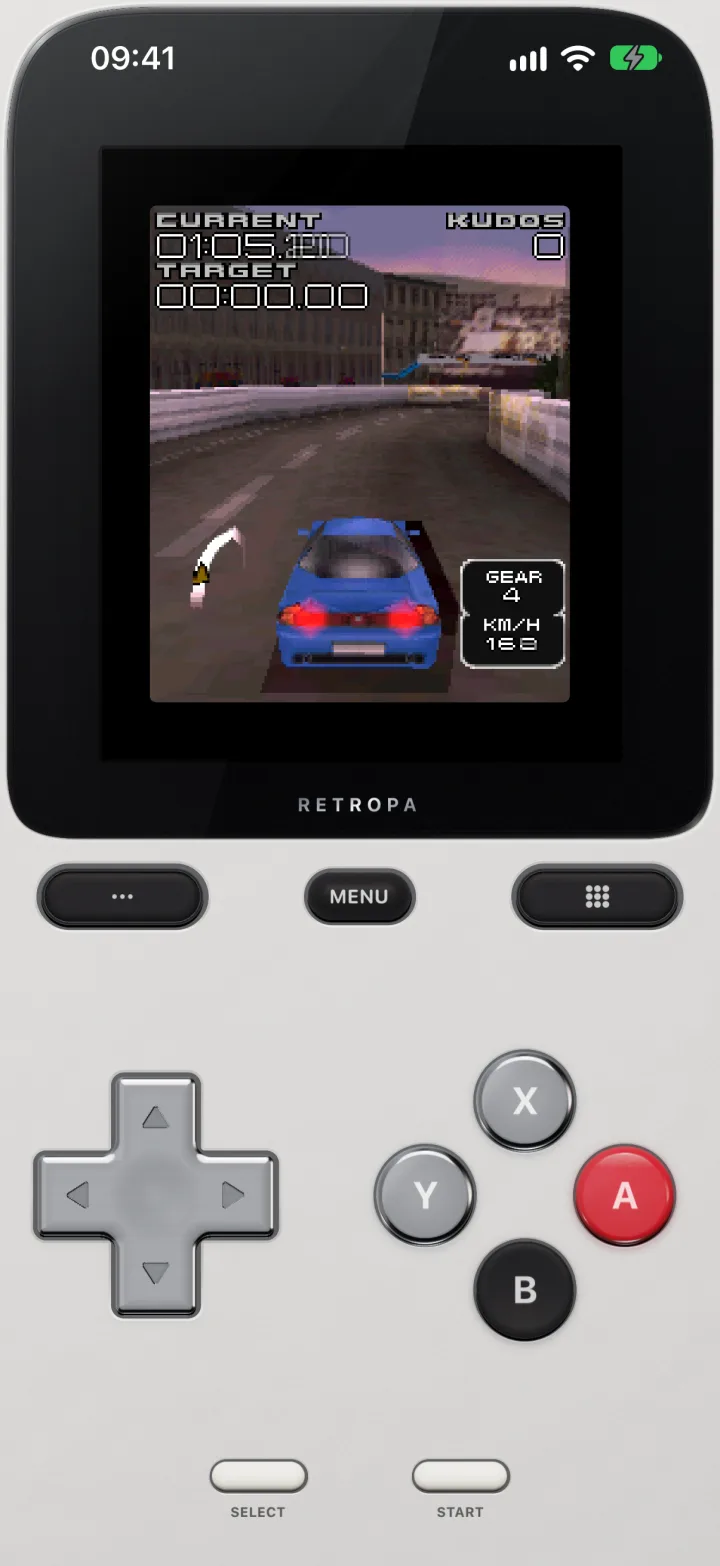
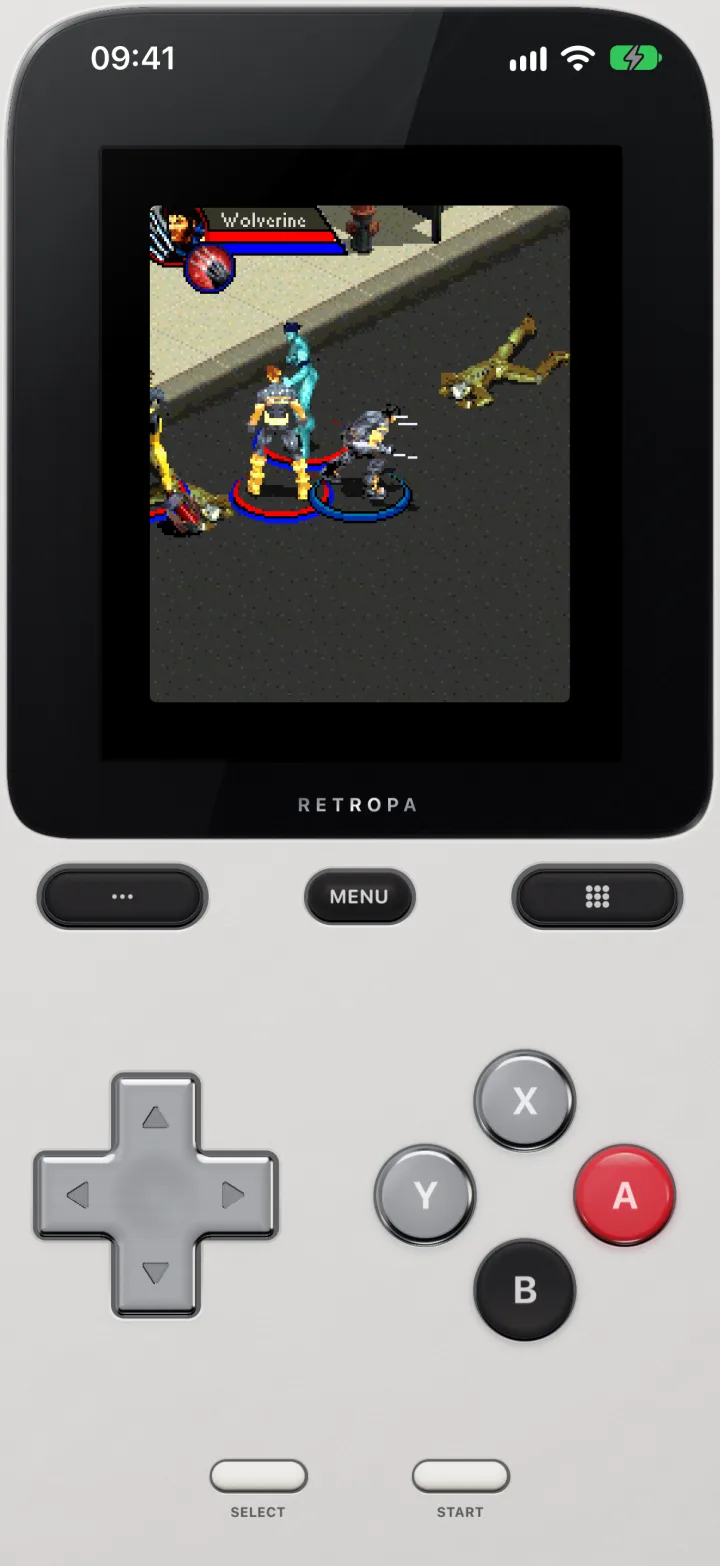
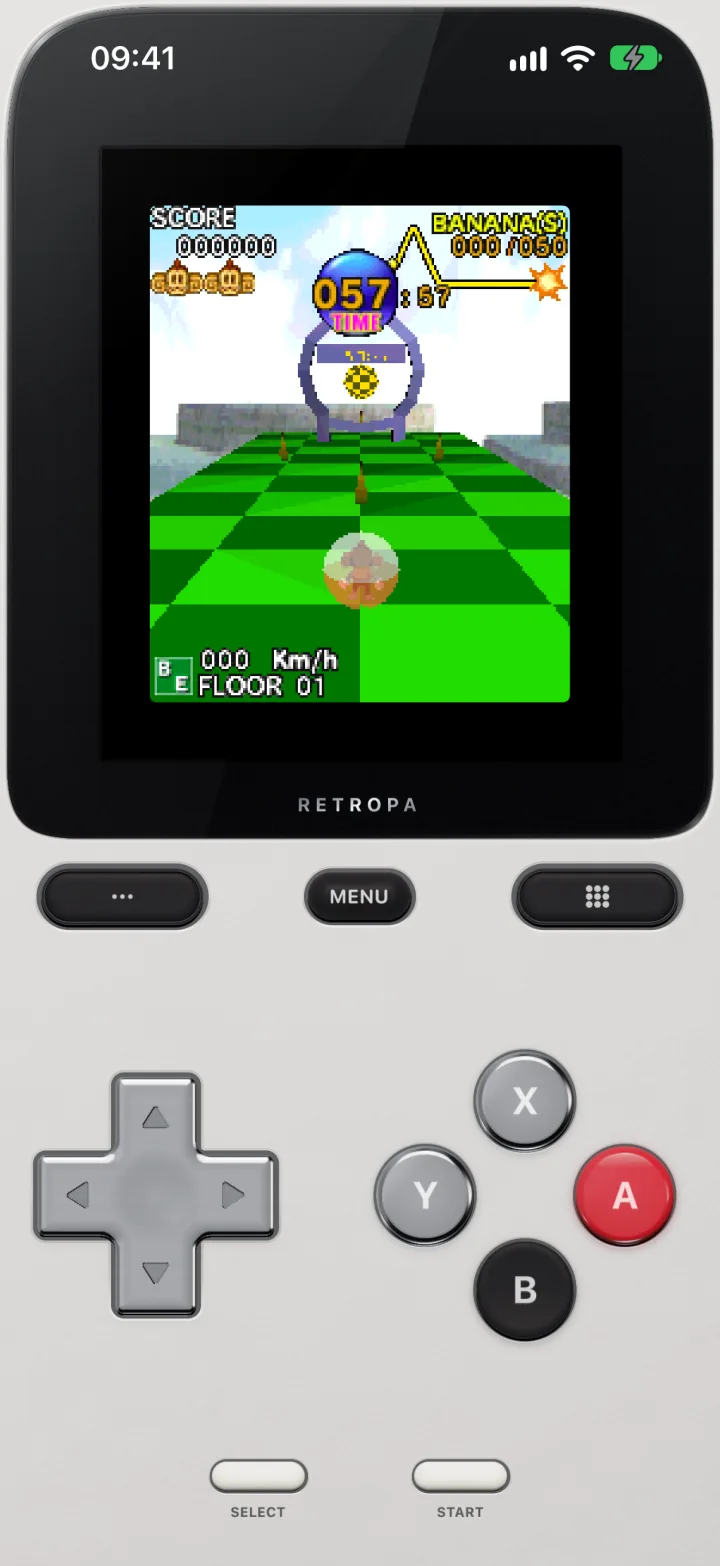
Games made for the N-Gage and for S60 smartphones, running in Retropa on iPhone: each was imported as its .sis installer or as an N-Gage game folder in a .zip, and played on the gamepad.
A gamepad, or a phone keypad
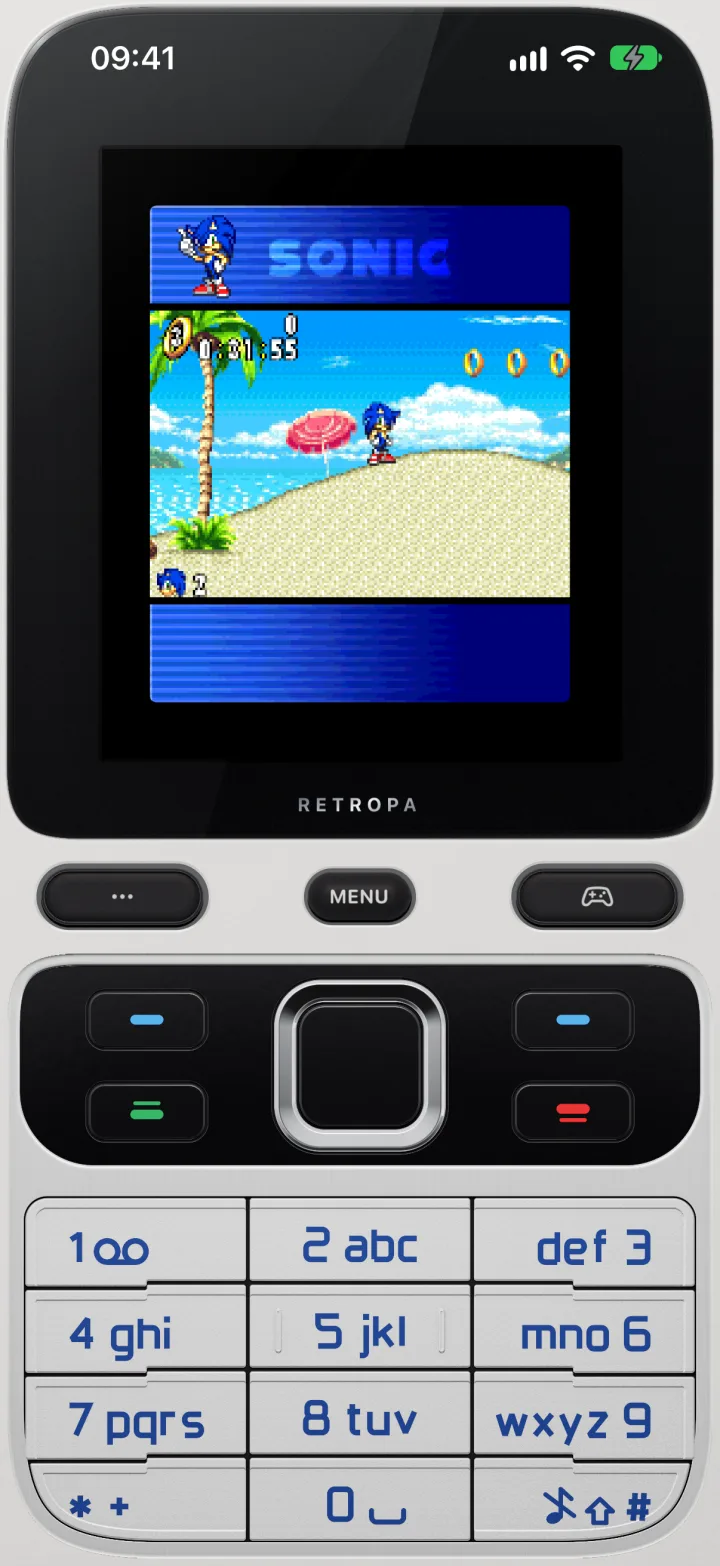
A Symbian game gets the same screen as every other system: the picture on top, and below it the gamepad or a phone keypad. The key right of MENU flips between them.
- The keypad is a whole phone keypad: the two soft keys, the navigation key with OK in the middle, call and end, 0 to 9, * and #.
- Symbian games use the same phone keypads as Java games; open the Peripherals tab with the … key left of MENU to pick one.
- The Gamepad Keys tab on the Desk sets the phone key each gamepad control presses, and every game keeps its own map. Most games start on the navigation keys with OK and 5.
- A connected controller presses the same keys; its shoulder buttons press the two soft keys.
Import a .sis, or an N-Gage game as a .zip
Import a game like any other: from the Files app, AirDrop or the Wi‑Fi Portal. It joins your library under Symbian and starts with a tap.
- S60 games: import the game's .sis installer as it is. Retropa installs it and names the game from the installer.
- N-Gage games: put the game's folder in a .zip and import that. A folder that holds system/apps/ with the game inside is an N-Gage game; the library keeps the .zip whole.
- There is no phone firmware to find and nothing to install; Retropa plays the game itself.
- Retropa does not include games. Import only games you have the right to use.
The phone screen, kept sharp
S60 phones and the N-Gage drew games on a 176 × 208 portrait screen. Retropa shows that screen whole and scales it in whole steps, so every pixel stays square and sharp.
Which games play
Games made for the N-Gage and for S60 phones of the first and second editions, the keypad smartphones of 2002 to 2006, are the games Retropa plays. Most of the well-known ones play, from racing and stealth to 3D platformers; not every game does.
- Games for touch-screen and widescreen landscape phones do not play, nor do .sisx installers made for later phones.
- Games keep their sound effects; music that a game plays as MIDI, MP3 or AMR is silent.
- Bluetooth multiplayer and N-Gage Arena features will not connect.
Your progress stays
Symbian games save the way they did on the phone, and Retropa keeps what each game saves in a place of its own, so you carry on where you stopped.
- Each game's saves stay apart from every other game's, and cloud backup carries them.
- Save states and rewind are not offered for Symbian games; the game's own saves keep your progress.
Offline by design
Symbian games play without a network. A game cannot go online or send a message, so nothing leaves your device and nothing is charged while you play.
Symbian and N-Gage questions
Can I play N-Gage games on iPhone?
Yes. Put the N-Gage game's folder in a .zip, import it into Retropa from the Files app, AirDrop or the Wi‑Fi Portal, and tap it in your library. It plays on the gamepad or a phone keypad, offline, on iPhone and iPad.
What is Symbian?
Symbian was the operating system of most smartphones in the 2000s. Its S60 phones and the N-Gage, a phone built as a game deck, ran games installed from .sis files, many of them in 3D. Retropa plays those games on iPhone and iPad.
Which file do I import: .sis, .sisx or .zip?
An S60 game's .sis installer, or an N-Gage game's folder in a .zip. .sisx installers were made for later phones and are not imported.
Do I need phone firmware or anything else?
No. Nothing needs to be found or installed besides the game; Retropa plays the .sis or the N-Gage game itself, offline.
Where do I get Symbian games?
Retropa does not include games or link to any. Import only games you have the right to use, such as games you bought for your own phone or N-Gage.
How do I play on the phone keypad?
Press the key right of MENU to flip between the gamepad and the keypad. To pick another keypad, open the Peripherals tab with the … key left of MENU and tap one.
Can I play with a controller?
Yes. A connected controller presses phone keys, as the on-screen gamepad does. On the Gamepad Keys tab, apply a preset or choose the phone key for each button; each game keeps its own map.
Why is there no music in some games?
Games keep their sound effects, but music played as MIDI, MP3 or AMR is silent. The game itself plays normally.
Does my progress save?
Yes. What a Symbian game saves itself is kept for that game and carried by cloud backup. Save states are not offered for Symbian games.
Do Symbian games need Retropa Plus?
Symbian phone games are part of Retropa Plus, like Java phone games, DOS, Flash, the arcade and PlayStation. You can try them first. Every handheld and console system except PlayStation stays free.
SonicN and Super Monkey Ball Jr. © SEGA. Asphalt 2: Urban GT © Gameloft. Splinter Cell: Chaos Theory © Ubisoft. Red Faction © THQ Nordic. Project Gotham Racing 3D © Microsoft. X-Men Legends © Activision; X-Men © Marvel. The game pictures are screenshots of each game running in Retropa, shown only to demonstrate that it runs; Retropa is not affiliated with their owners. Nokia, N-Gage and Symbian are trademarks of their respective owners; Retropa is not affiliated with Nokia.