
Retropa / Filters
CRT filters for iPhone and iPad emulators
Retropa's advanced CRT and LCD filters work from the display area you actually have, so integer scaling is not a requirement. Keep the feel of a retro screen across iPhone sizes, iPad layouts and both orientations.

Free to download. Optional in-app purchases. iOS 18 or later.
Choose the display, then the strength
Nearest-pixel mode leaves the original pixel edges sharp and unblended. CRT treatments bring scanlines, masks and edge shading; LCD treatments layer in a pixel or subpixel grid. Either way you are changing how the picture is drawn, not the game's resolution.
- Look at the unfiltered picture first, as a baseline.
- Inspect small text, bright edges and shadow detail rather than only the title screen.
- Judge the result at the size and orientation you really play in.
No integer-scale requirement
Integer scaling gives every game pixel a whole number of display pixels. That stays crisp, yet it often wastes a strip of screen. Retropa's advanced filters instead measure the real output area, so their structure is not locked to 2x, 3x or any other whole multiple. You keep the game's aspect ratio and still fill the viewport your phone or skin provides.
- The output size decides the pattern, not a fixed multiplier.
- Aspect ratio is preserved even when the viewport is not a whole multiple.
- Compare presets at your normal playing size before settling on one.
More than a scanline overlay
CRT Lite, LCD Grid and Scanline are the light presets, and they are honest about it. Advanced presets model parts of the display itself: how wide the beam looks, how light passes through phosphor, or how a liquid-crystal cell reflects light. A source-sized grid can look uneven when the picture is scaled between whole pixels; using the real output area lets fine detail settle more naturally. None of this means every ordinary filter demands integer scaling, or that some device and preset combination will never show an artifact.
What the browser comparison shows
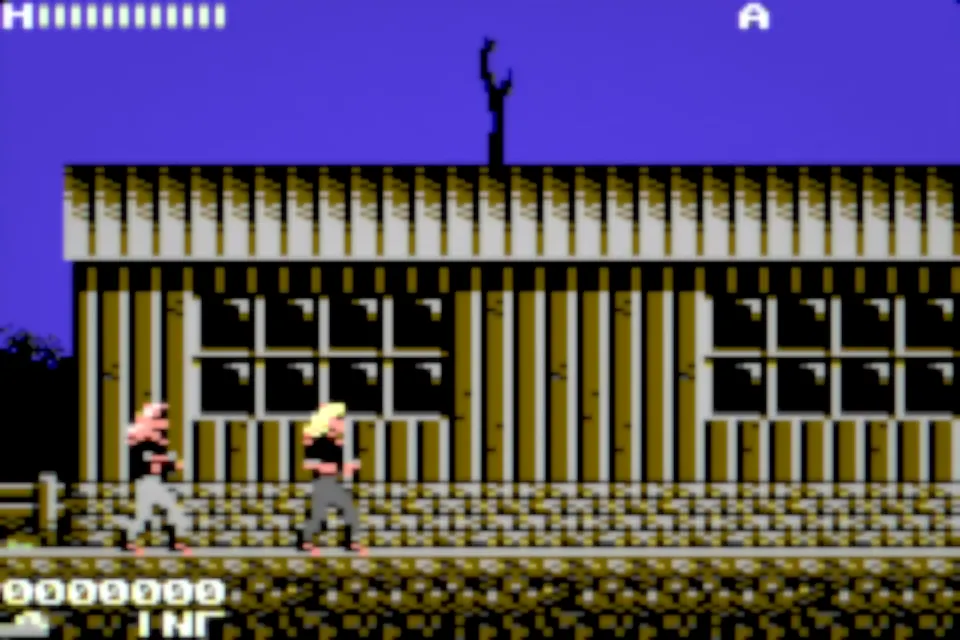
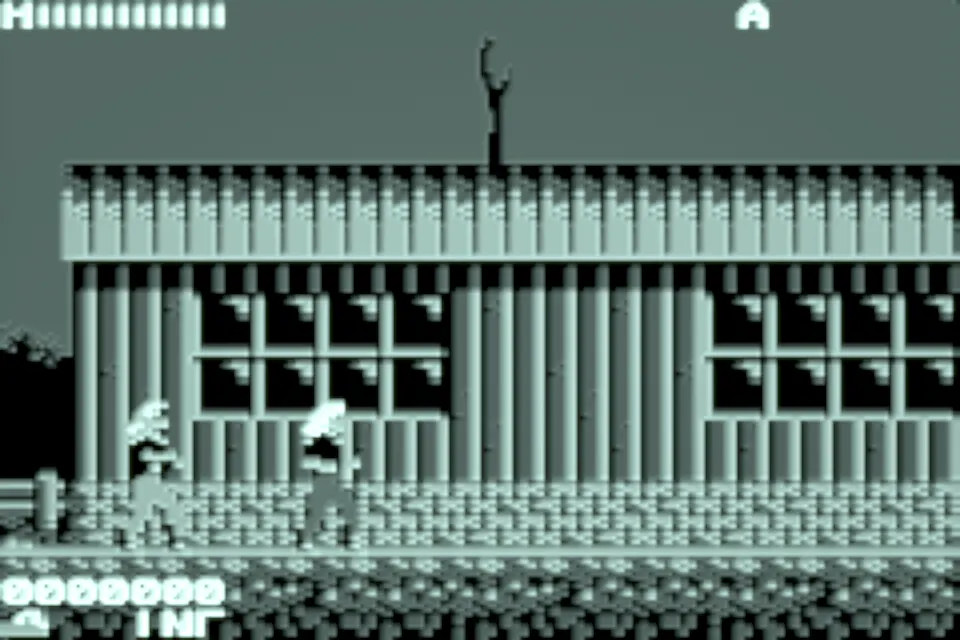
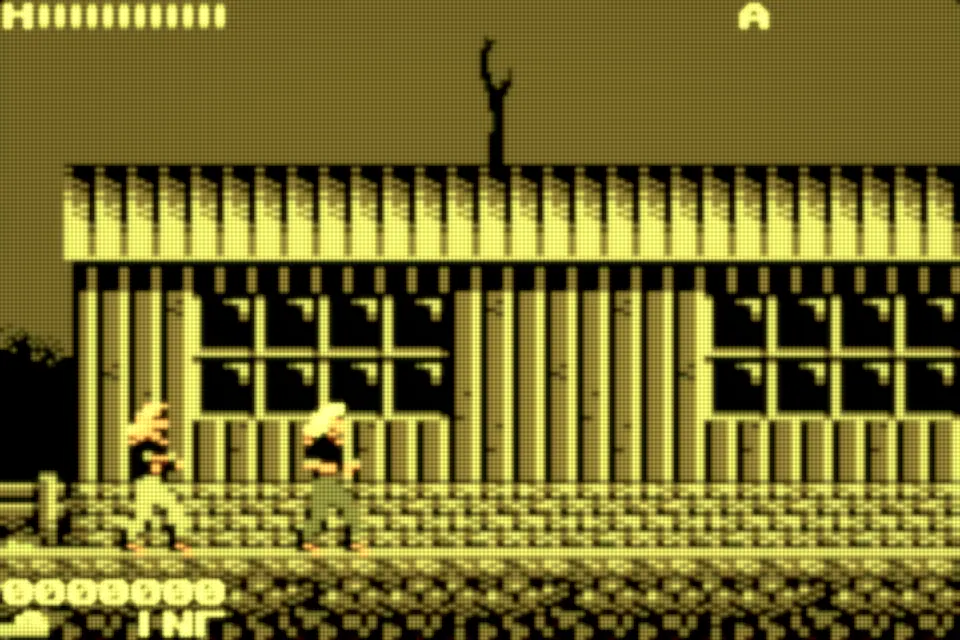
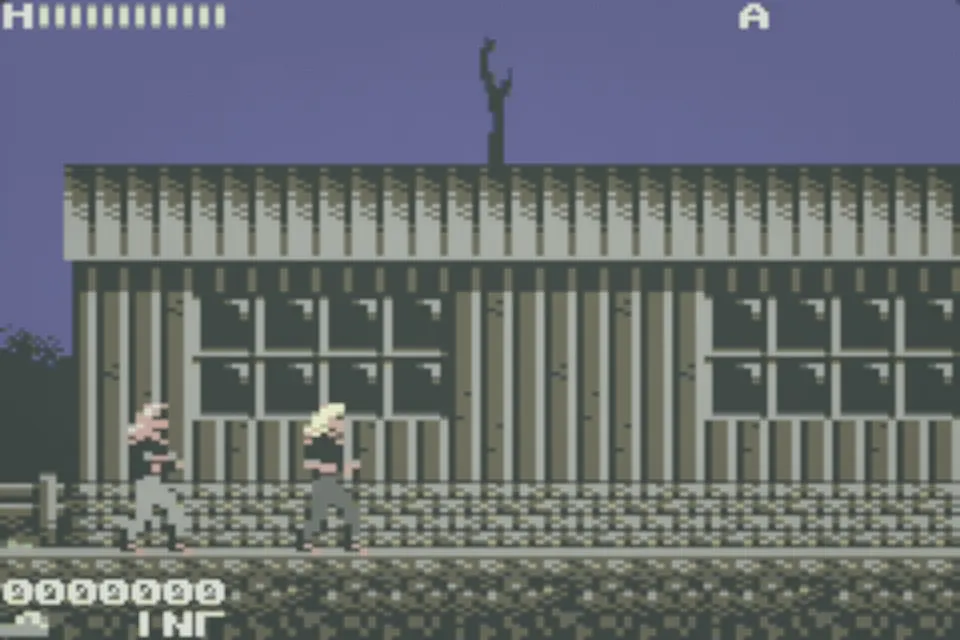
On the website you can preview the basic filters alongside CRT V4, Trinitron V1 and DMG, which follow their native formulas. The advanced modes are adapted from those formulas, pixel-footprint integration included, and share one presentation curve. The browser build skips temporal persistence, the full multi-pass bloom chain and native color management. Treat it as a demonstration of display character, not a pixel-for-pixel match to Metal output or a capture of real gameplay.
Import RetroArch shader presets
One .slangp preset may point at several shader passes, textures and parameter values. Bring those dependencies along in the same import. A preset on its own can be incomplete, and a .slang file describes a single shader rather than a whole collection.
- Stick to packages built for the supported shader workflow.
- When a preset will not load, look at its referenced files and compatibility before you touch the game.
- Drop to a lighter preset if a long chain hurts frame pacing or drains the battery.
Picture quality has a performance cost
A multi-pass filter asks more of the GPU than a plain nearest-pixel picture does. How much depends on the device, the emulator core, the output resolution and the preset itself. Retropa makes no promise that an imported shader will run the same way on every iPhone. Advanced filters need Retropa Plus; the app shows you which presets qualify.
Retropa advanced filters
A great picture. Not just at integer scales.
Your game does not have to fit a 2x or 3x box. Retropa advanced filters adapt to the actual display area, keeping the character of a retro screen across iPhone and iPad sizes.
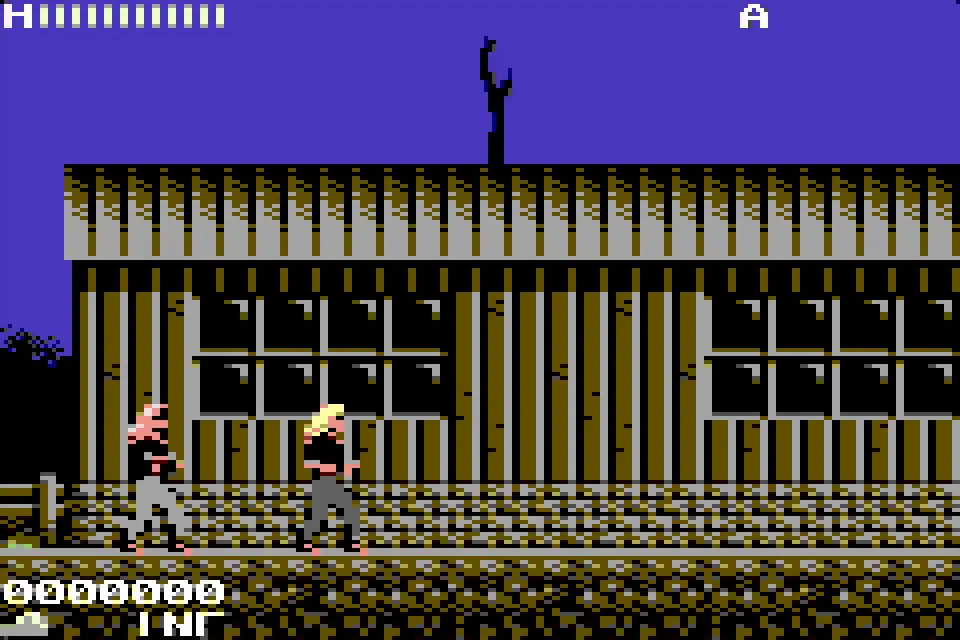
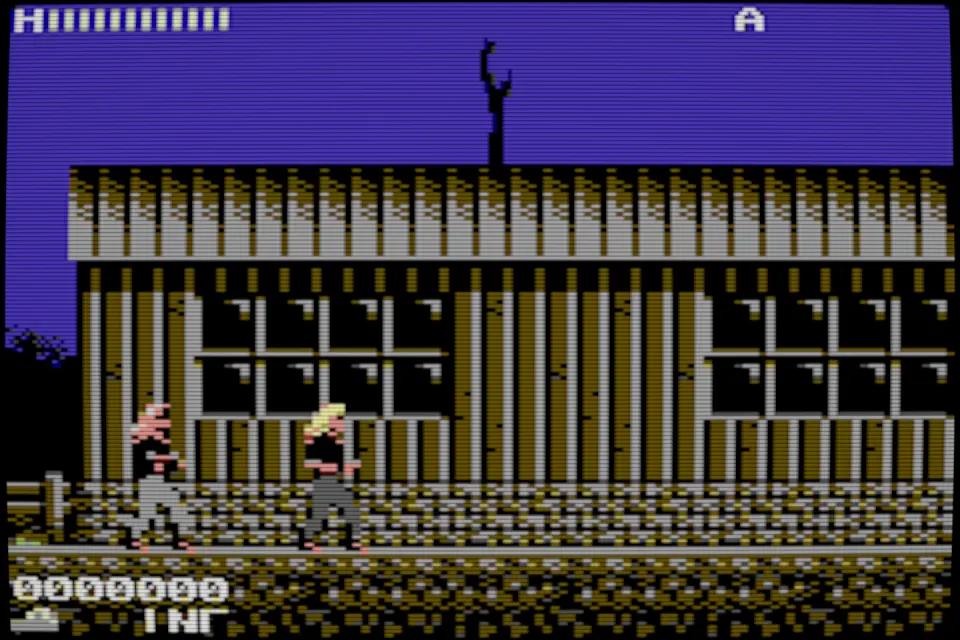
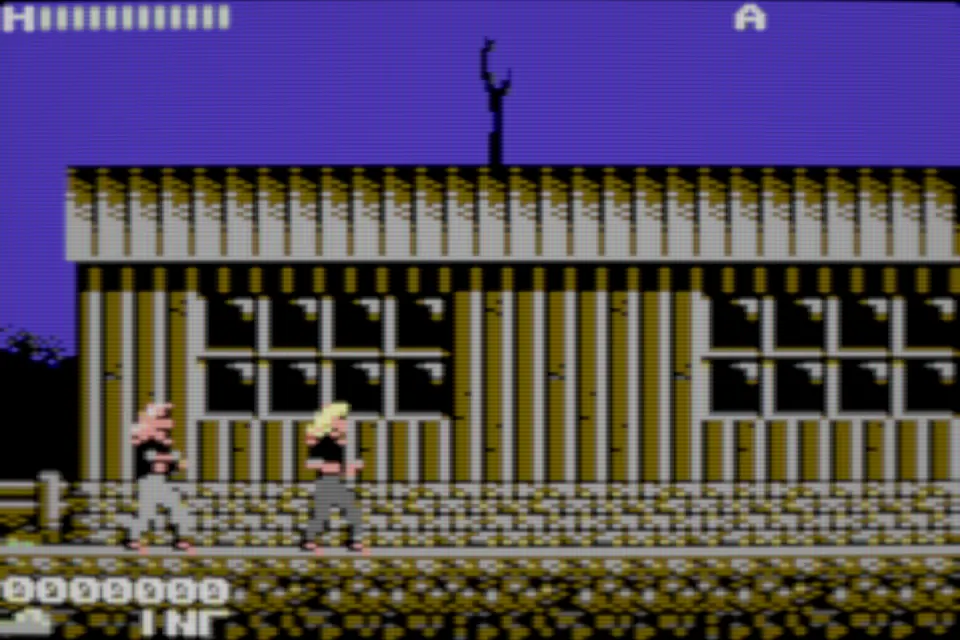
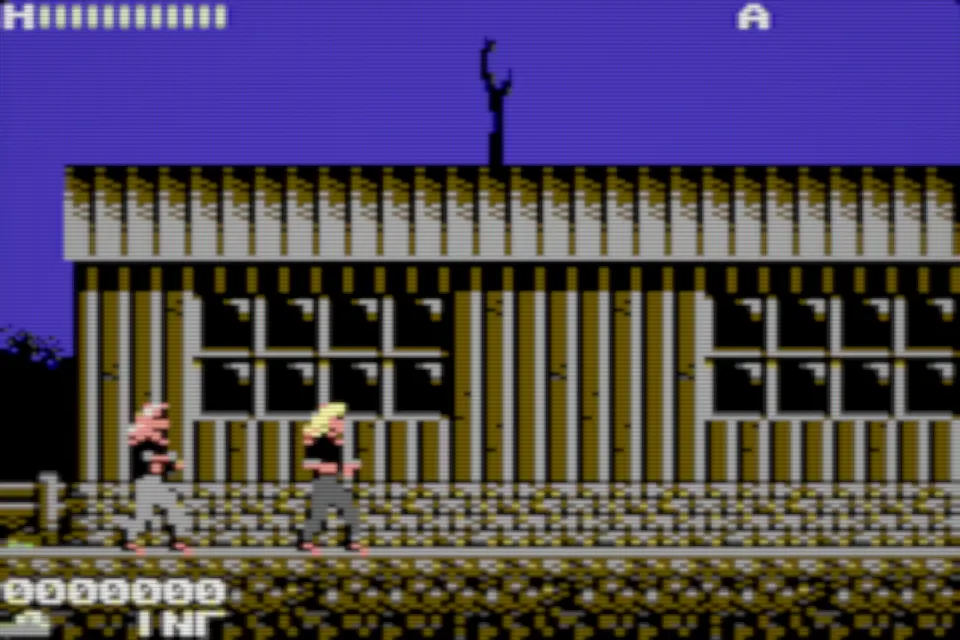
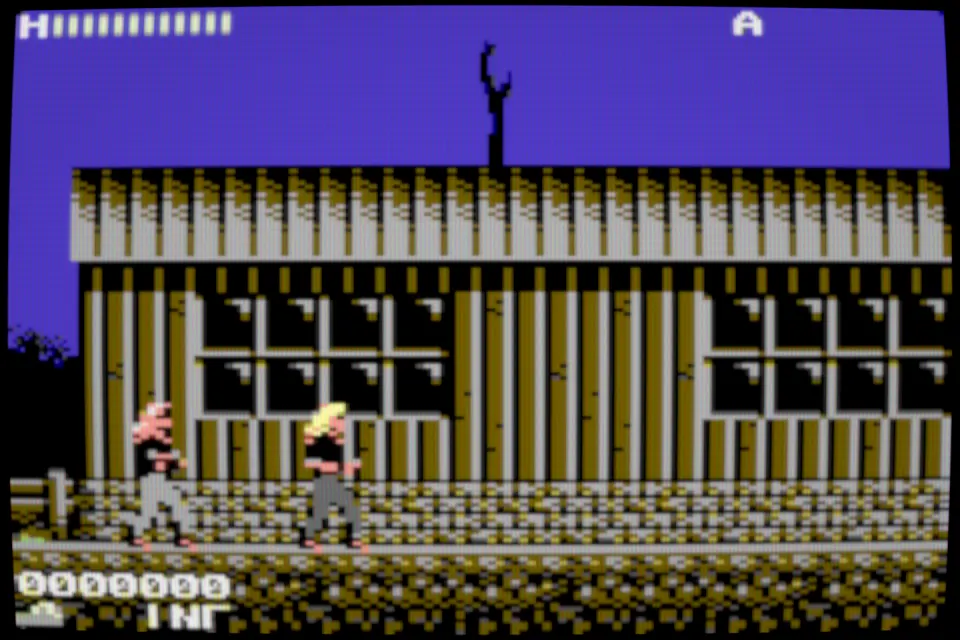
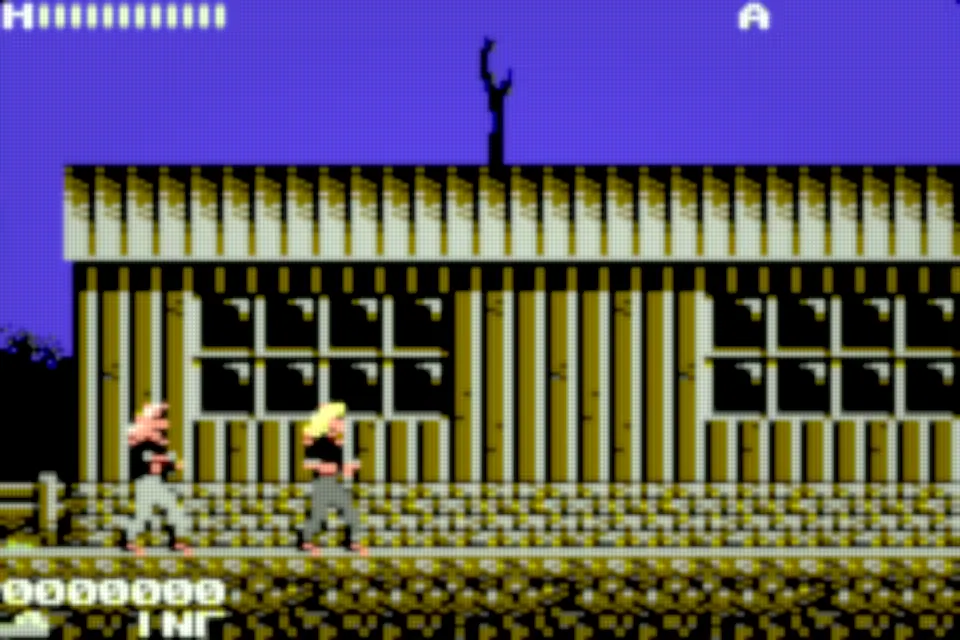
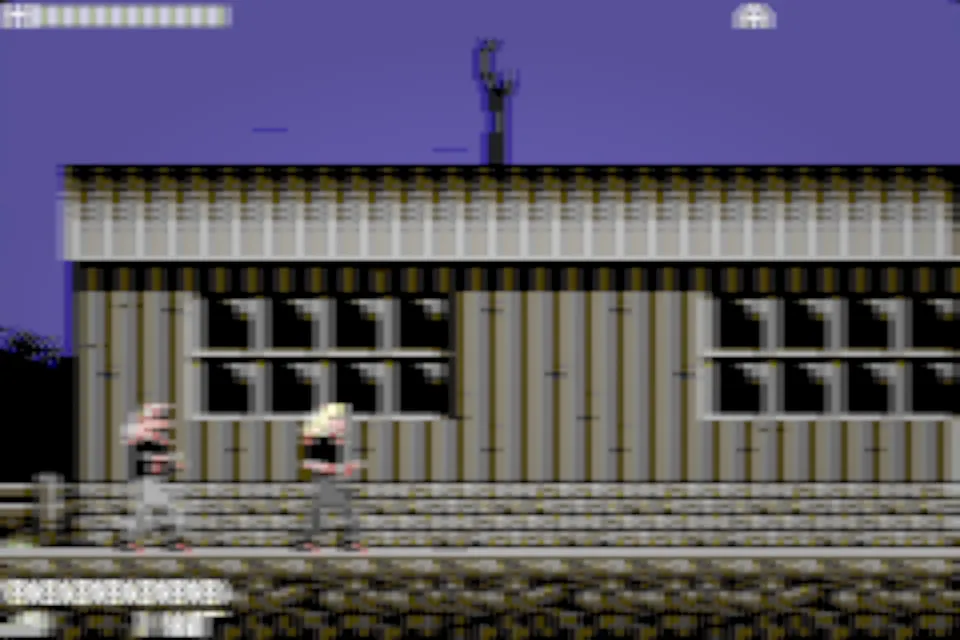
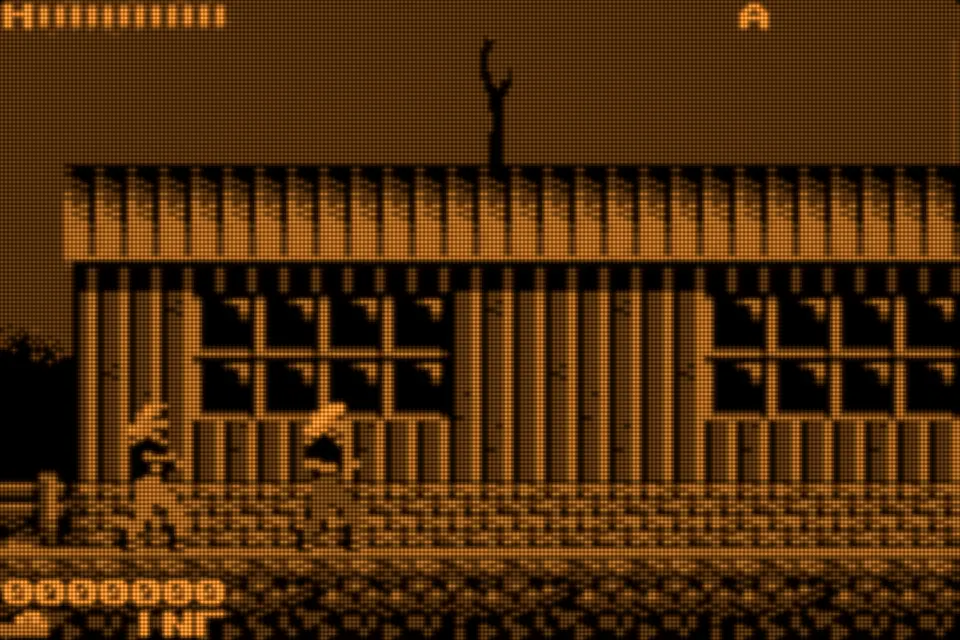
Retropa CRT V4A consumer tube rebuilt from how the beam actually lands on each output pixel: round scanlines, a soft glow and a grille that never shimmers at odd sizes.
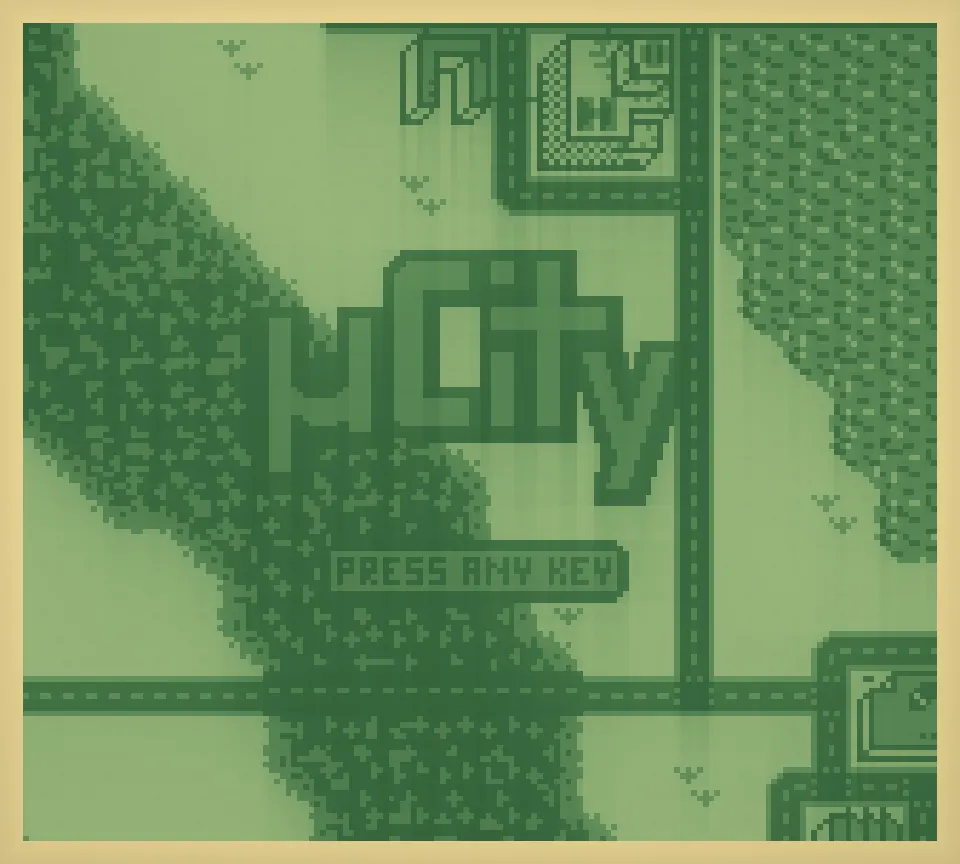
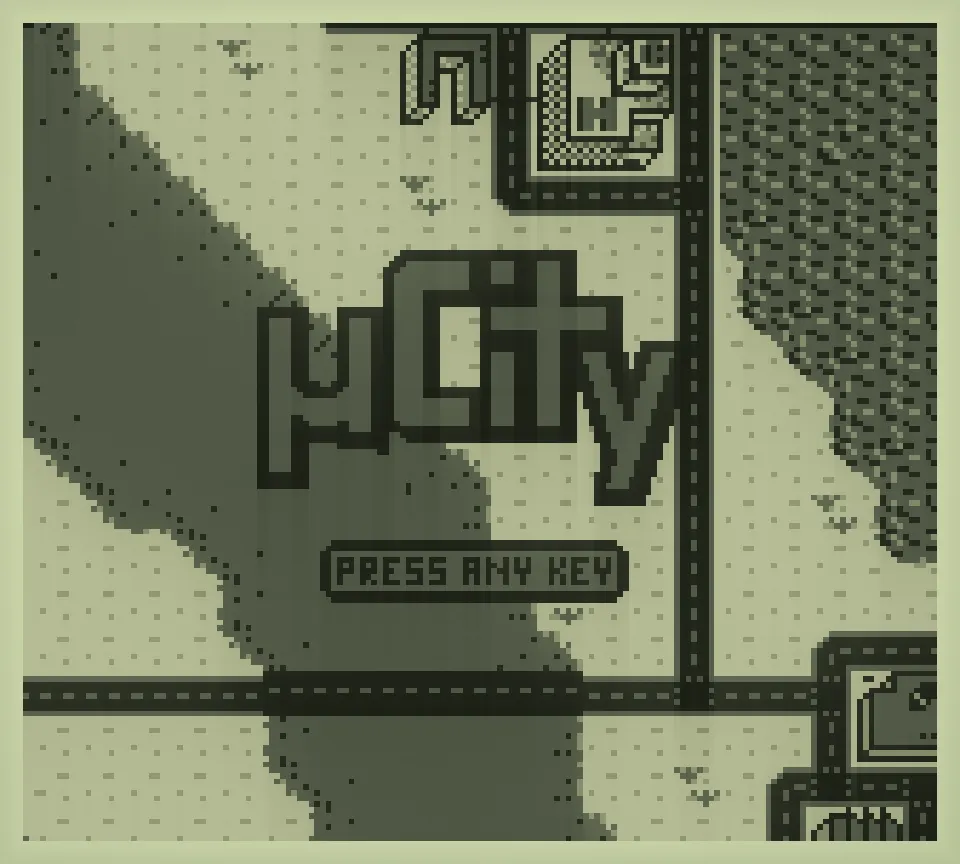
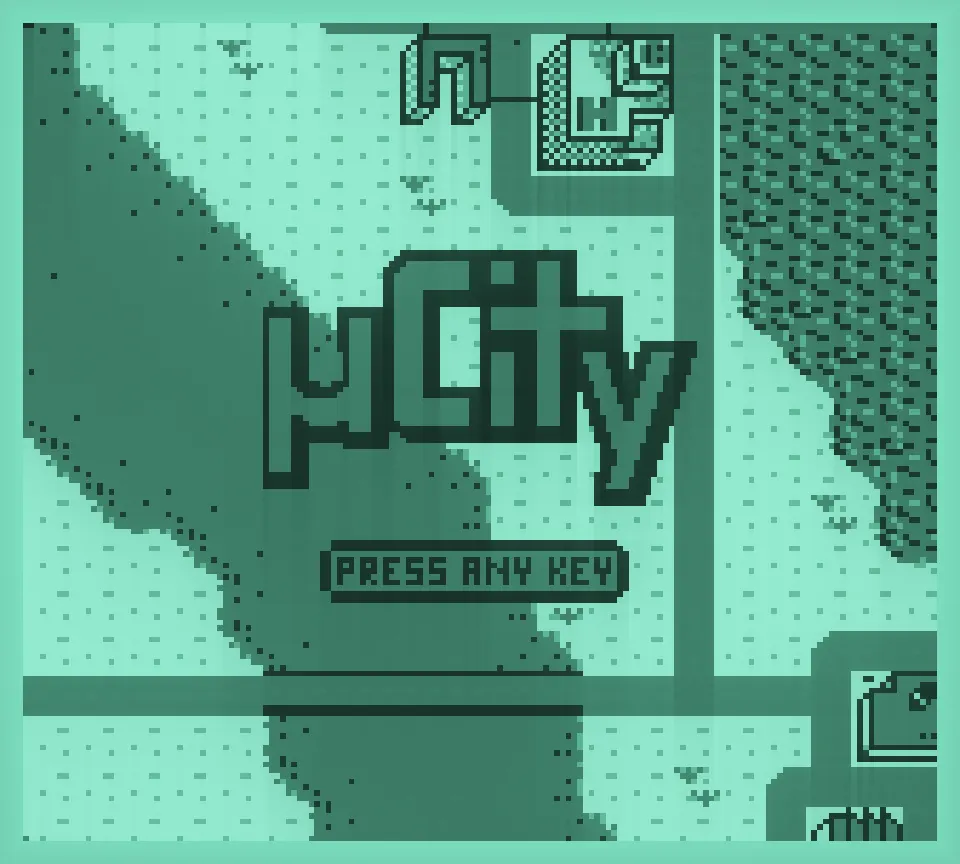
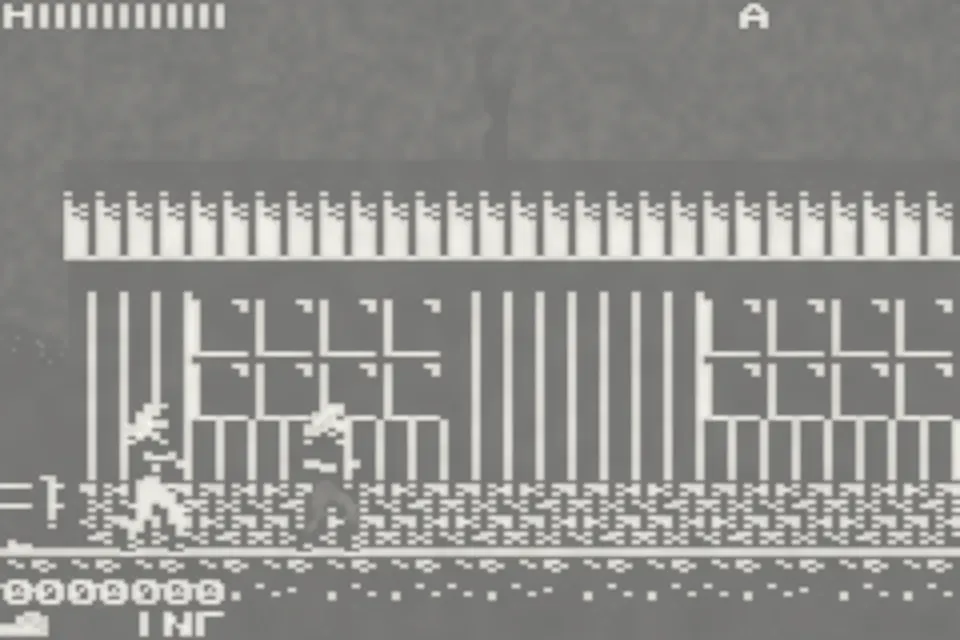
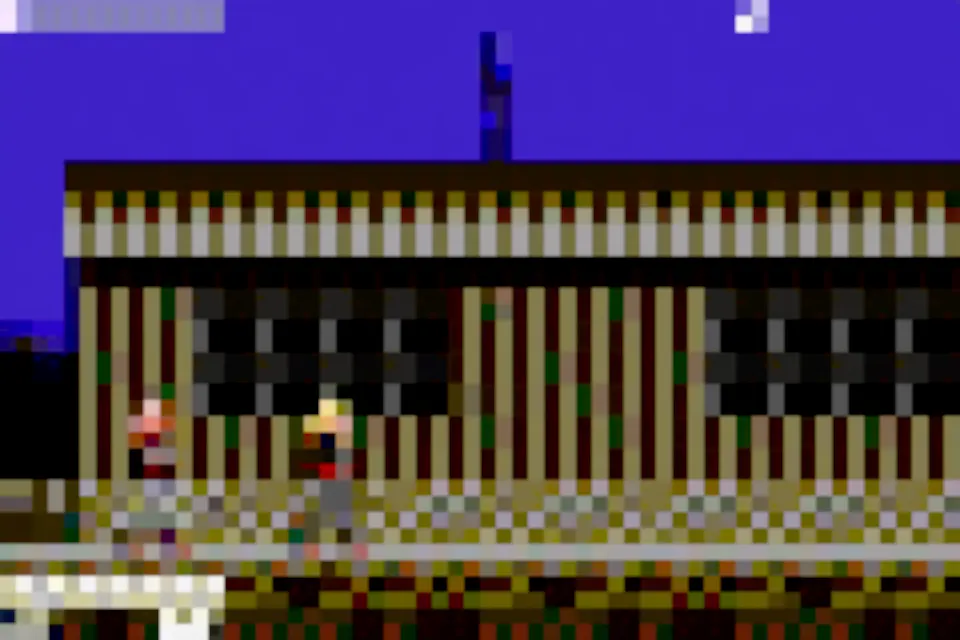
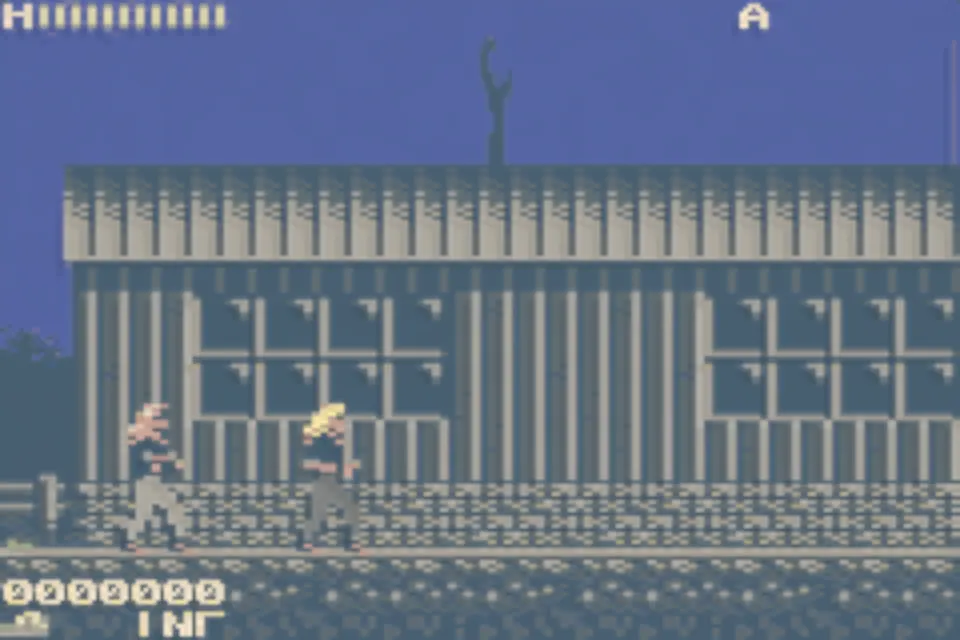
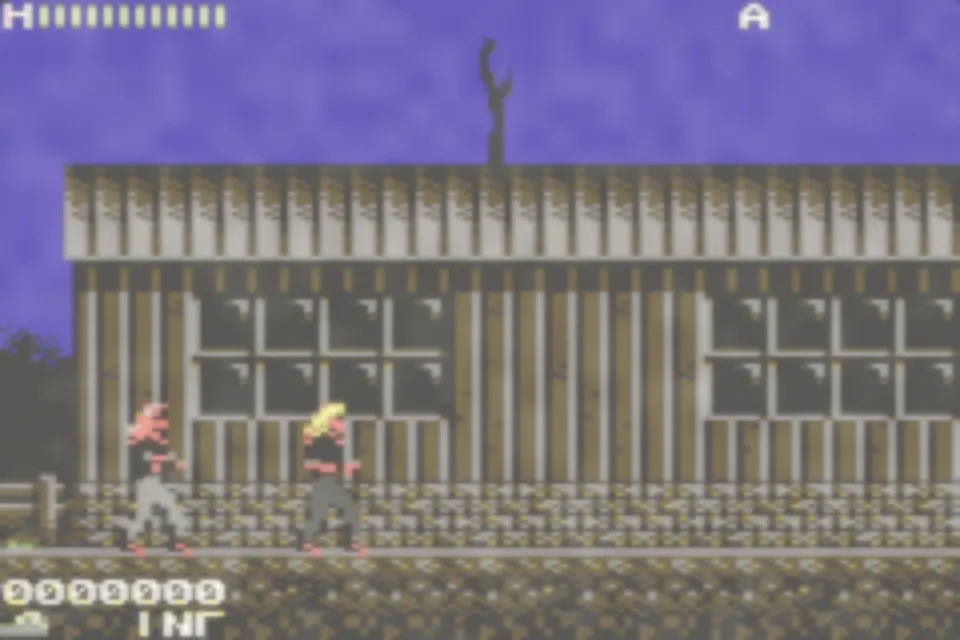
Stills rendered offline by Retropa's native Metal filters at 6× from Metal Warrior 4 (GBA) and uCity (Game Boy). The app renders them live, with motion effects these stills cannot show.
See all 64 filtersFit the screen. Keep the picture.
Whole-number scaling gives each game pixel an exact block of screen pixels, which is crisp but often leaves black bars around the picture. Retropa's advanced filters measure the real output area instead, so nothing forces them into a 2x or 3x multiple. Your aspect ratio survives while the picture still fills the phone or the skin.
- Conventional grids and scanlines
- Lines or grids sampled by rote can go uneven, shimmer or pick up moire patterns once the scale stops being a whole number. How bad it gets depends on the filter.
- Retropa advanced filters
- Working from the output pixel's coverage, or limiting the signal band, lets detail finer than a pixel blend the way it should instead of forcing a stripe onto every display pixel.
Filters do not add source resolution or require a stretched aspect ratio. Final appearance and performance still depend on the device, preset and display size.
Advanced filters are included with Retropa Plus.
Retropa Premium · 64 filters
Every Retropa filter, up close.
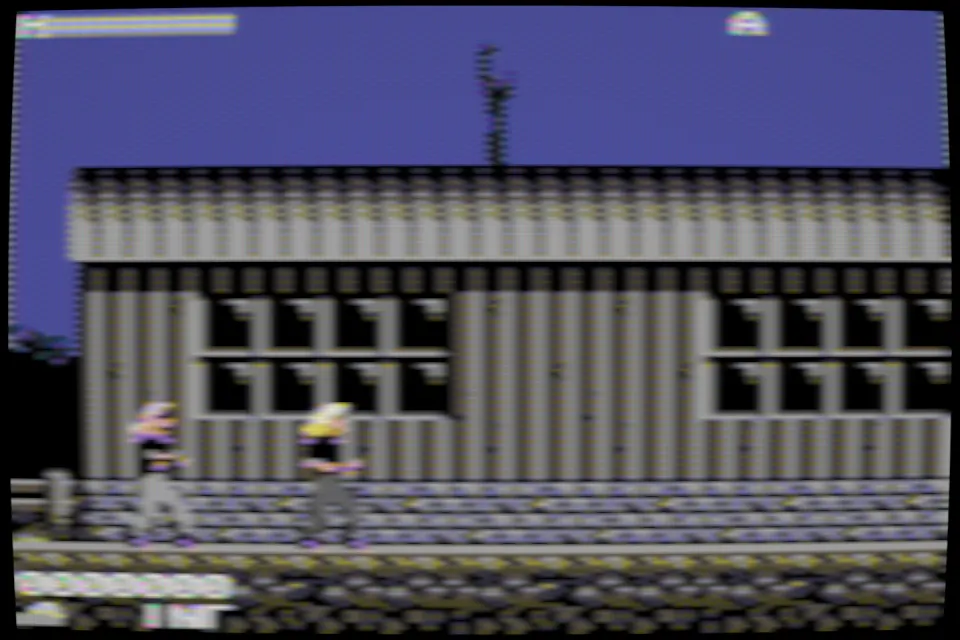
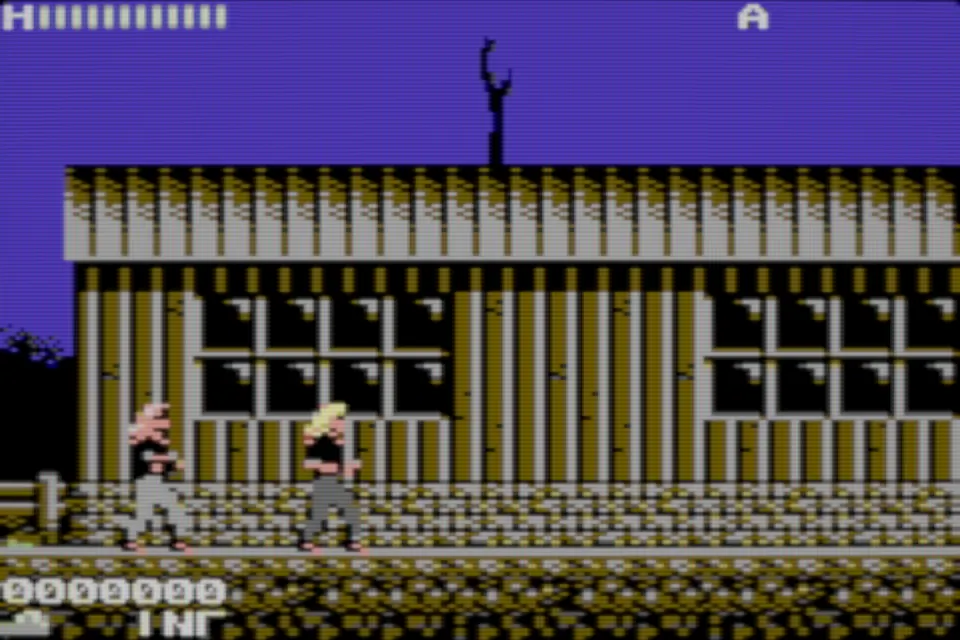
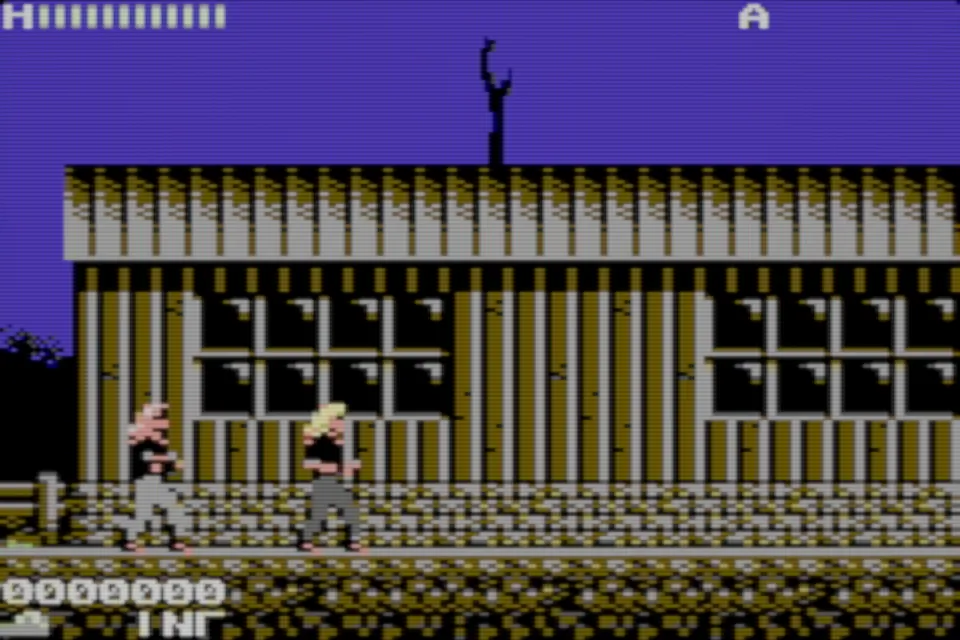
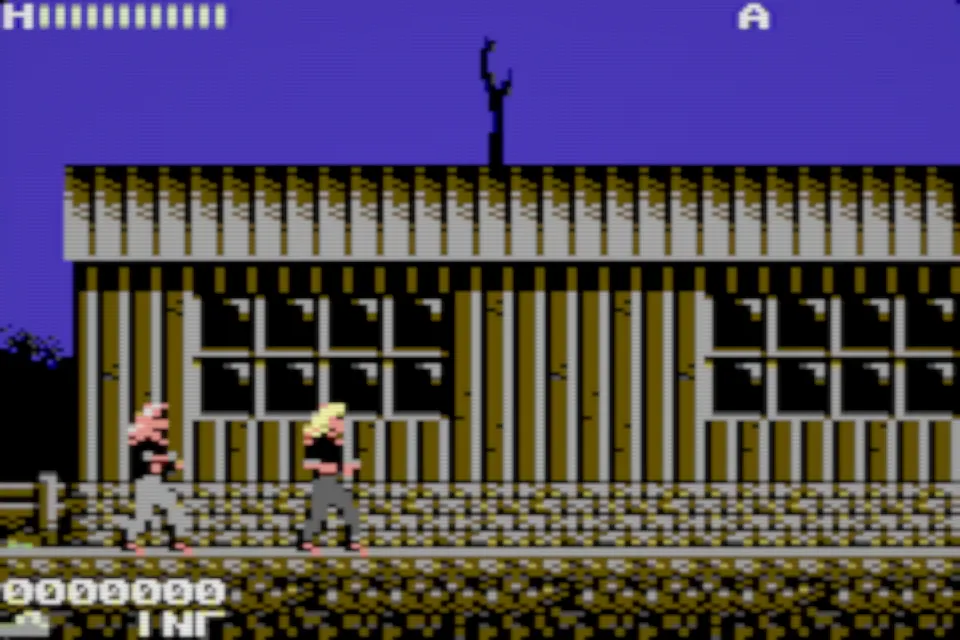
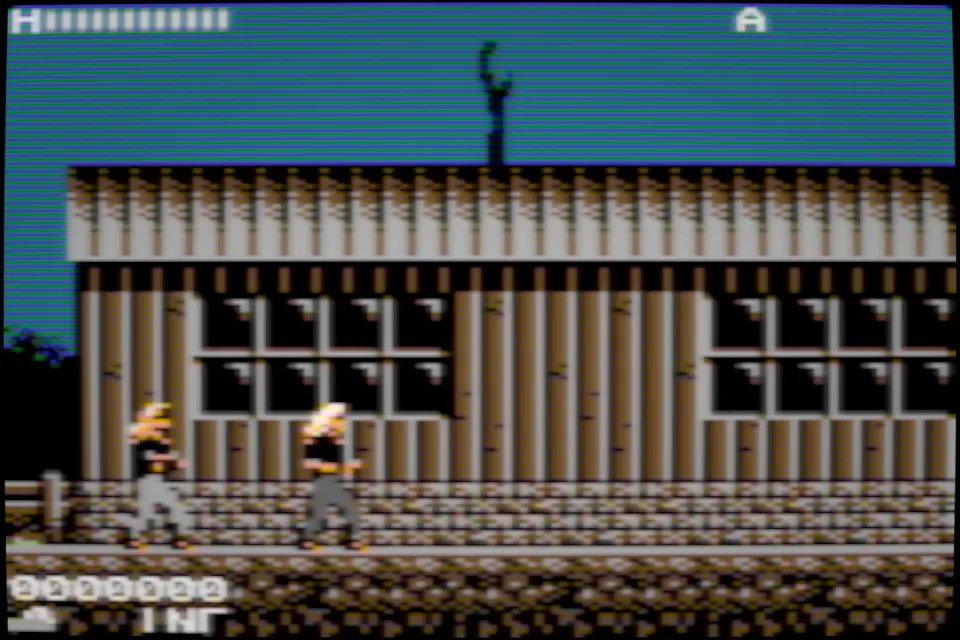
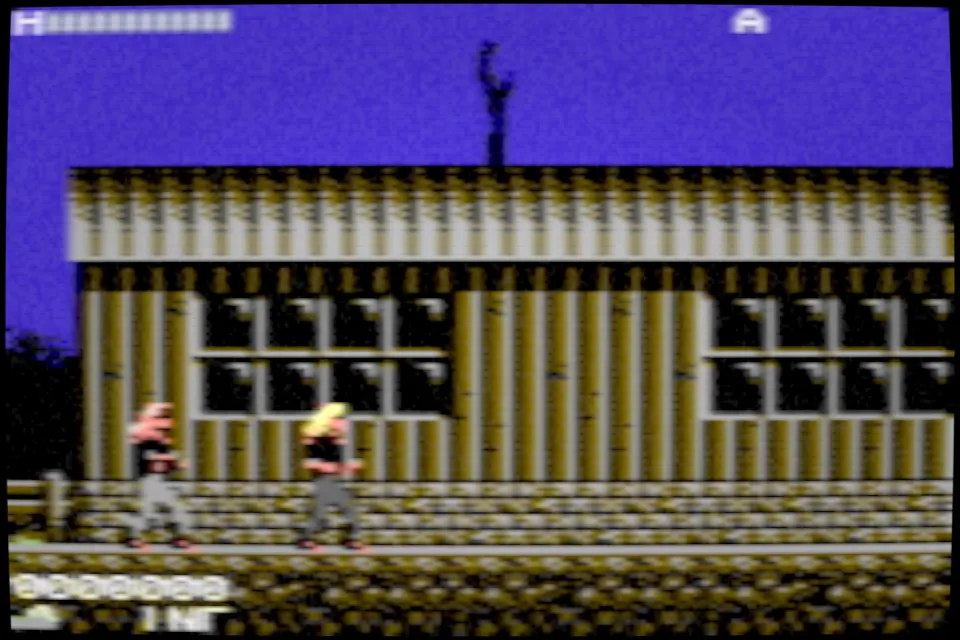
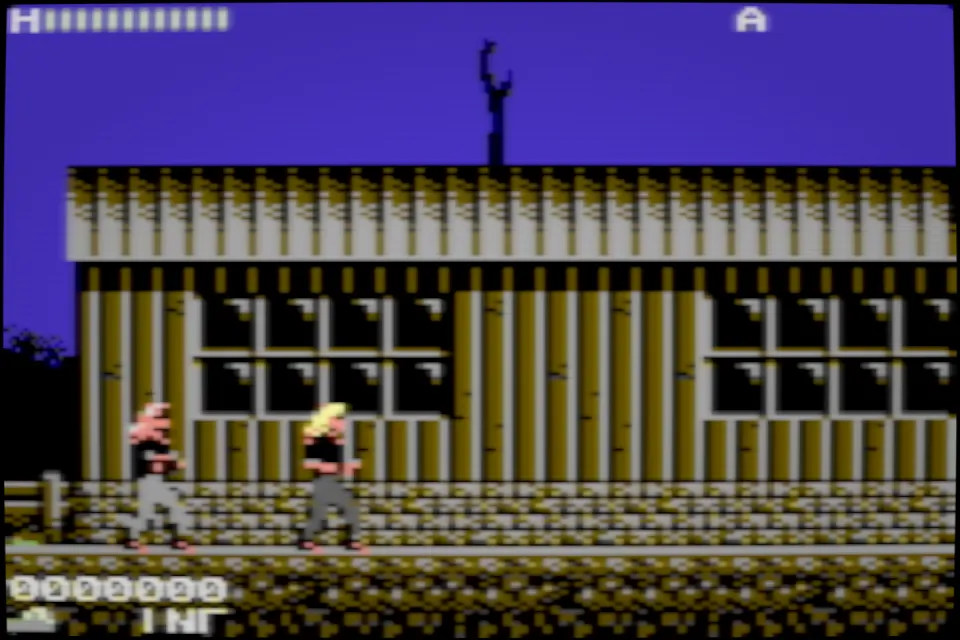
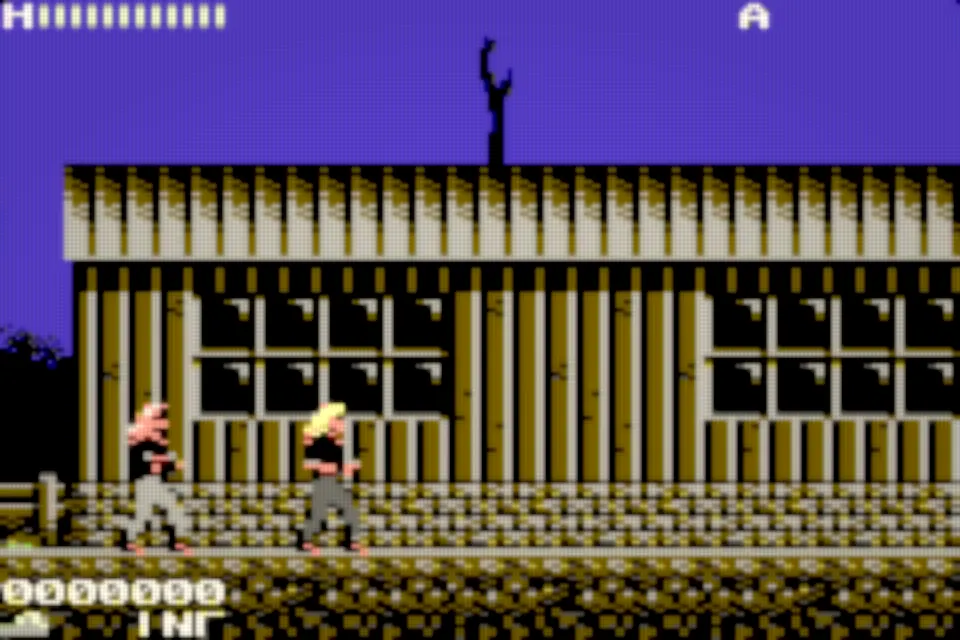
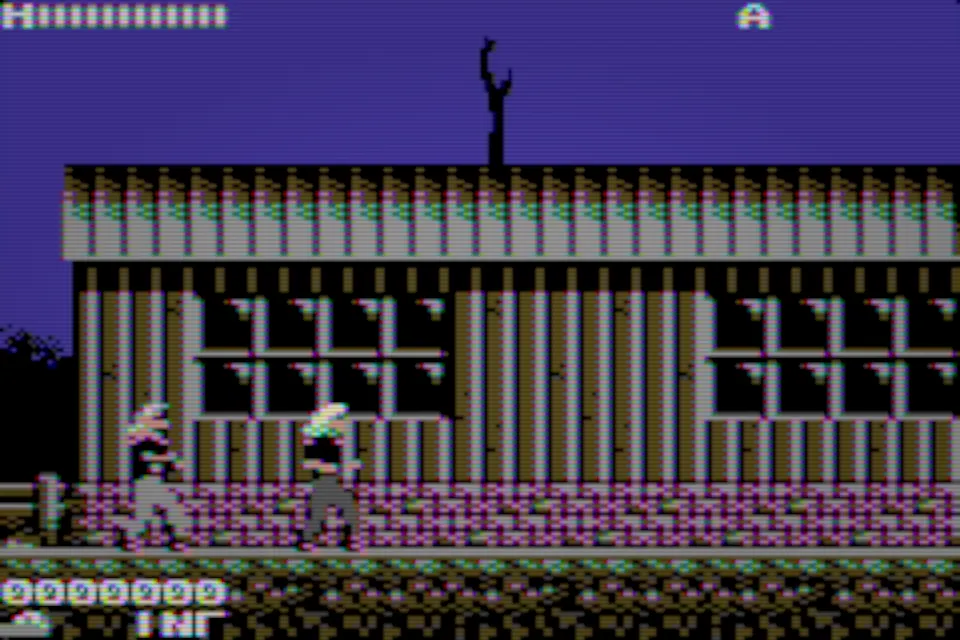
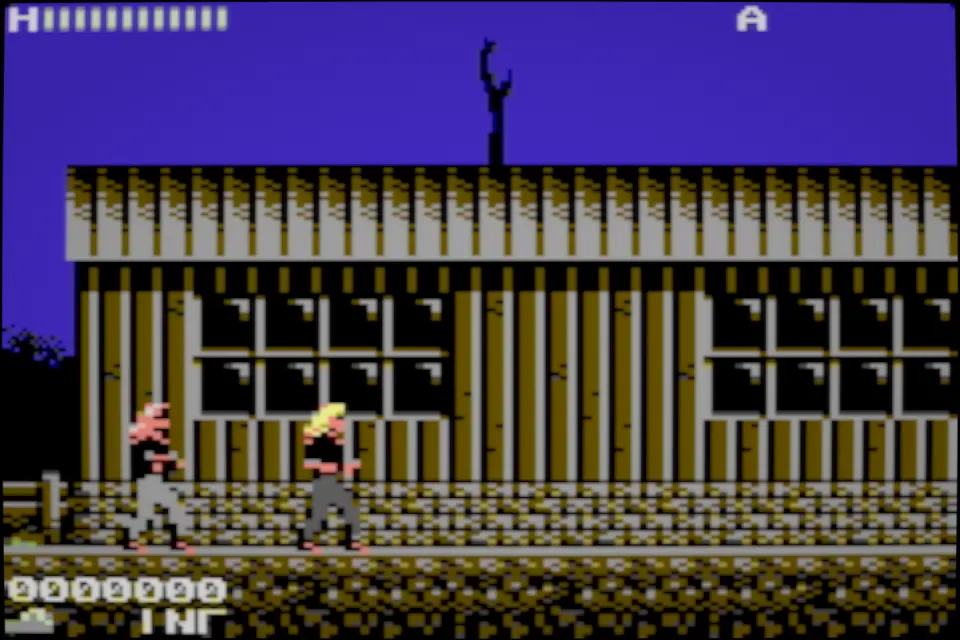
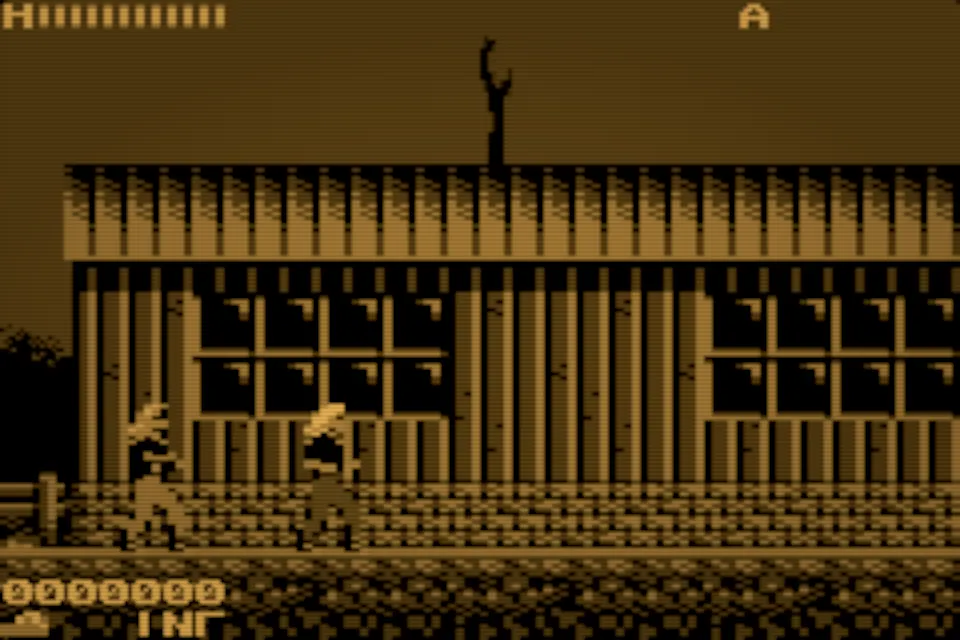
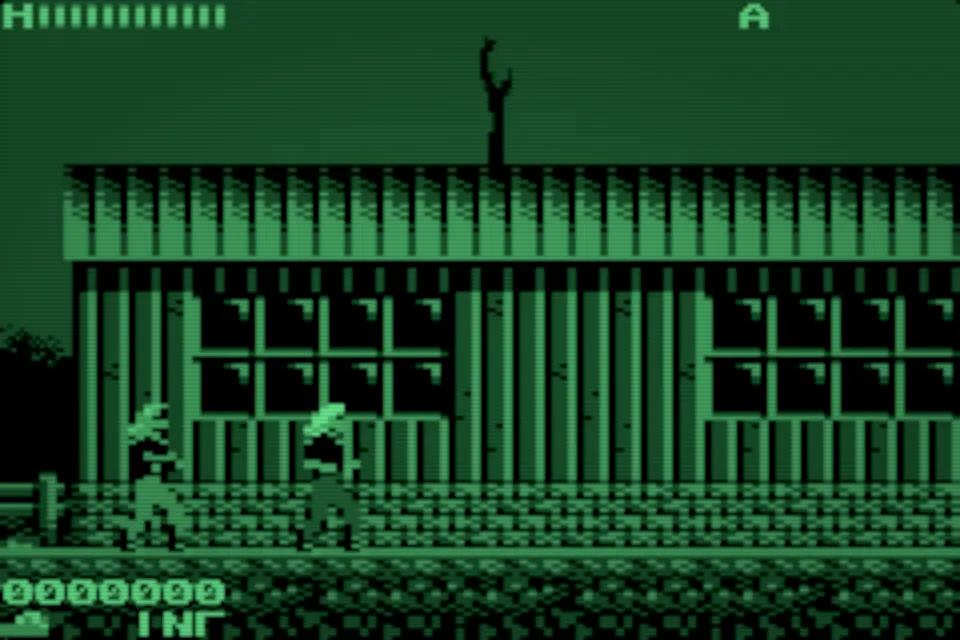
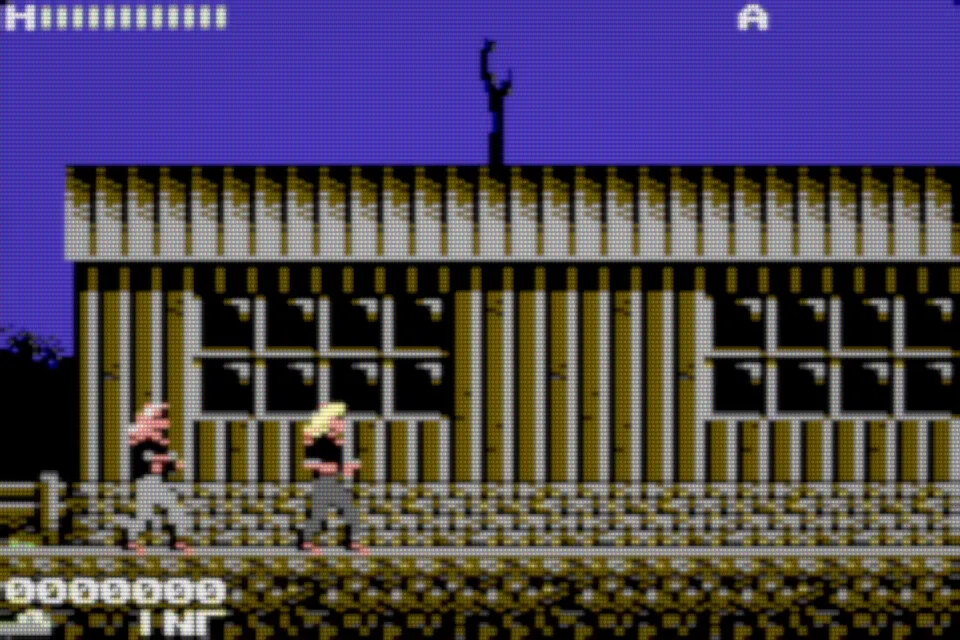
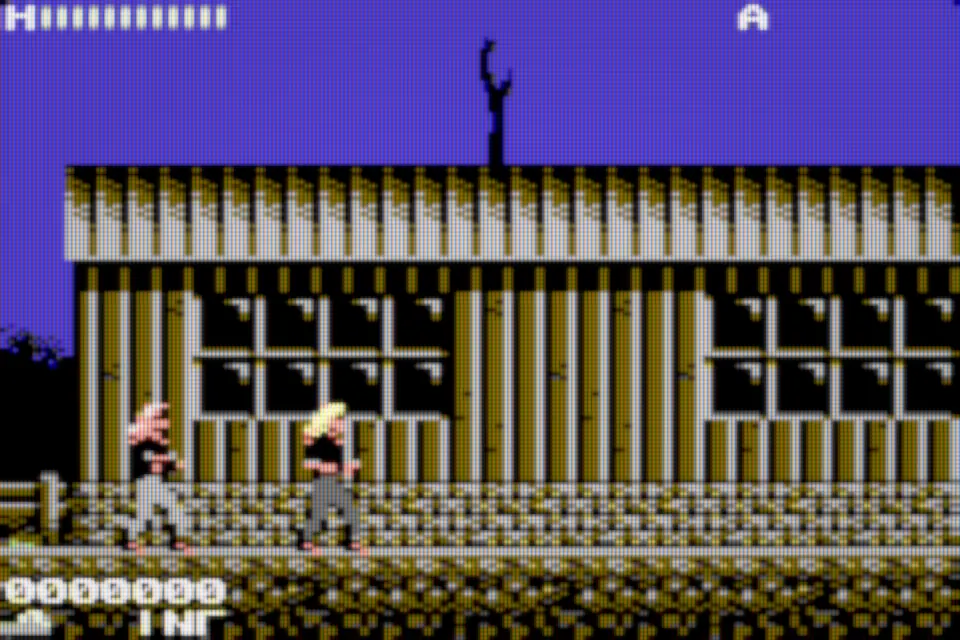
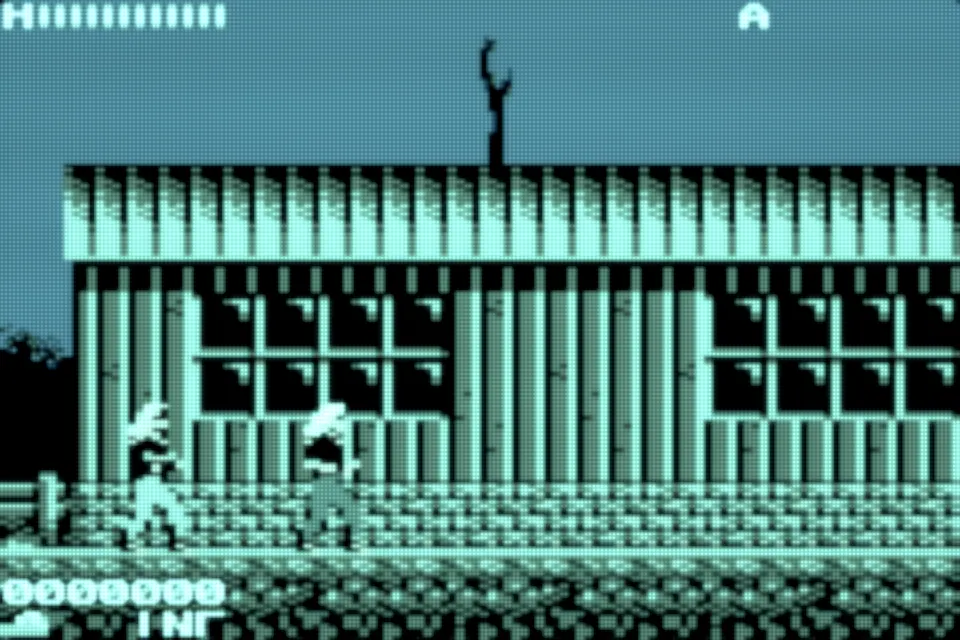
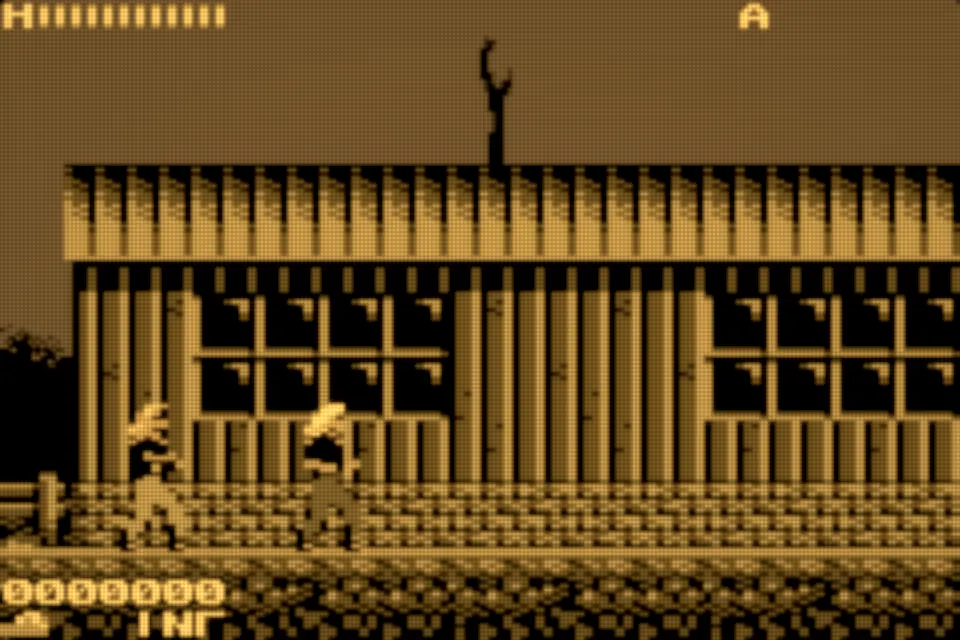
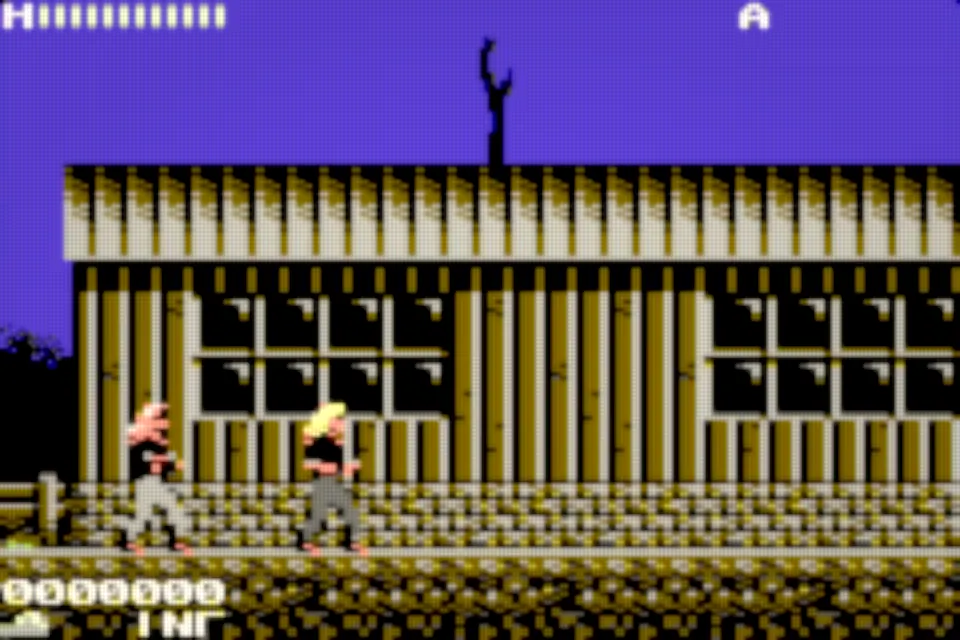
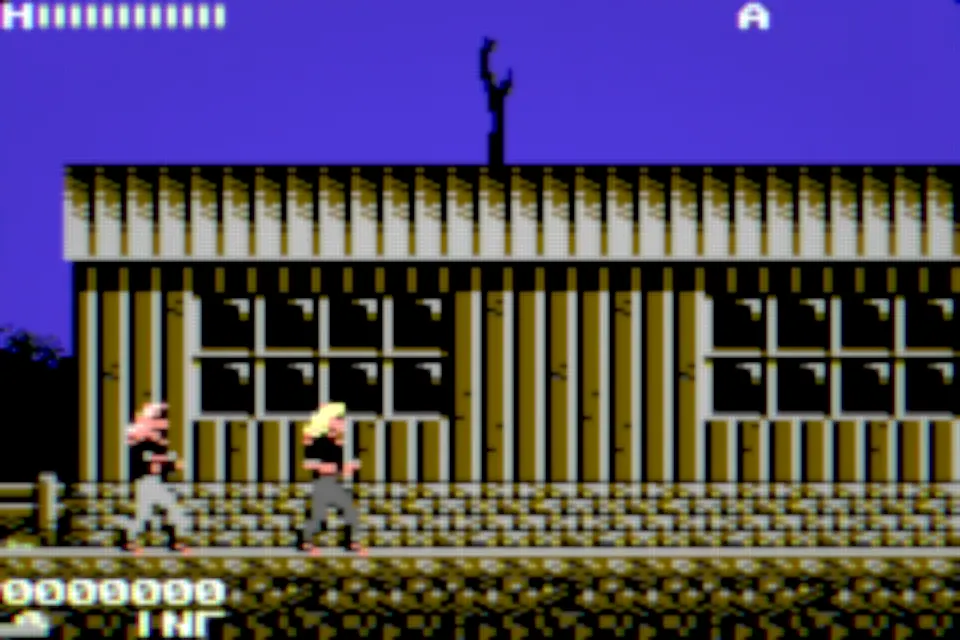
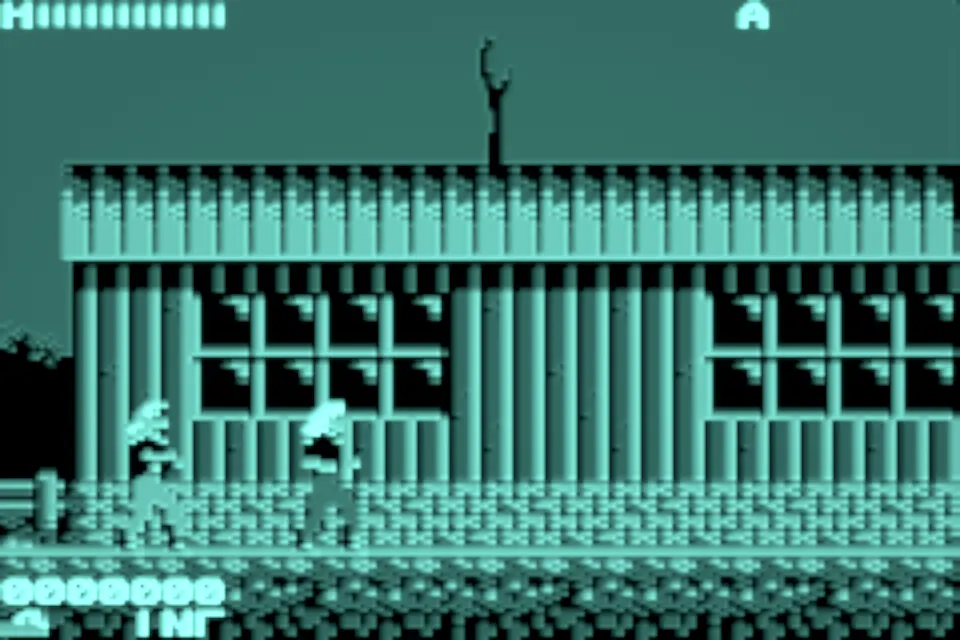
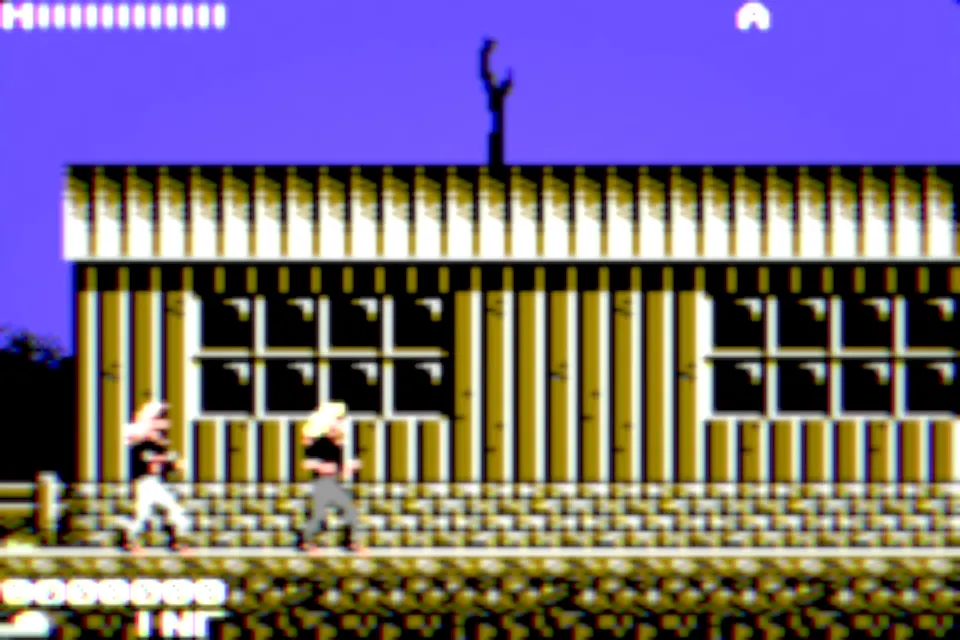
Sixty-four native filters, each rendered by the app's own Metal pipeline from the same frame of licensed homebrew. Open one to see the full picture and a pixel-for-pixel close-up of its texture.
23CRT, analog and handheld displays
-
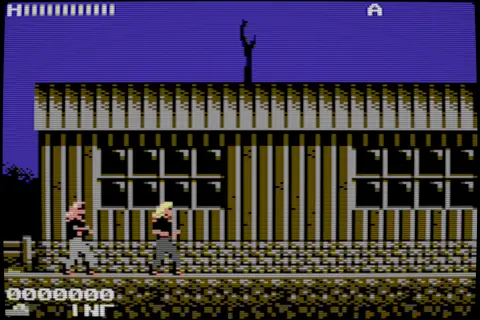 CRT V4 A consumer tube rebuilt from how the beam actually lands on each output pixel: round scanlines, a soft glow and a grille that never shimmers at odd sizes.
 -
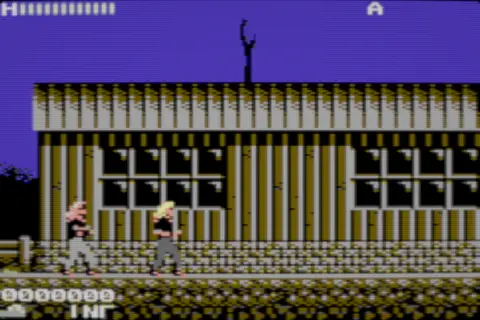 Trinitron V1 Aperture-grille stripes, bright highlights that bloom sideways and a phosphor texture that stays stable in motion.
 -
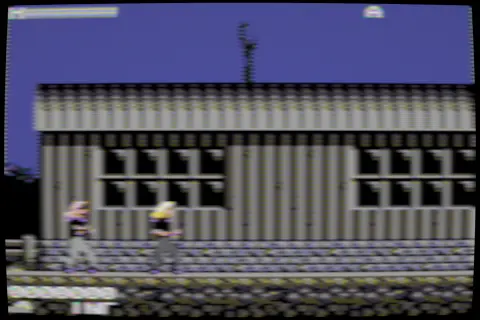 Trinitron Composite A grille tube fed through a composite cable: softer colour edges, faint dot crawl and the warmth of a living-room set.
 -
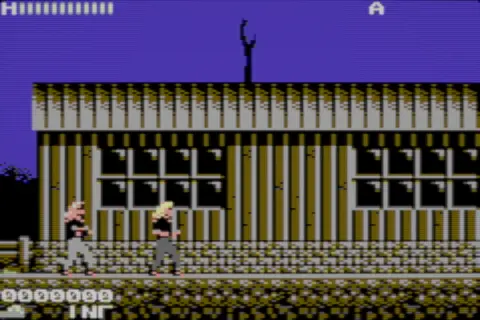 Trinitron Studio 800 An 800-line professional monitor: razor-straight scanlines, tight convergence and colour you could grade a broadcast with.
 -
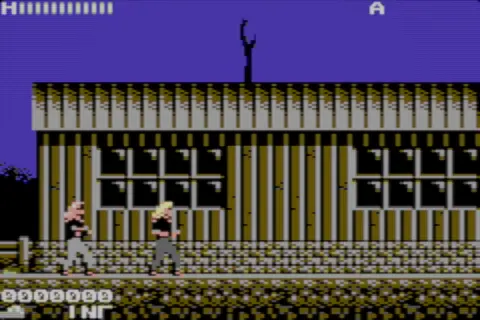 Trinitron Reference 1000 A 1000-line reference monitor: the finest grille in the set, almost invisible until you lean in, with deep, clean blacks.
 -
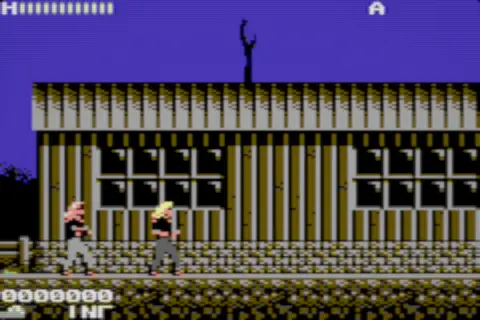 FD Trinitron The flat-face consumer set of the late CRT years: a flat screen, sharp focus across the whole picture and a crisp high-scan look.
 -
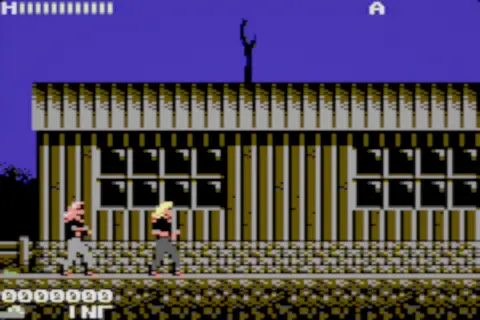 Trinitron Multiscan A precision desktop monitor with wide analog bandwidth: fine grille, sharp text and pixels that keep their edges.
 -
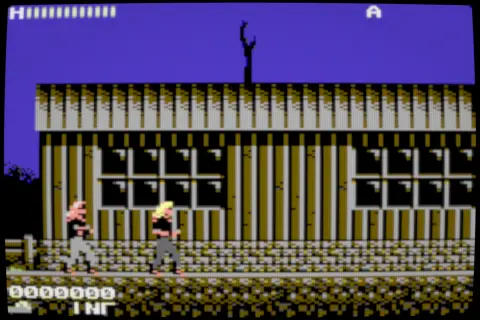 Arcade P22 A 15 kHz arcade tube with coarse phosphor triads: fat scanlines, saturated colour and the punch of a cabinet screen.
 -
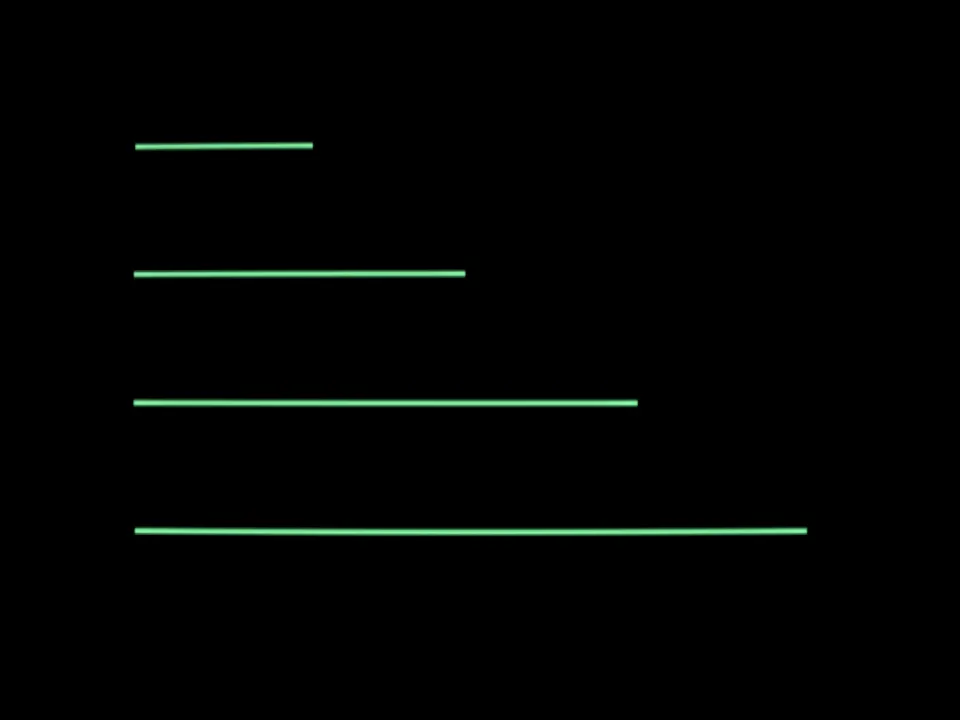
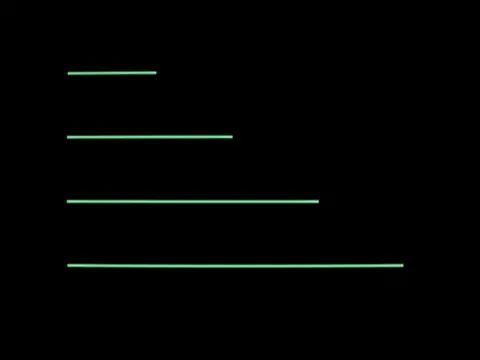 Vector CRT Glowing lines drawn directly by the beam, with a bright flash and a slower afterglow, for vector-drawn arcade games.
 -
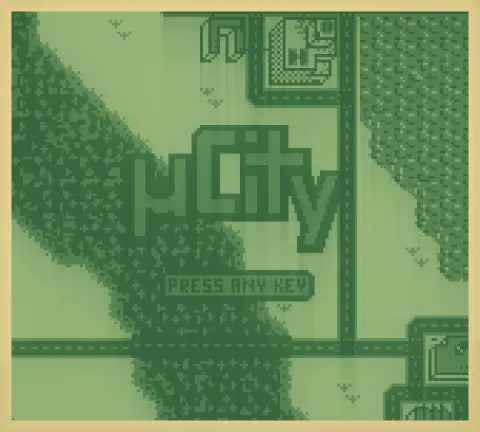 Brick DMG The original green brick: four shades of liquid crystal, cells that bleed slightly into their neighbours and a trail when things move.
 -
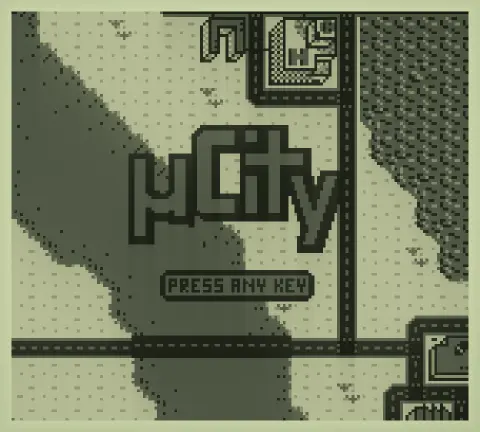 Brick Pocket The slimmer grey-screen pocket model: a quieter grid, better contrast and liquid crystal that keeps up.
 -
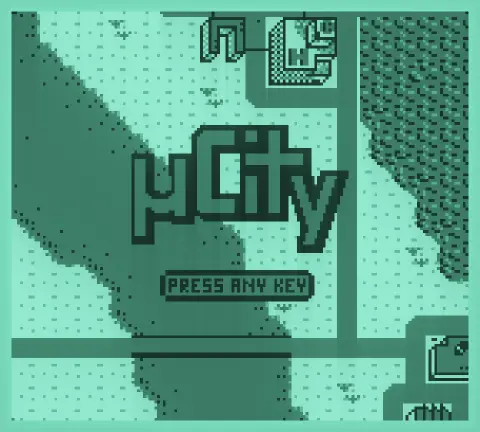 Brick Light The backlit version: cyan-green glow leaking through the gaps between pixels, playable in the dark.
 -
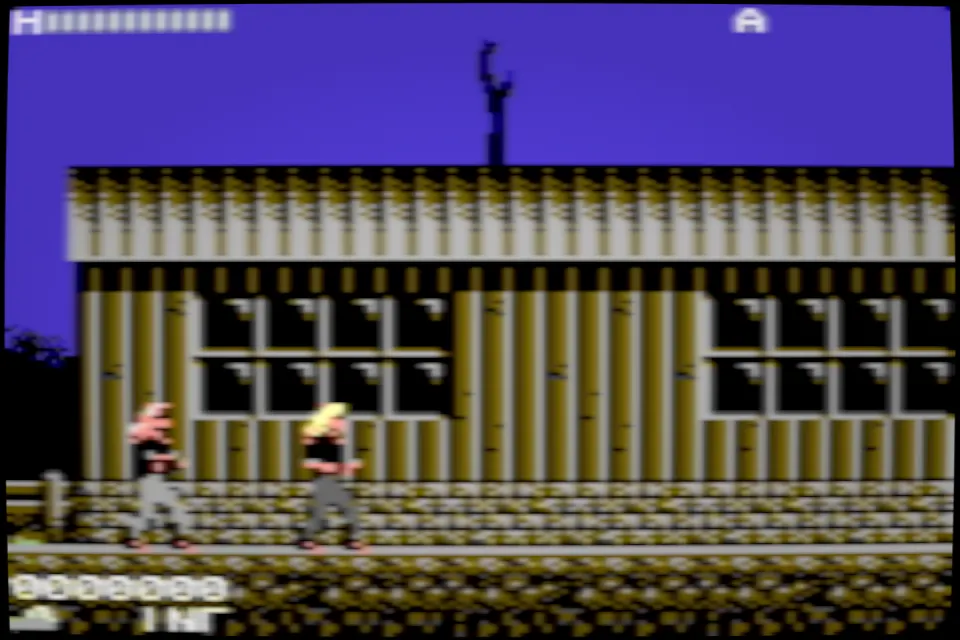
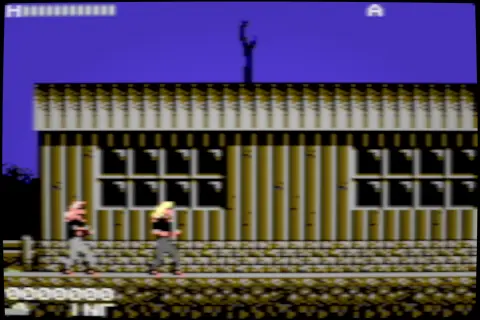 Home Computer CRT A home computer plugged into the family TV: a low-bandwidth signal, soft edges and the gentle blur of a consumer tube.
 -
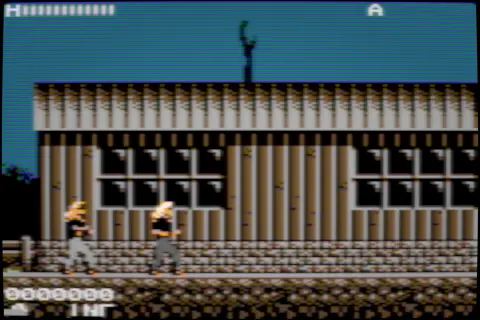 PAL Consumer TV A European living-room set: PAL colour that averages between lines and the rounder, calmer look of a consumer tube.
 -
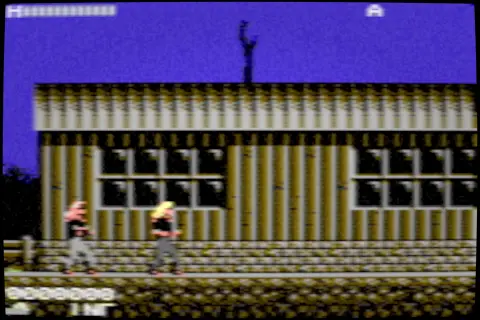 NTSC RF TV A console on channel 3 through the antenna input: faint interference, colour bleeding into fine detail and all the nostalgia that comes with it.
 -
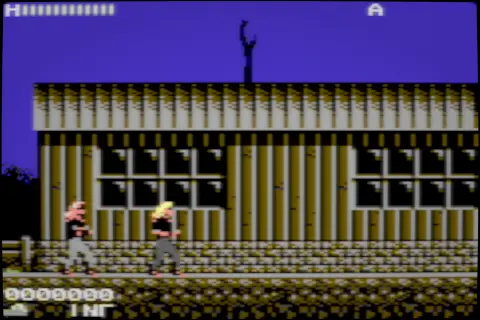 Interlaced CRT Alternating fields that weave into one picture, with a trace of the previous field left behind.
 -
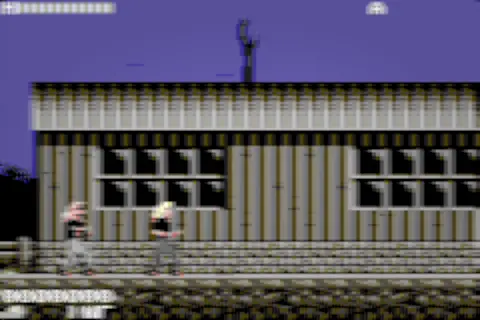 VHS A tape recording: smeared colour, wobbling time base, the occasional dropout and the softness of magnetic tape.
 -
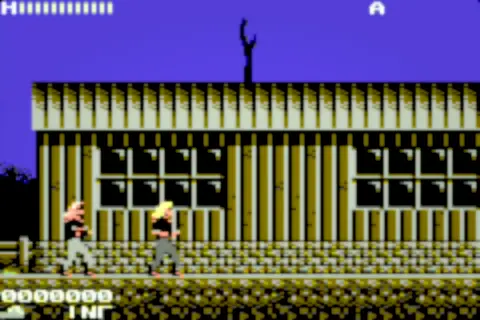 Game Gear STN A backlit colour STN handheld: saturated colours on a glowing panel and the slow response that smears fast motion.
 -
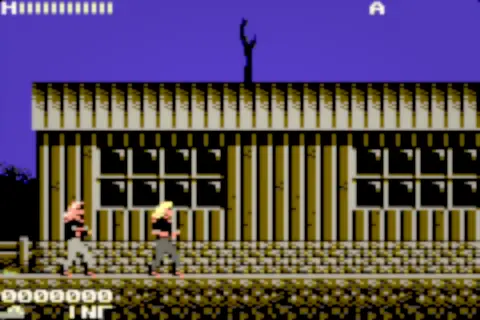 Lynx STN A warm colour STN panel with gentle diffusion and a balanced response, softer than its rivals.
 -
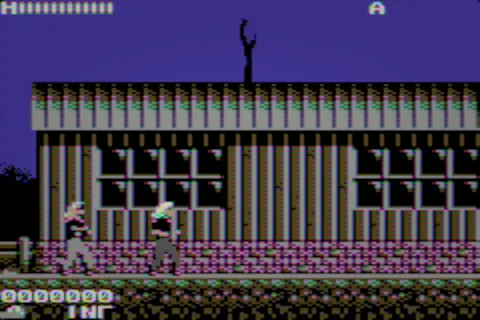 CGA Composite The trick of early PC graphics: a pixel clock and a colour carrier that interfere to paint colours the palette never had.
 -
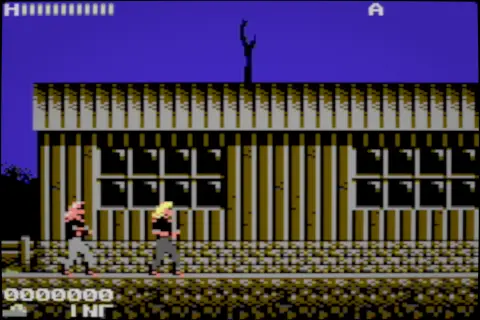 Analog S-Video Separate brightness and colour over S-Video: a clean analog tube picture without composite fringing.
 -
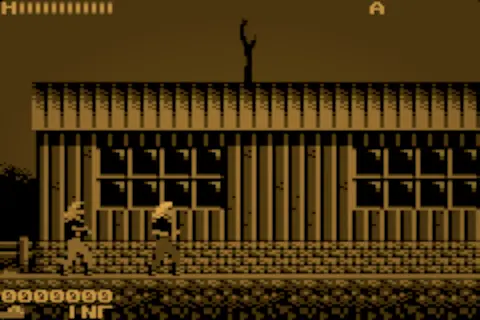 Amber Terminal An amber monochrome phosphor with slow decay and a warm halo around every lit pixel.
 -
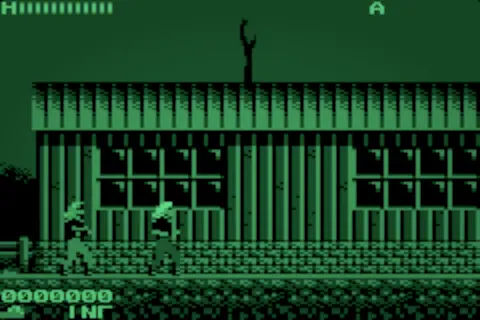 Green Terminal A green monochrome phosphor with crisp text and a restrained afterglow.
12Display museum
-
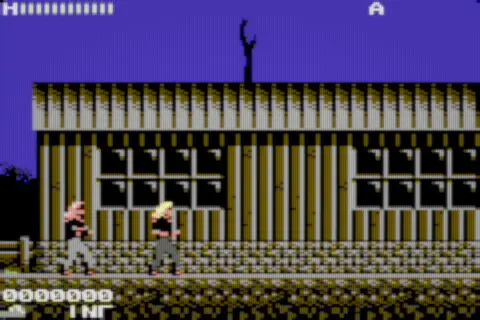 Shadow-Mask Delta Three electron guns in a triangle behind a shadow mask: the round dot triads of classic colour TV.
 -
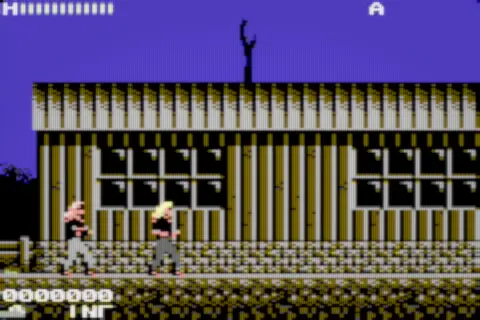 Slot-Mask Inline In-line guns and vertical phosphor slots: the brick-pattern mask of countless consumer sets.
 -
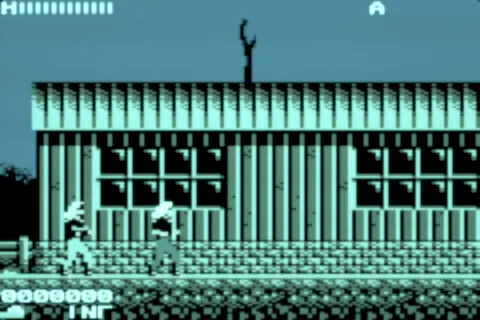 VFD Cyan A vacuum fluorescent display: cyan-green segments that glow from within, with a faint filament shimmer.
 -
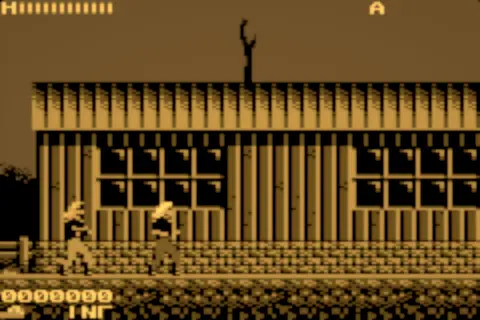 TFEL Amber A thin-film electroluminescent panel: crisp amber cells that emit their own light, as in rugged industrial displays.
 -
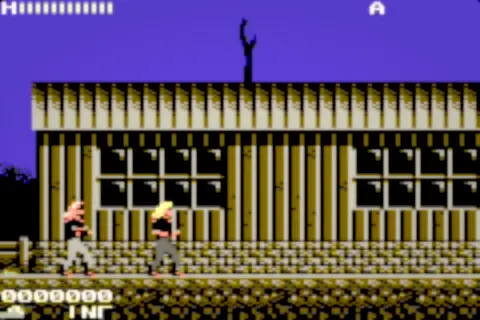 CSTN Color An early passive-matrix colour LCD: rows and columns bleed into each other and colours arrive a little late.
 -
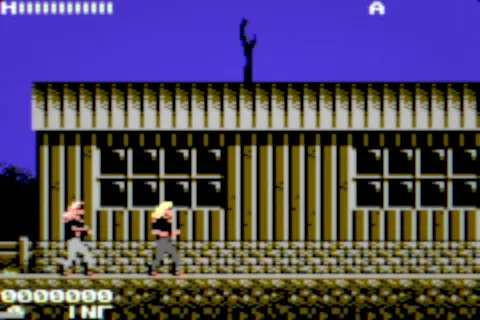 3LCD Projector Three LCD panels projected onto a screen: a visible screen-door grid and slightly misaligned colours.
 -
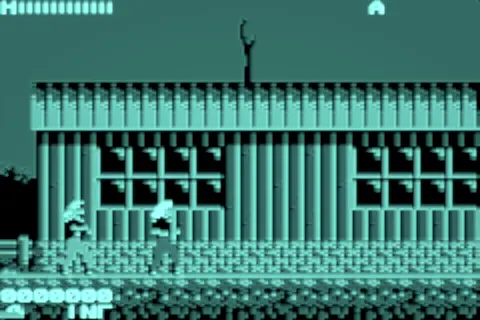 Storage Tube A direct-view storage tube that keeps what was drawn: bright traces that linger until they are erased.
 -
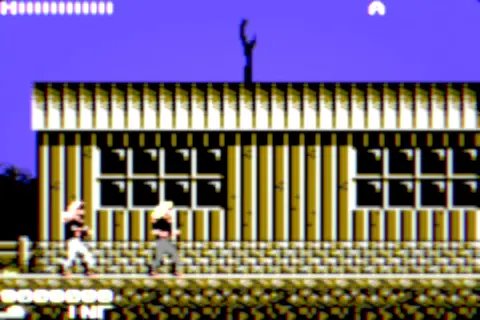 Three-Tube CRT Projector Red, green and blue tubes projected together: optical halo and convergence that drifts toward the corners.
 -
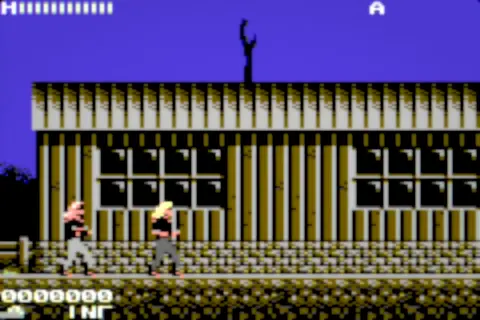 D-ILA LCoS Projector Reflective liquid crystal projection with a high fill factor: almost no gaps between pixels and a smooth, film-like picture.
 -
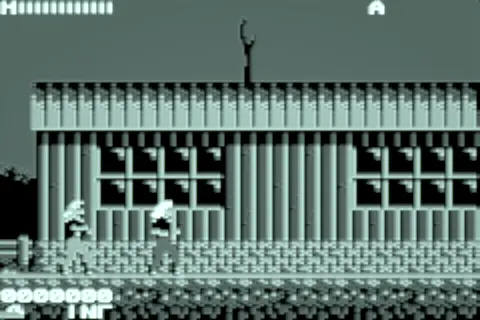 P7 Radar CRT A two-layer radar phosphor: a blue flash on impact and a long yellow-green afterglow.
 -
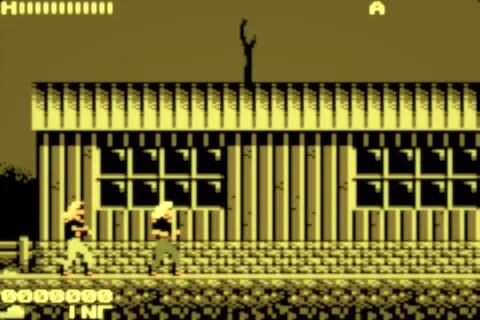 LED Matrix A multiplexed red-and-green LED board: round lit dots behind a diffusing lens.
 -
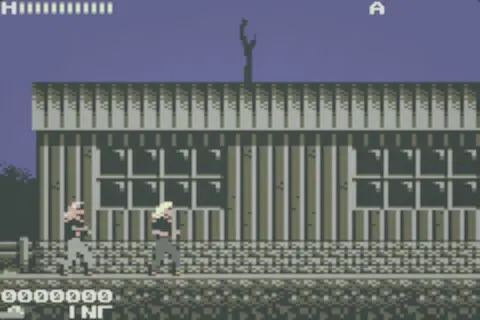 Memory LCD A reflective memory-in-pixel panel: paper-like contrast under daylight and pixels that hold their state.
29Experimental visual lab
-
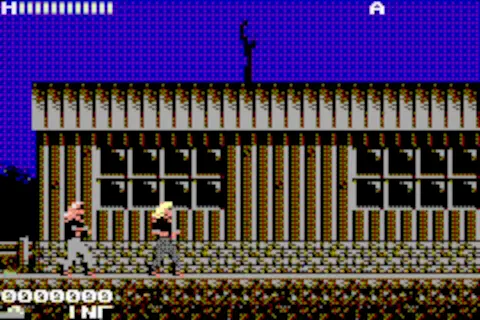 Dither Lab Reduces the picture to a small palette with ordered dithering that stays locked in place as things move.
 -
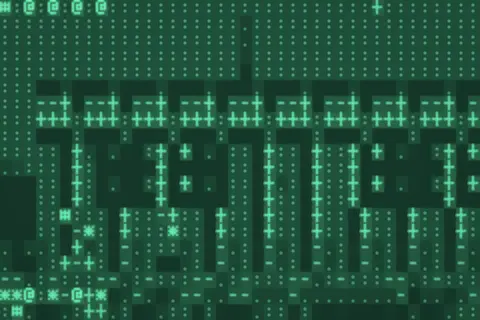 ASCII Terminal Rebuilds the picture from text-mode glyphs whose density follows the brightness underneath.
 -
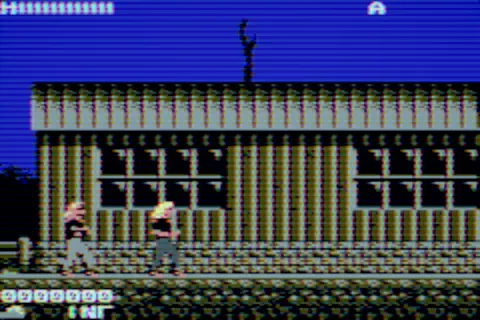 Holographic Scan Spectral interference bands sweep across the picture with a quiet holographic shimmer.
 -
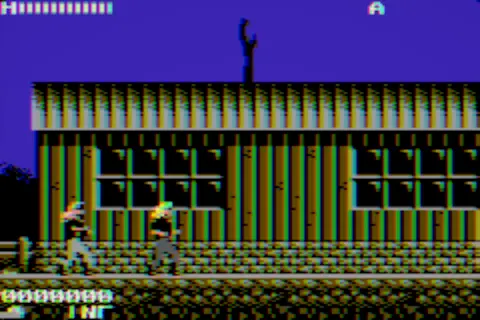 RGB Prism Splits bright areas into red, green and blue and recombines them like light through a prism.
 -
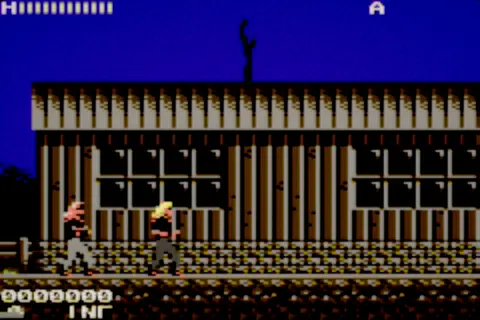 Film Projector The game on a cinema screen: gate weave, grain, halation around highlights and a restrained flicker.
 -
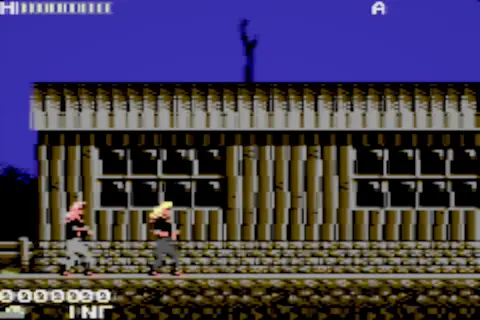 Datamosh Feedback Blocks of the previous frame carry their colour into the next, in the style of broken video compression.
 -
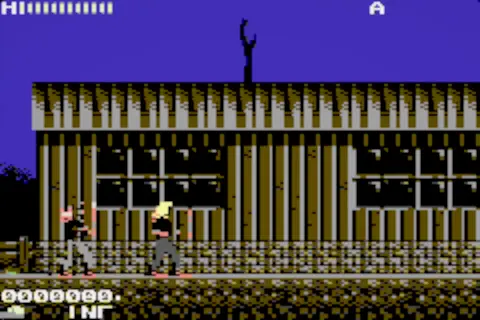 Pixel Sort Sorts pixels by brightness inside small tiles, turning the scene into streaks of ordered light.
 -
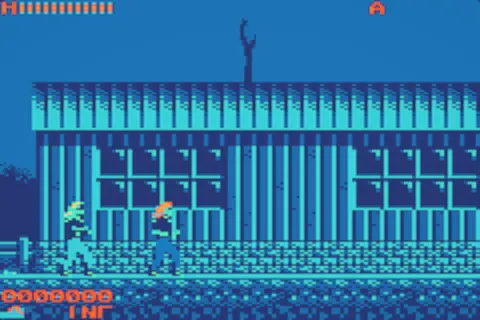 Thermal Palette Maps brightness onto a thermal-camera palette while keeping local contrast readable.
 -
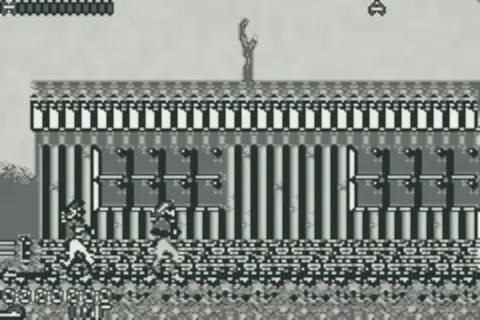 Ink Wash An ink painting on rough paper: edge-aware brush tones and a steady paper grain.
 -
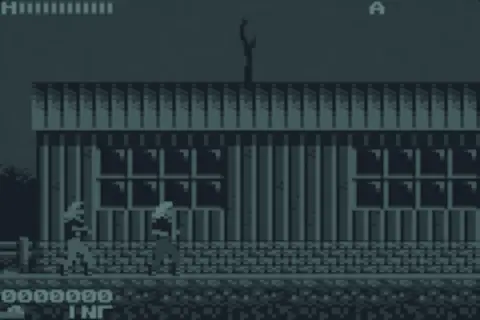 Event Camera Shows only what changes, the way a neuromorphic event camera sees, with a short fading trail.
 -
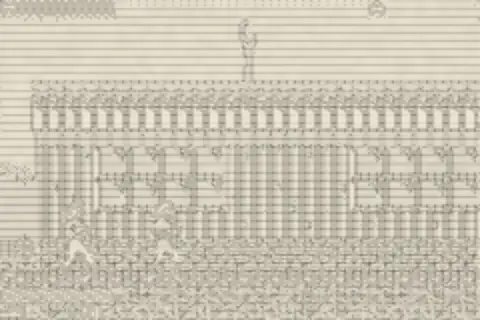 Woodcut Engraving Engraved hatching that follows the shapes of the scene, like an old woodcut print.
 -
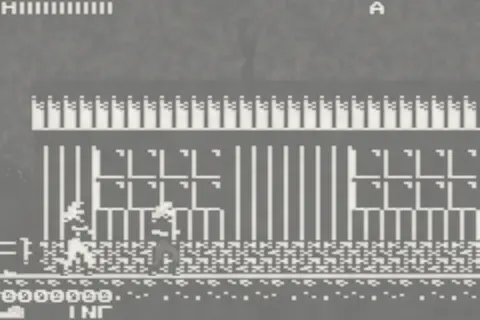 Photocopy Toner A photocopy of a photocopy: harsh exposure, spreading toner and fixed speckle.
 -
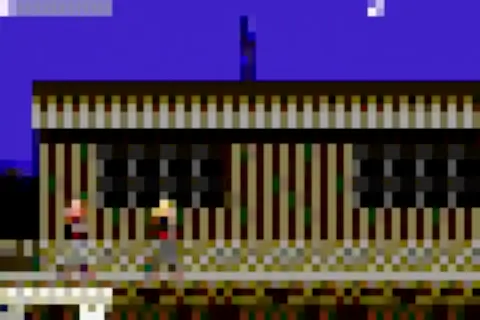 DCT Databending Corrupts the picture at the level of compression blocks: lost detail and colour that slips out of place.
 -
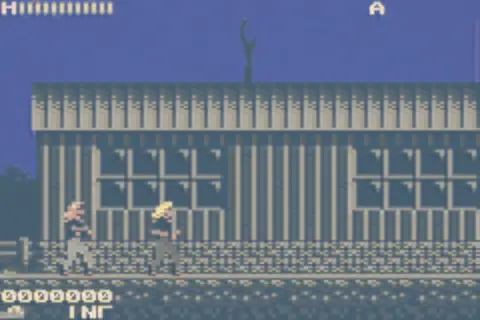 Paper Cut Layers of cut paper stacked by tone, each casting a small shadow on the one below.
 -
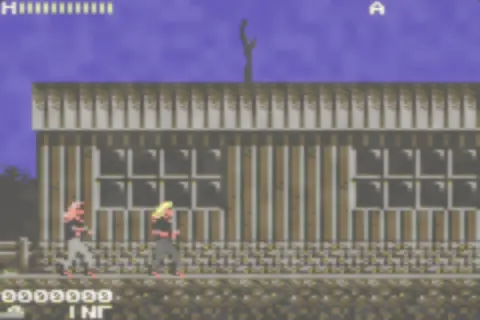 Watercolor Pigment that bleeds and pools at the edges, on textured watercolour paper.
 -
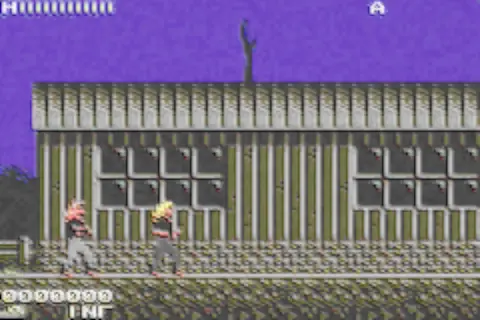 Oil Impasto Thick brush strokes that follow the direction of the image, with a restrained sense of relief.
 -
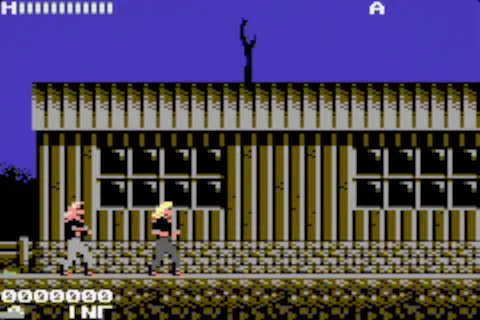 Slit Scan Each part of the picture is taken from a slightly different moment, stretching motion across the frame.
 -
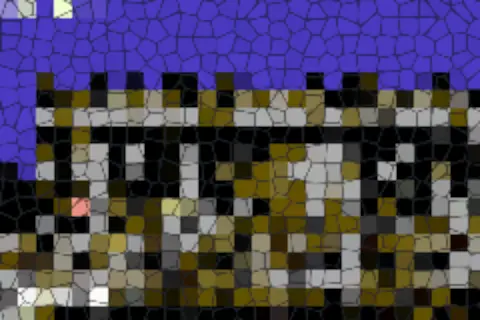 Stained Glass The scene cut into cells of coloured glass held together by dark lead lines.
 -
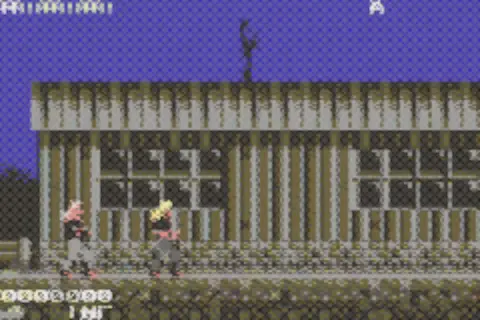 Cross Stitch Every pixel becomes a stitched cross of thread on fabric.
 -
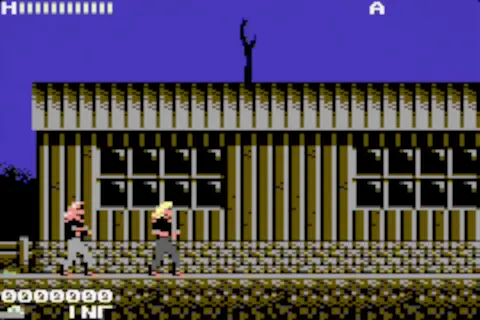 Rolling Shutter Reads the picture line by line over time, so fast motion leans and wobbles like a phone camera.
 -
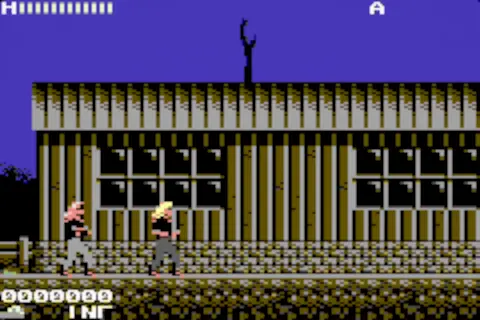 Long Exposure Bright moving things leave light trails that slowly fade, like a long photographic exposure.
 -
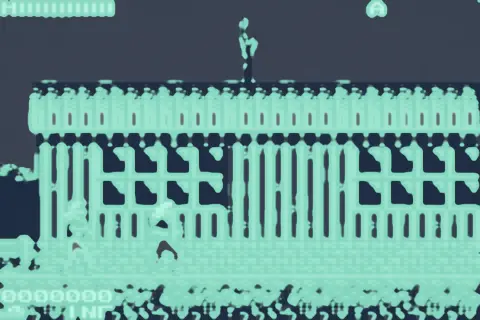 Reaction Diffusion Organic patterns grown from the picture, like coral or animal markings.
 -
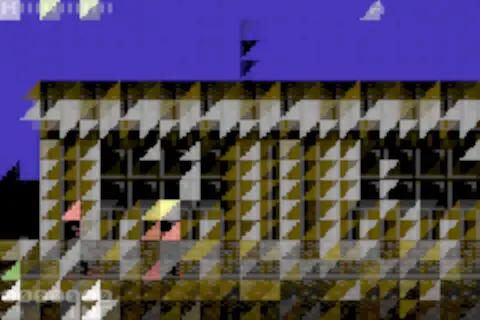 Low Poly Mosaic The scene rebuilt from stable triangles of flat colour.
 -
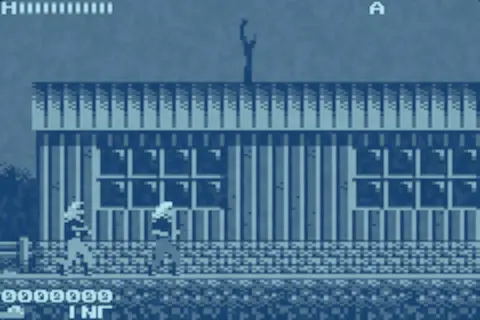 Cyanotype A blueprint photograph: Prussian-blue tones on paper.
 -
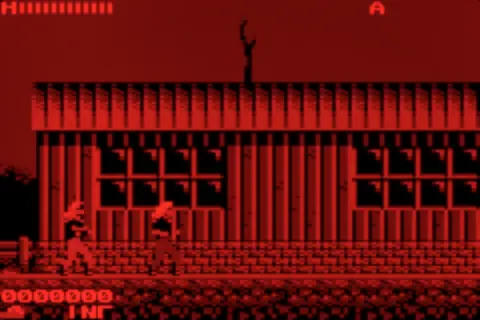 Scanned LED A scanned red LED display: a single column of light swept across by a mirror, leaving a brief persistence.
 -
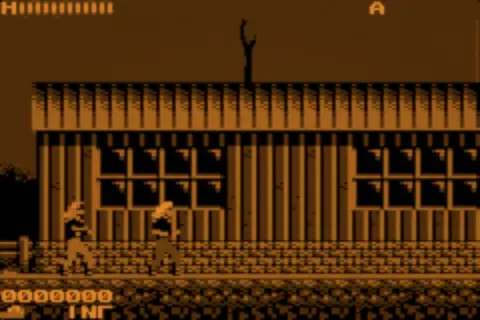 Pinball DMD The amber dot-matrix display from a pinball backbox, with its brightness levels flickering in.
 -
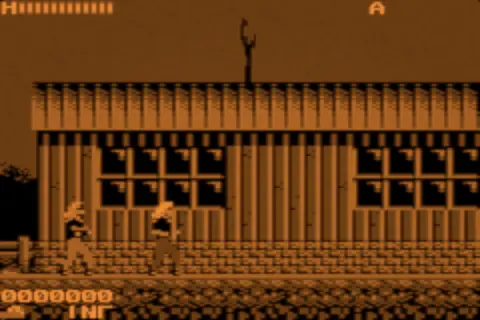 PLATO Plasma Orange gas-plasma cells behind glass, as on early terminals.
 -
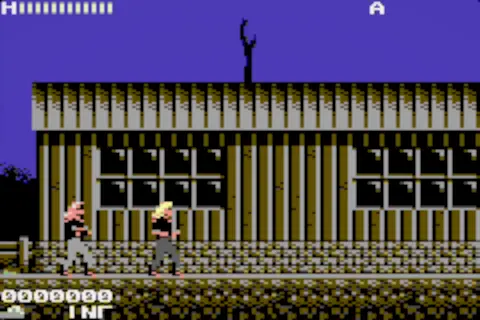 Plasma Subfield A plasma panel's sub-field drive, which shows false contours in moving gradients.
 -
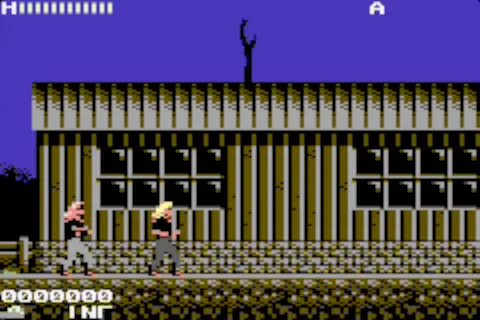 DLP Rainbow Colour-sequential projection: still images stay clean while fast motion splits into rainbow fringes.
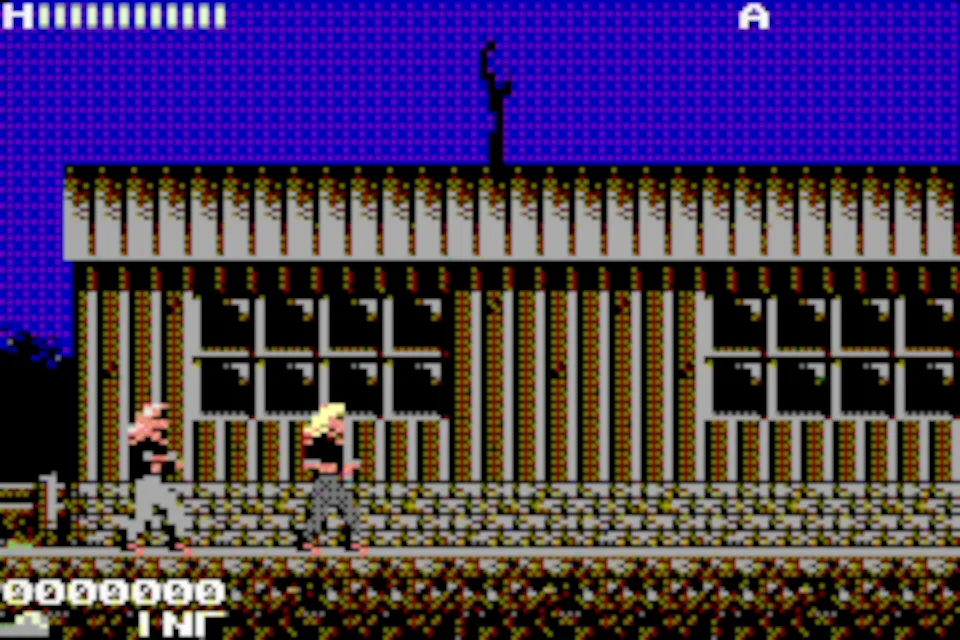
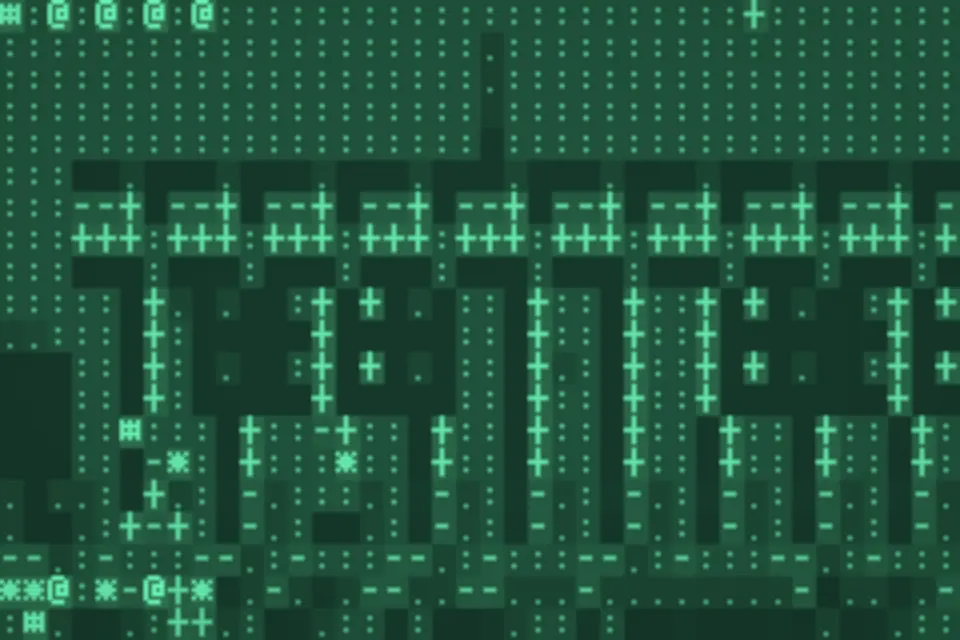
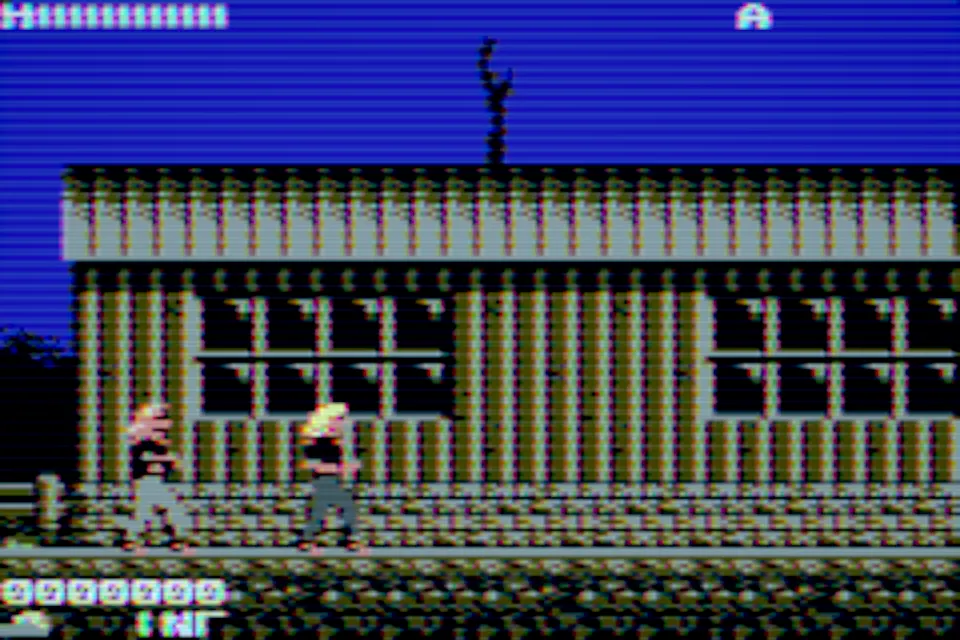
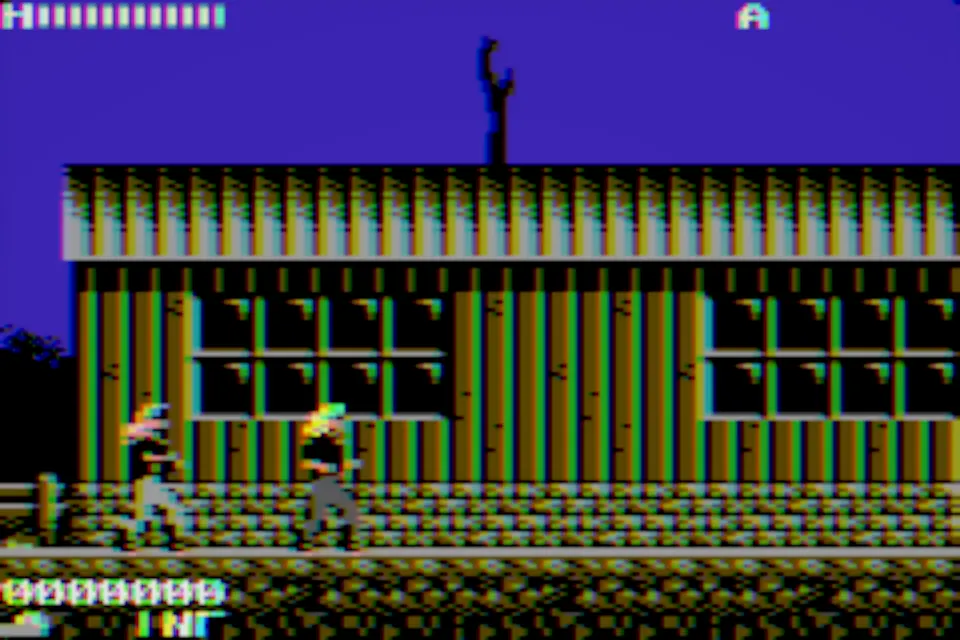
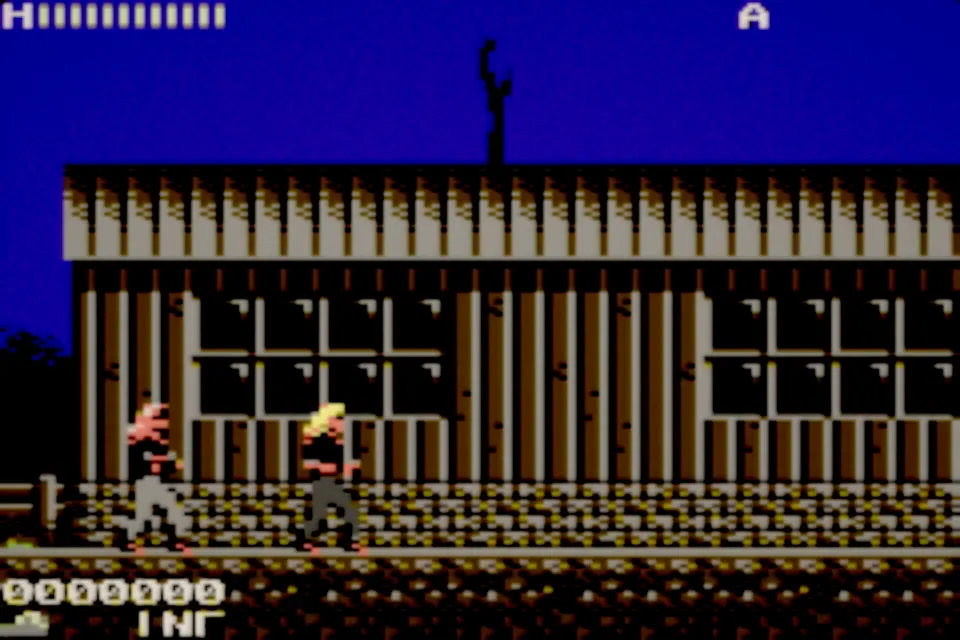
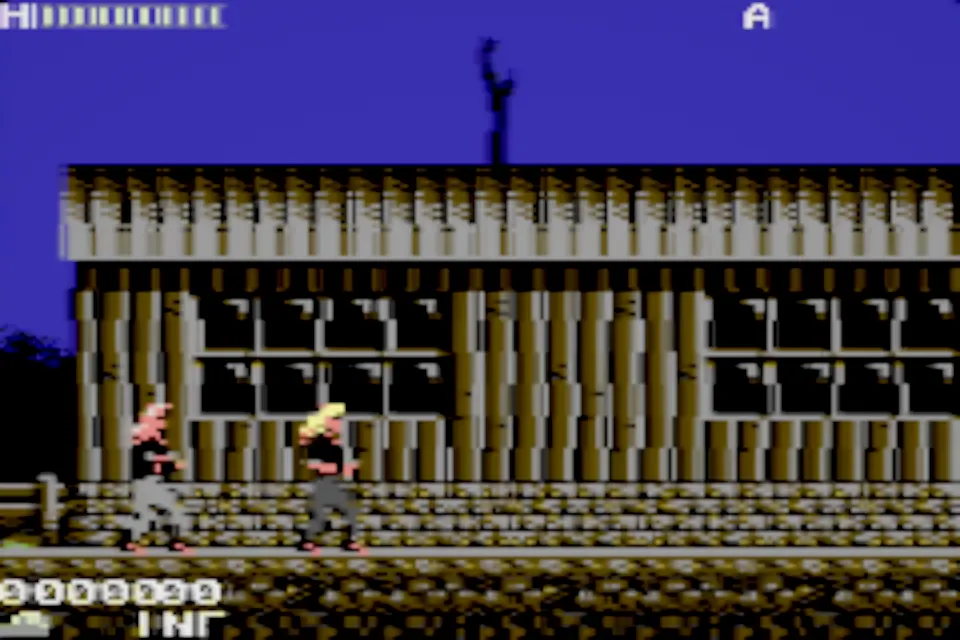
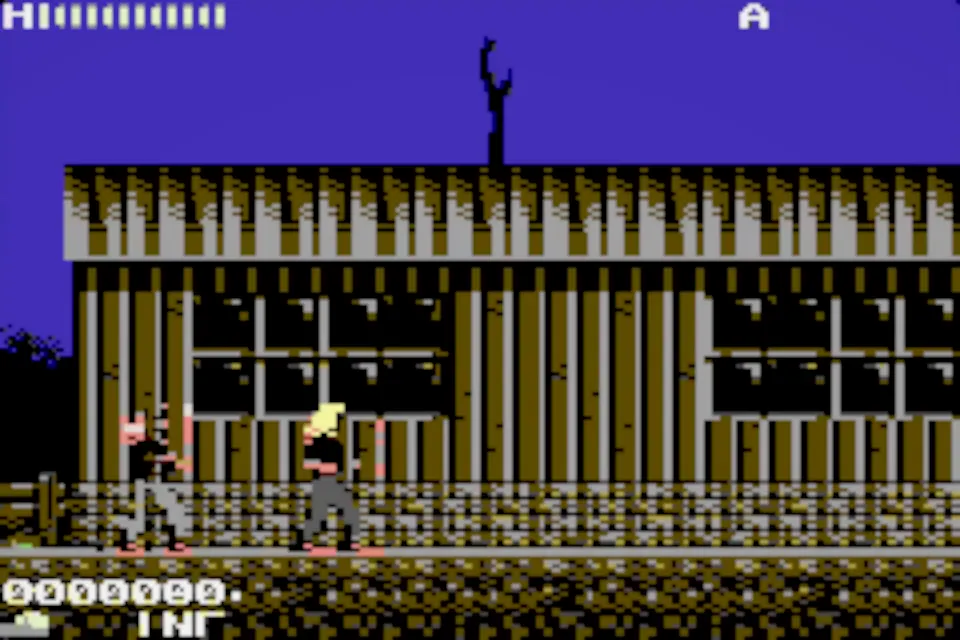
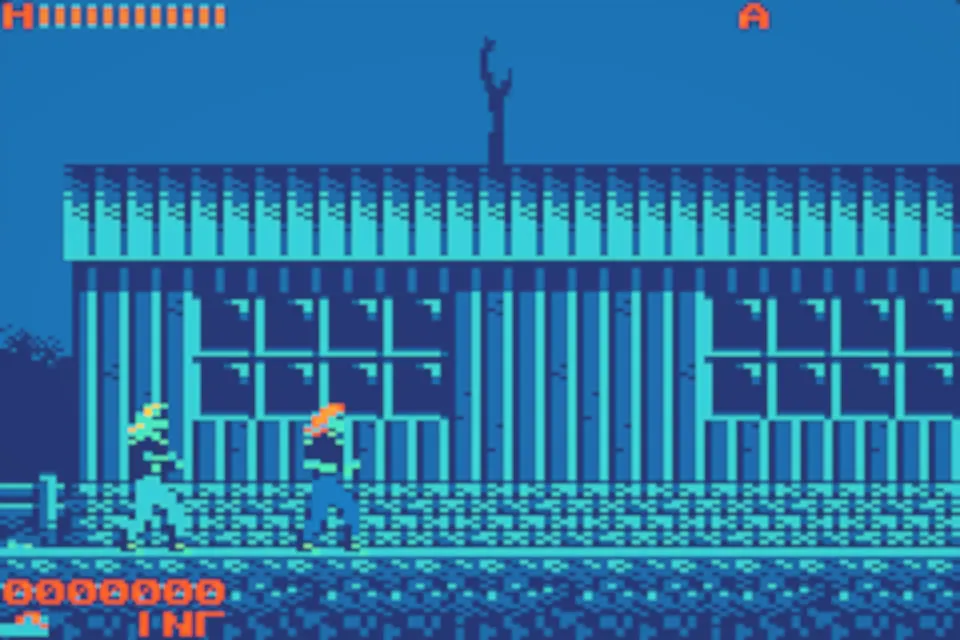
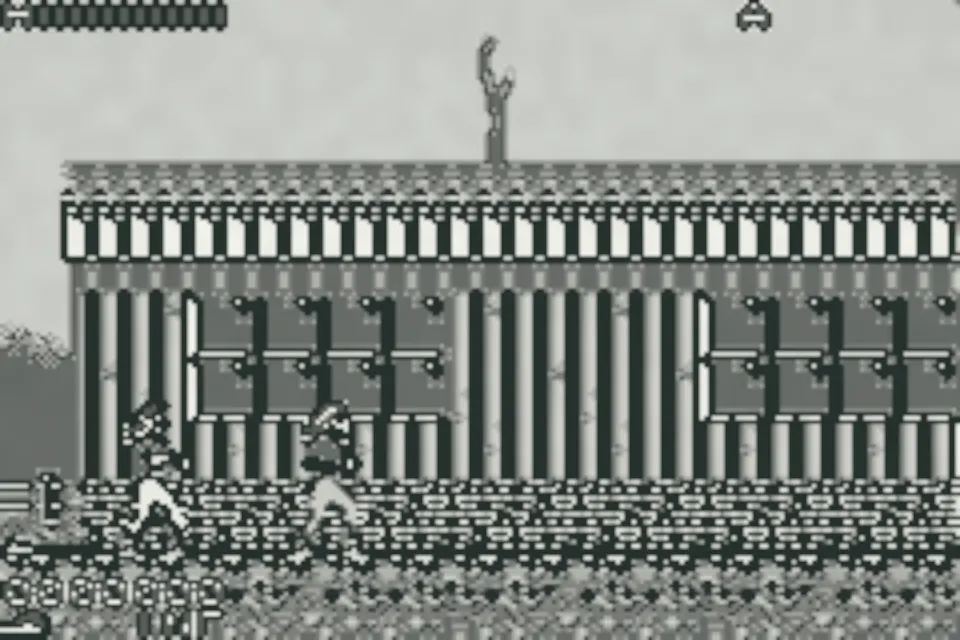
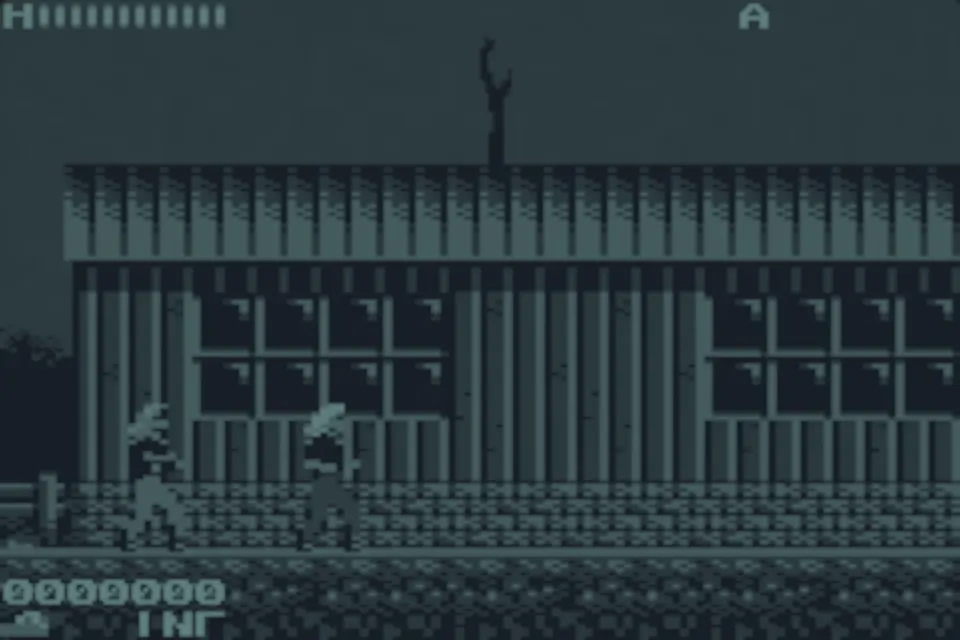
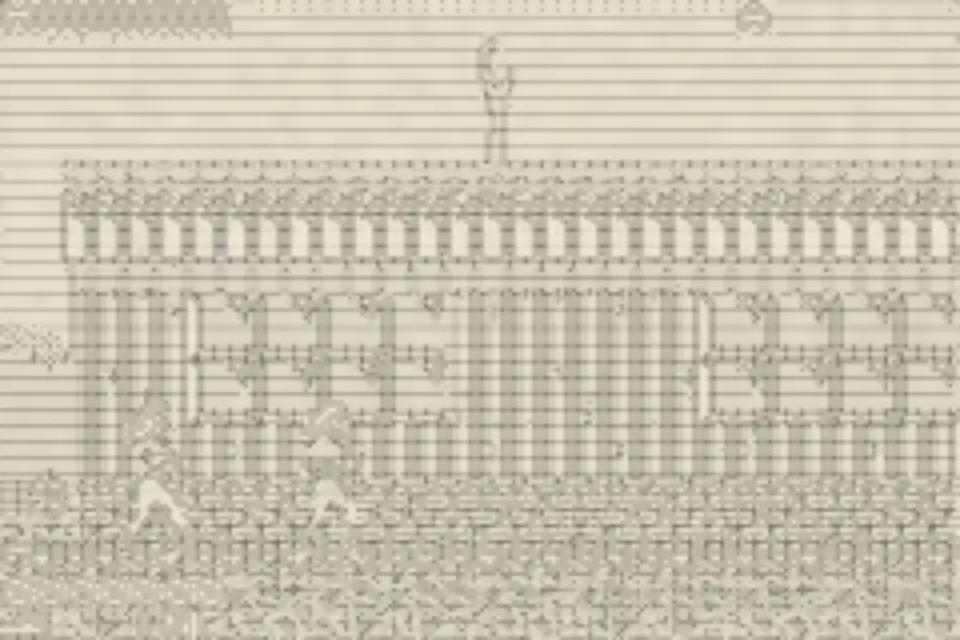
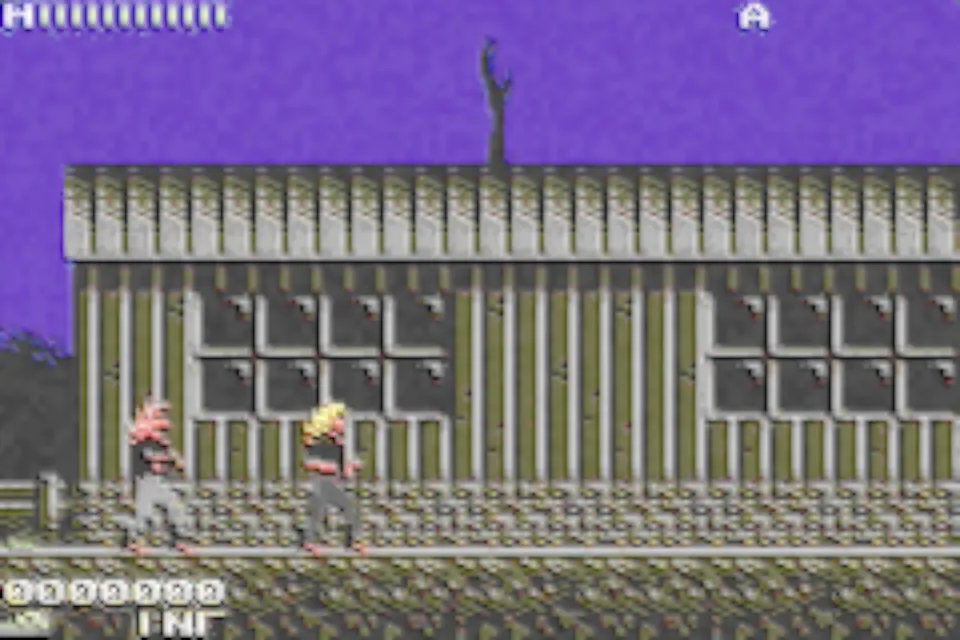
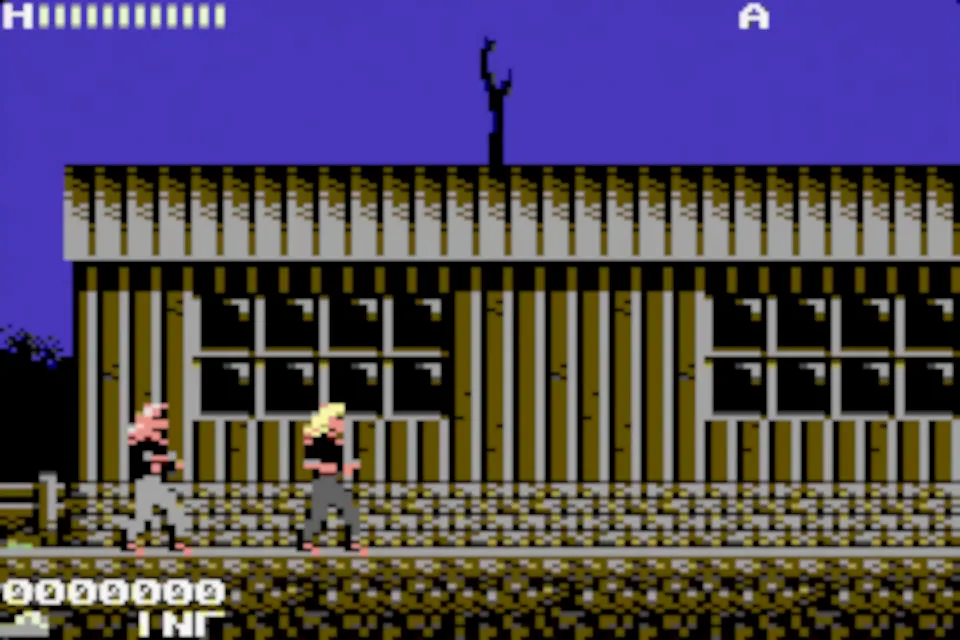
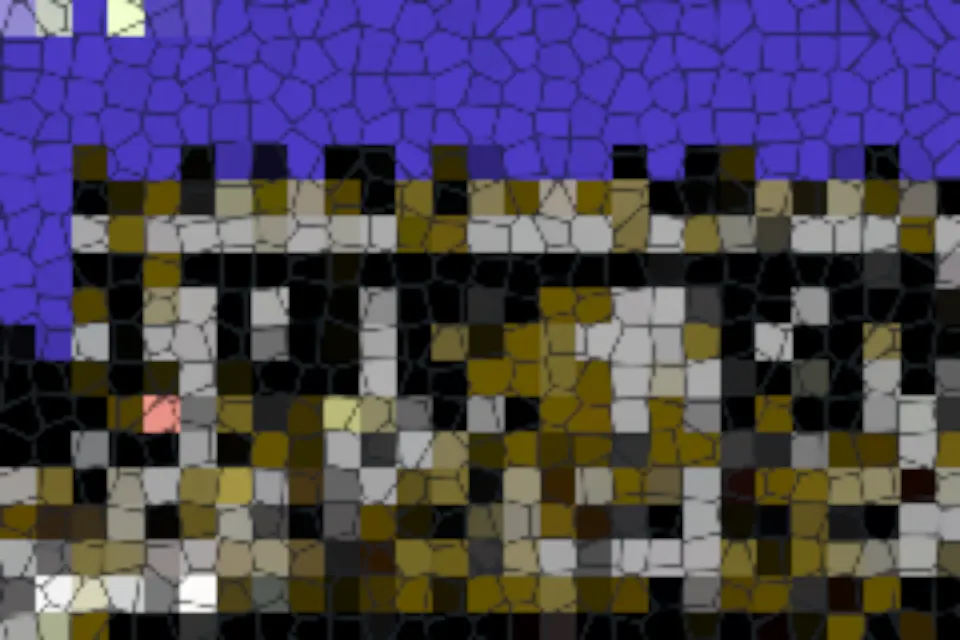
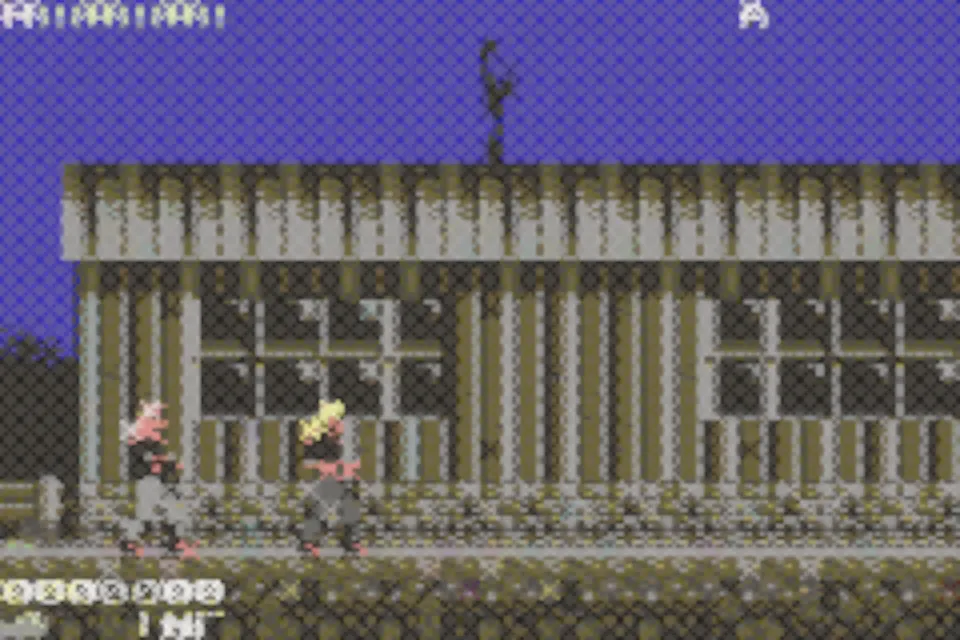
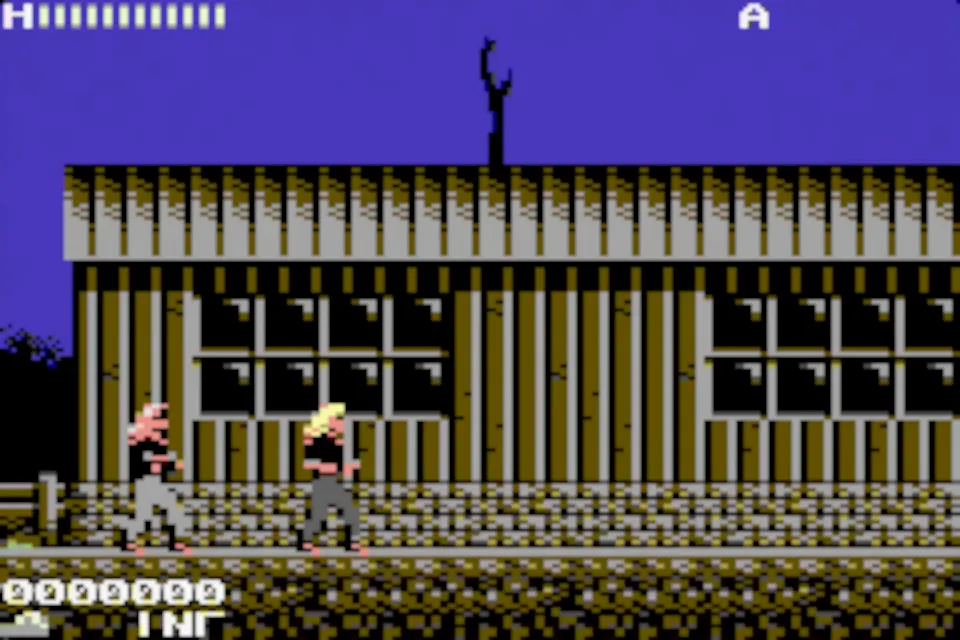
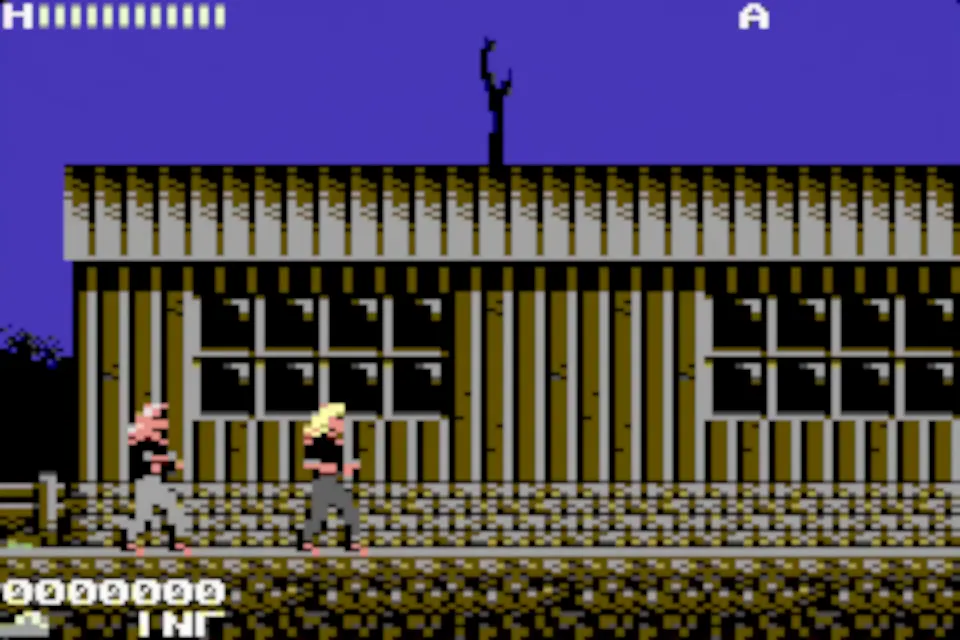
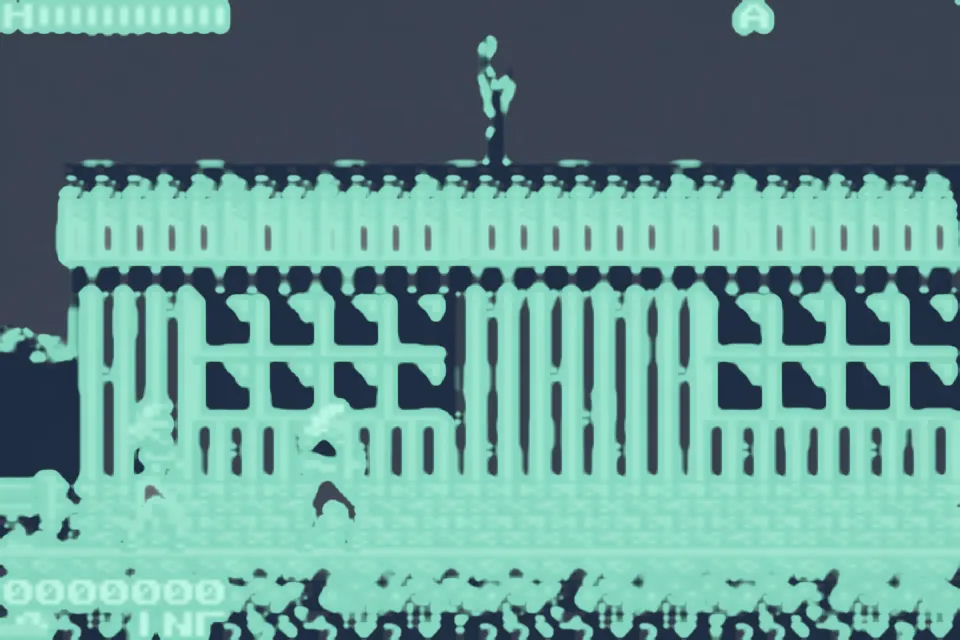
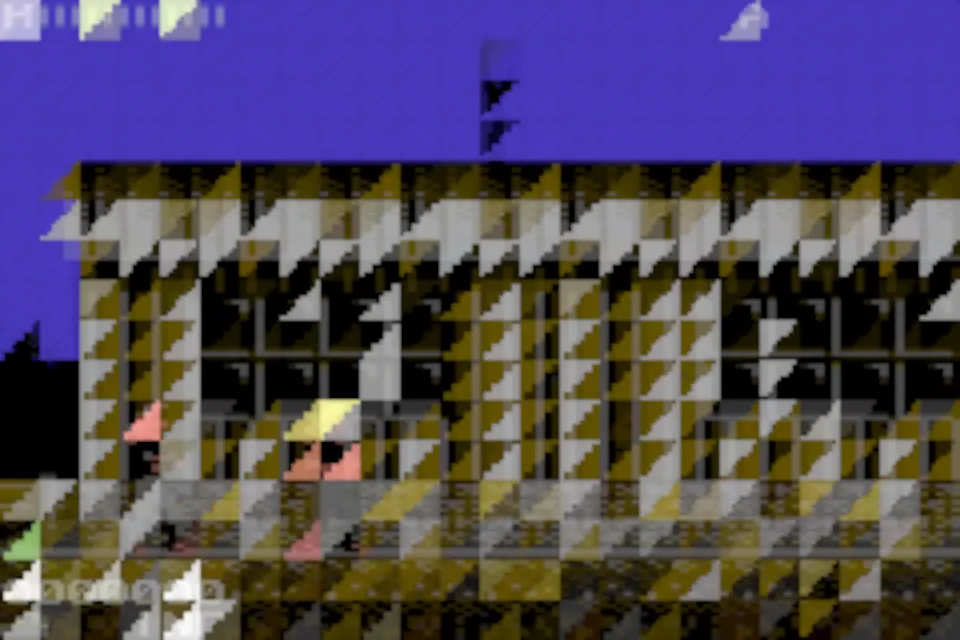

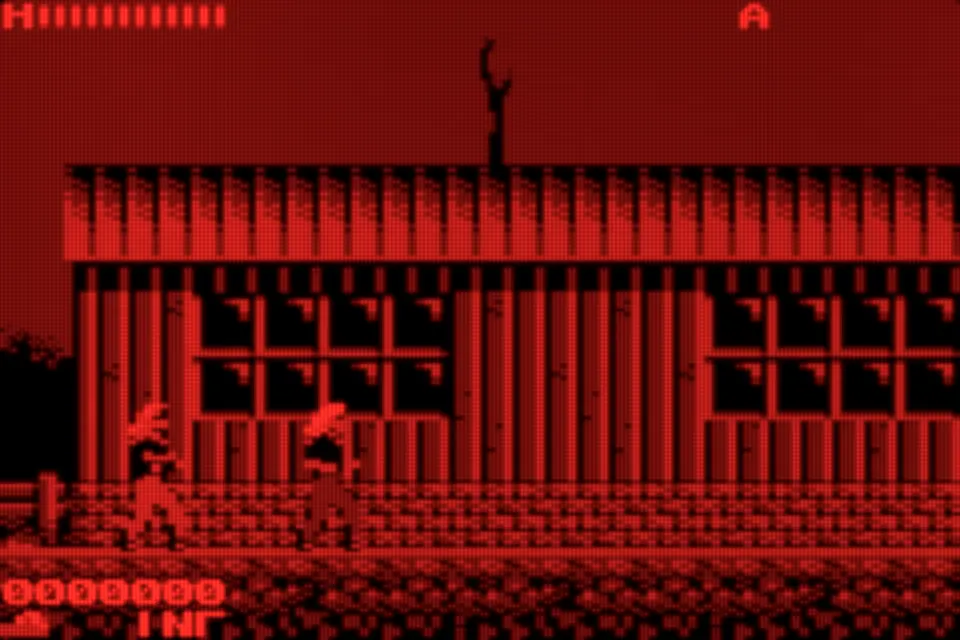
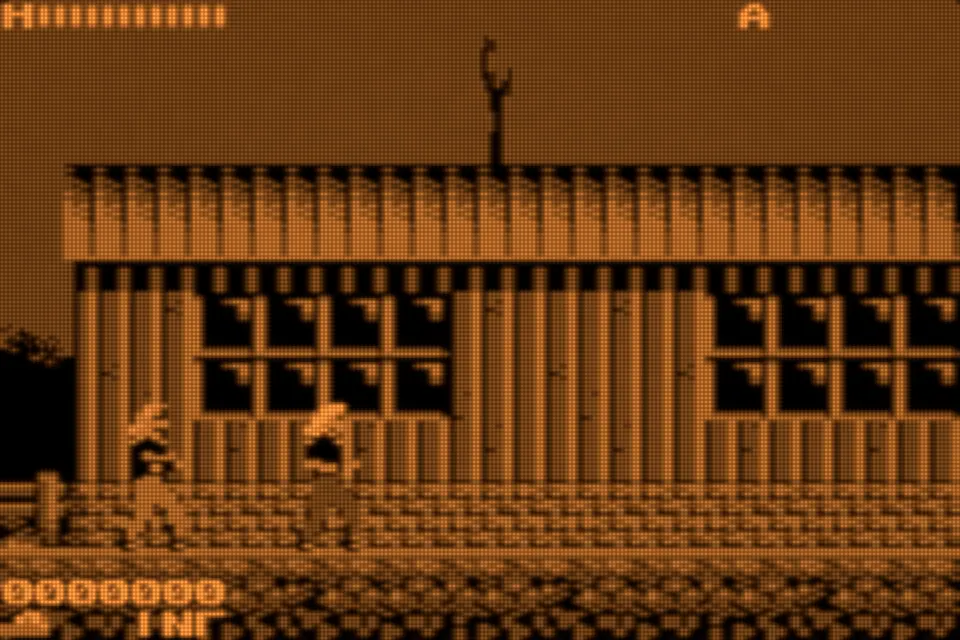
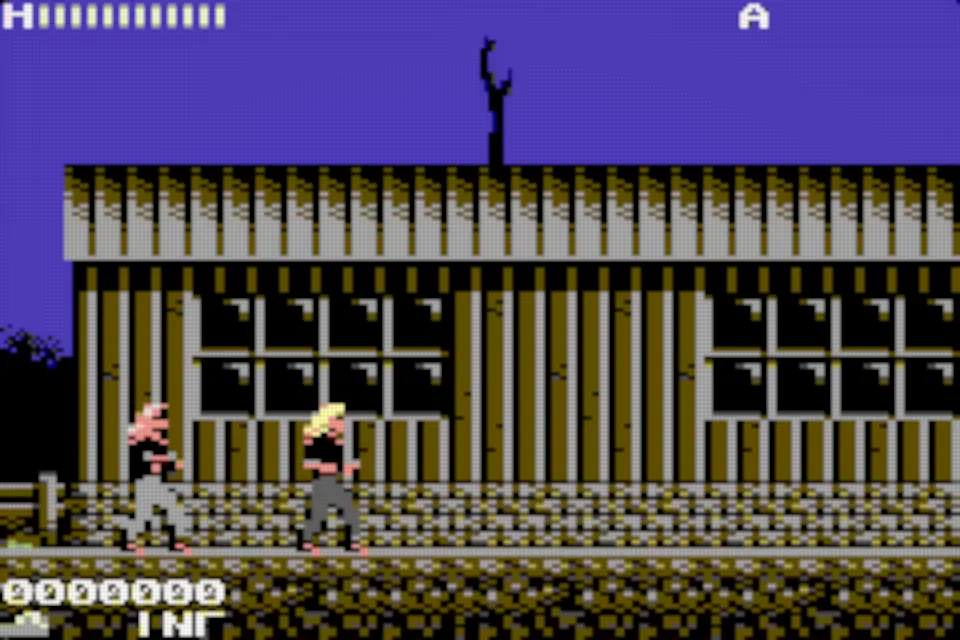
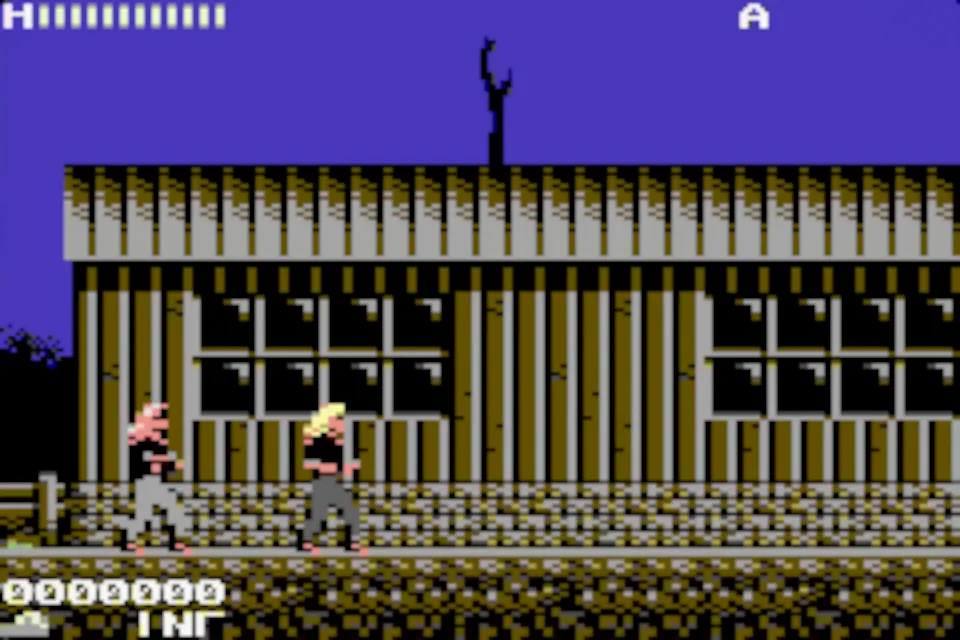
Stills rendered offline by Retropa's native Metal filters at 6× from Metal Warrior 4 (GBA) and uCity (Game Boy). The app renders them live, with motion effects these stills cannot show.