
Retropa / Flash
Flash games, back in your hand.
The browser games of the Flash years no longer open in any web browser. Import a game's .swf into Retropa and it plays on iPhone and iPad like a little PC game: tap the picture to click, type on a full on-screen keyboard, steer with a mouse or trackpad, or play on the gamepad with the keys each game needs.

Free to download. Optional in-app purchases. iOS 18 or later.
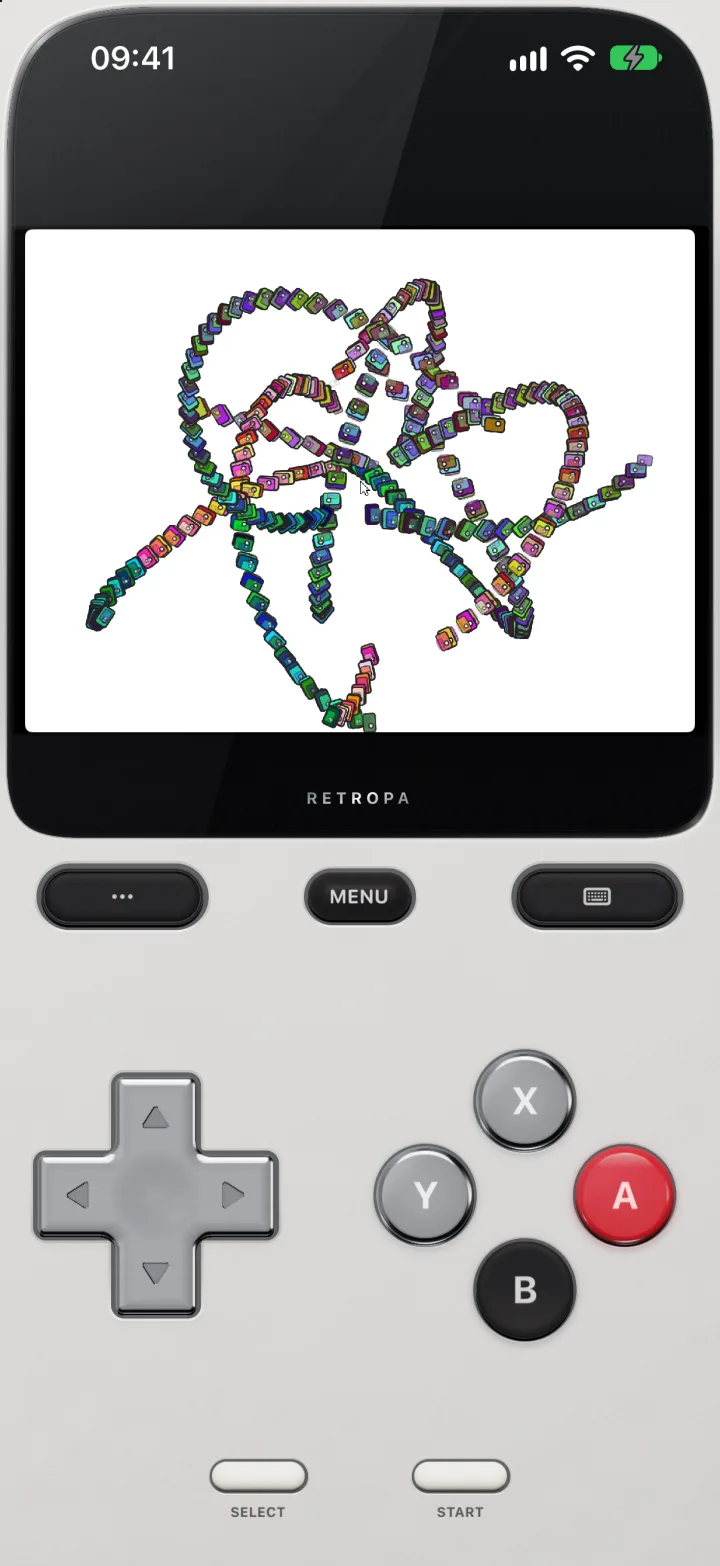
A Flash game on the gamepad
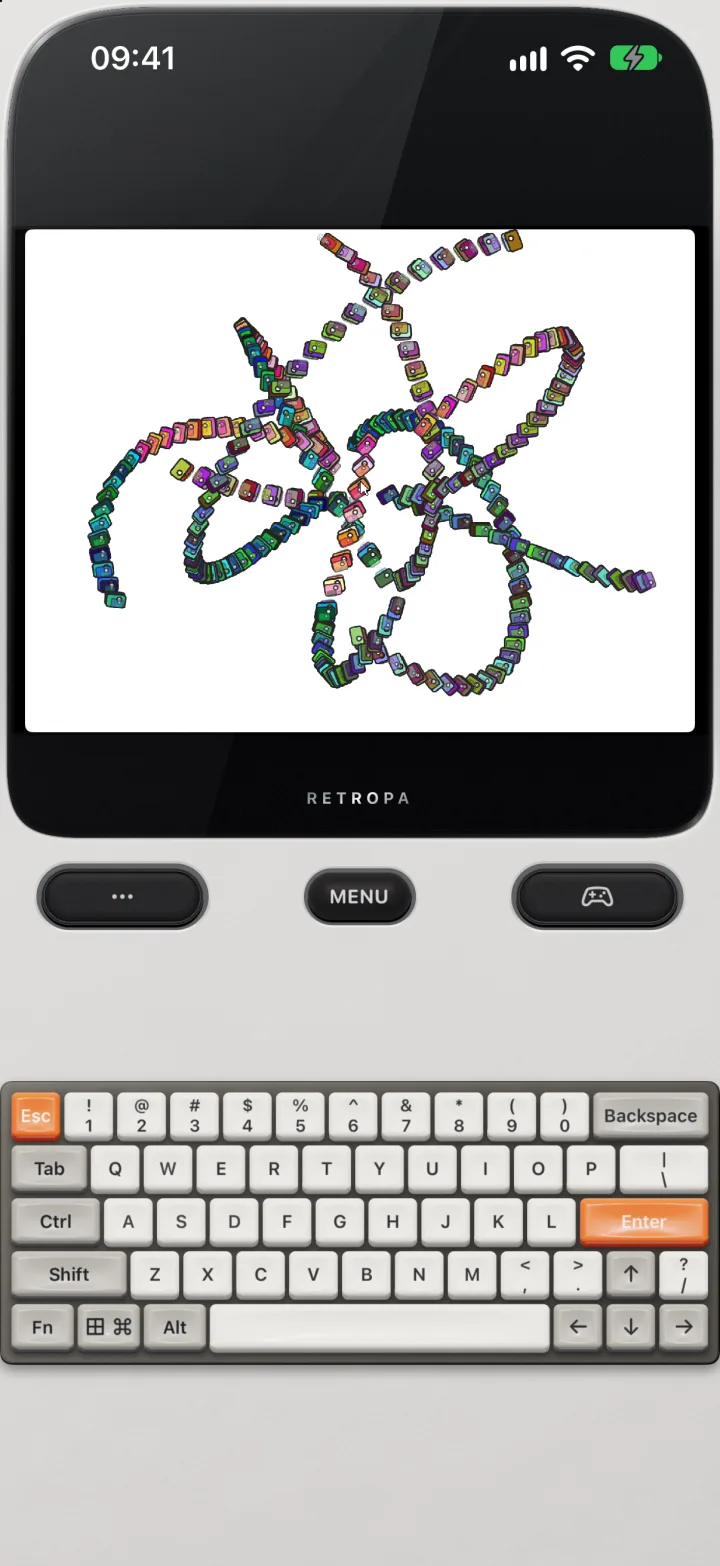
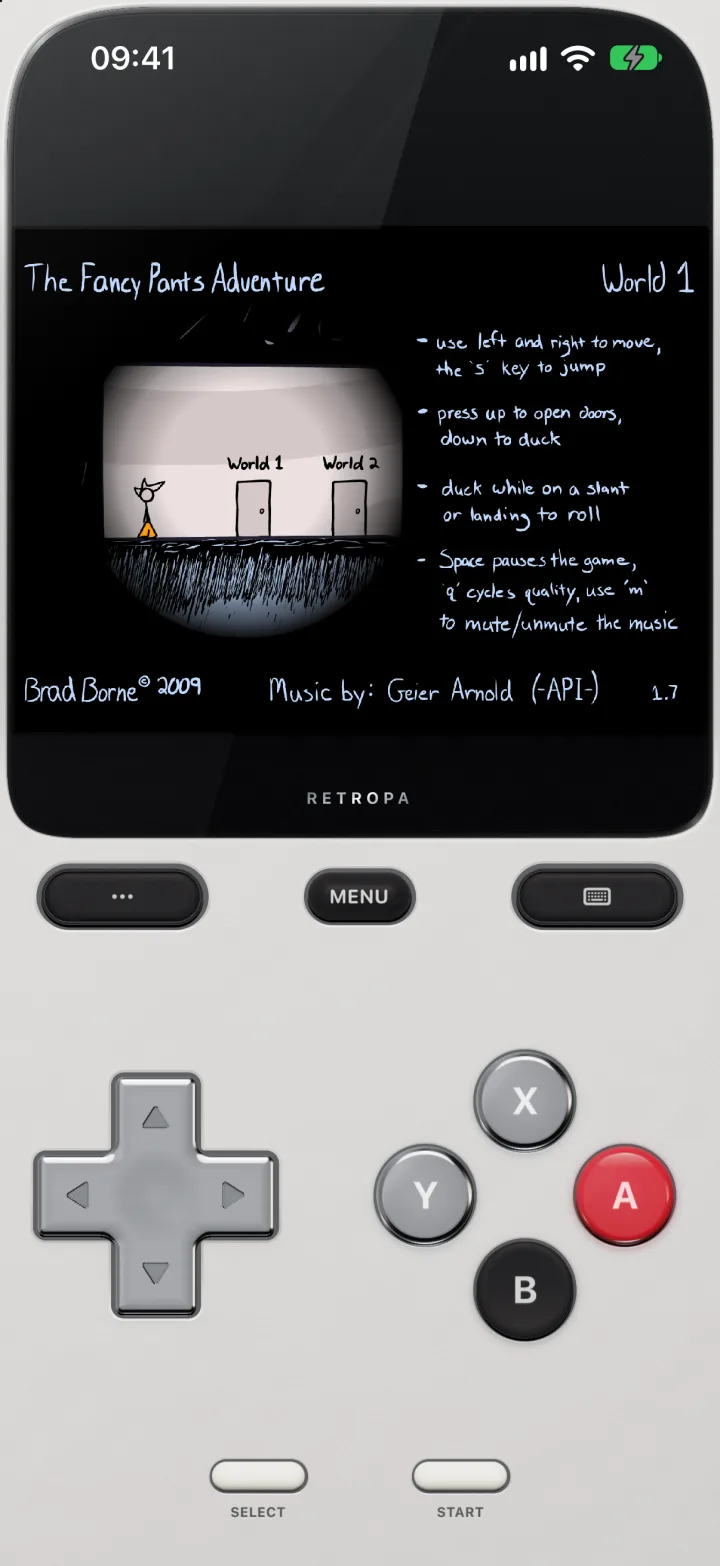
Shown here is a sample movie made for testing Retropa, running on iPhone. A Flash game gets the same screen as every other system: the picture on top, and below it the gamepad or the PC peripheral you choose.
- The gamepad has a D-pad, A, B, X and Y, and Start and Select, the same layout as DOS games.
- The … key left of MENU opens the Peripherals tab; the key right of MENU flips between the gamepad and the keyboard, mouse or trackpad you used last.
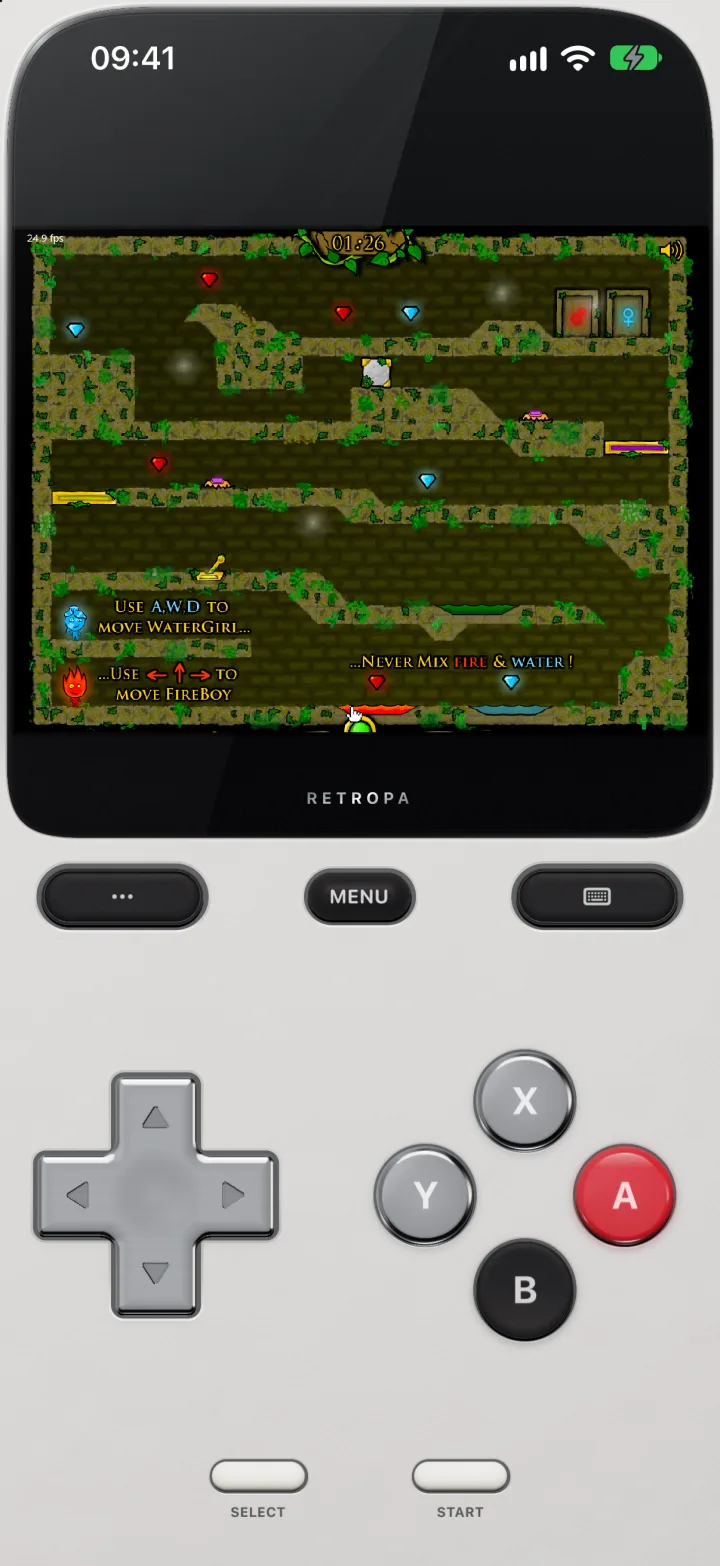
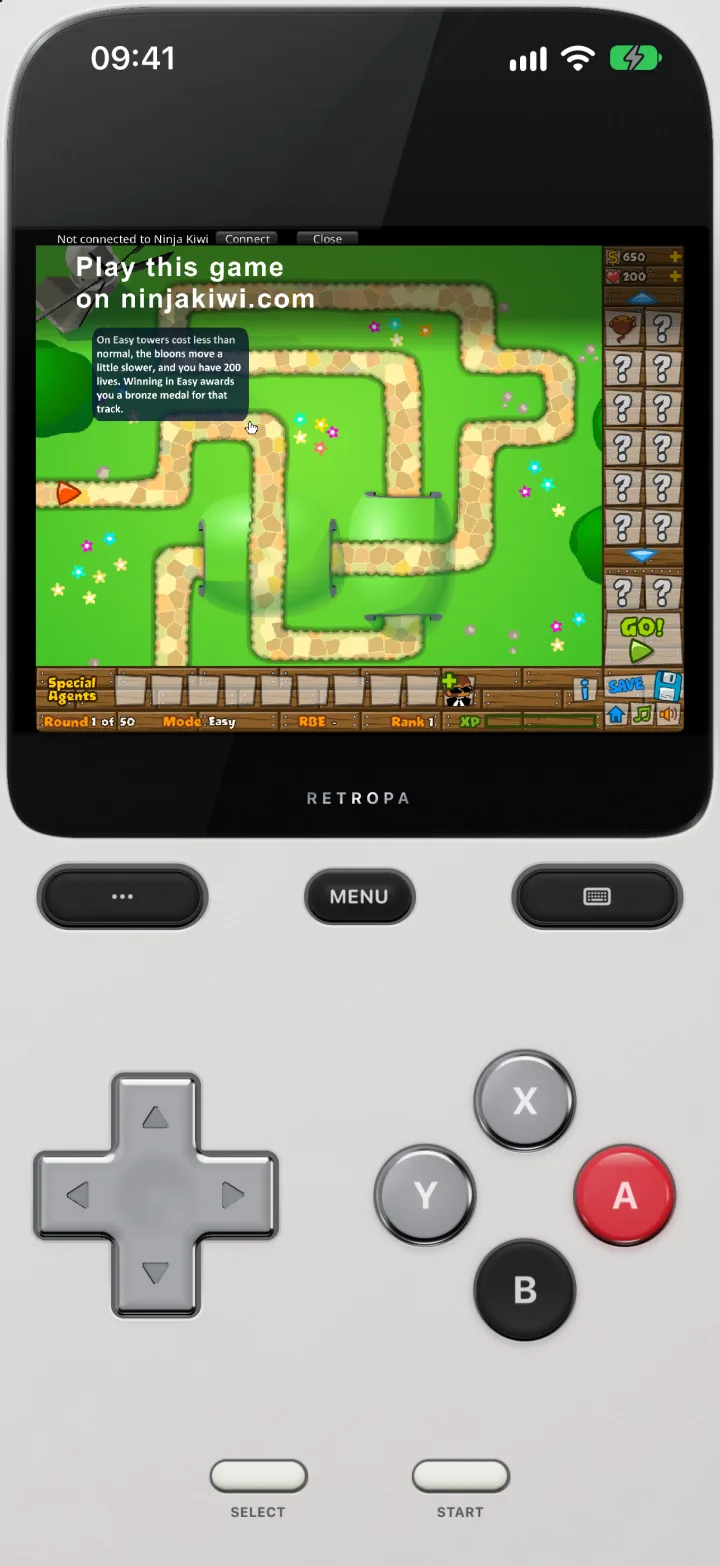
Well-known Flash games, running
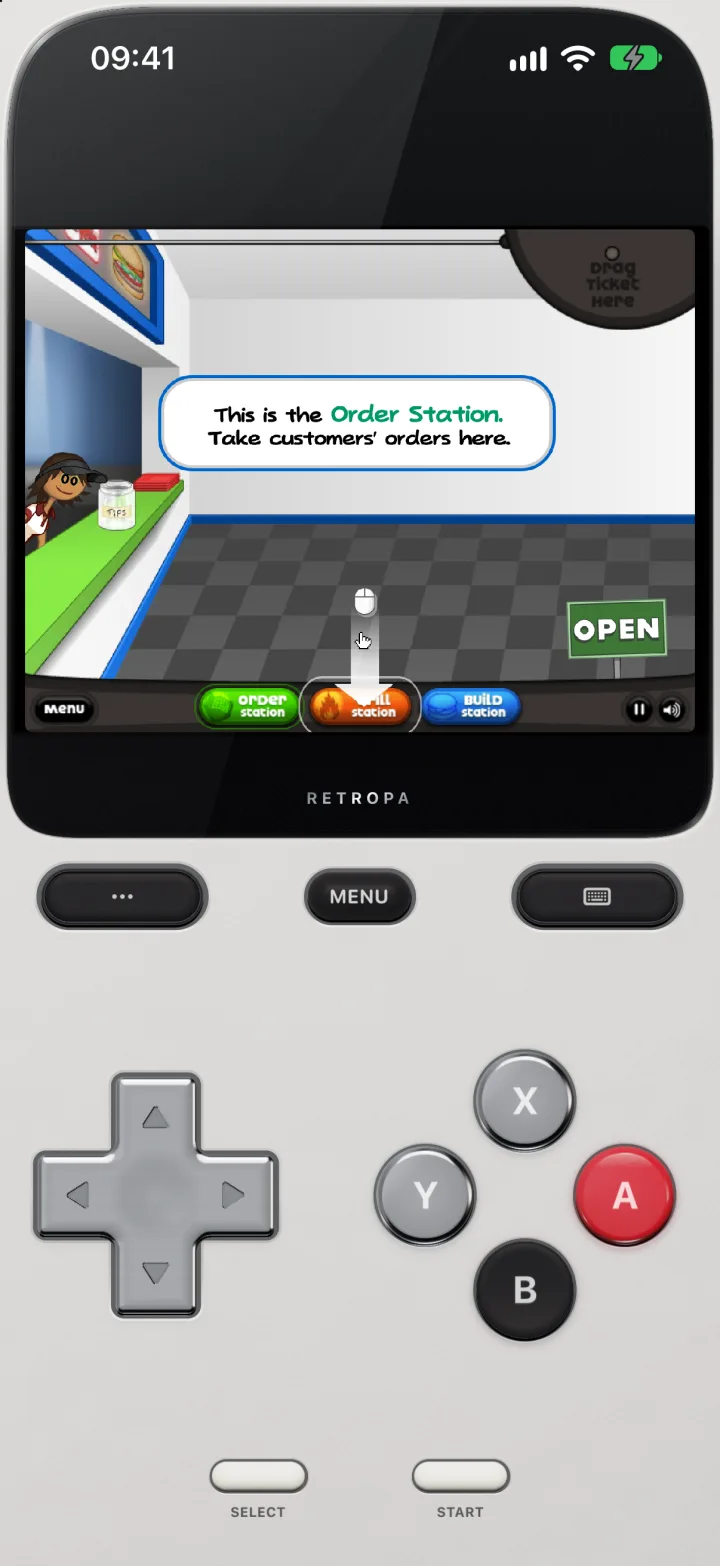
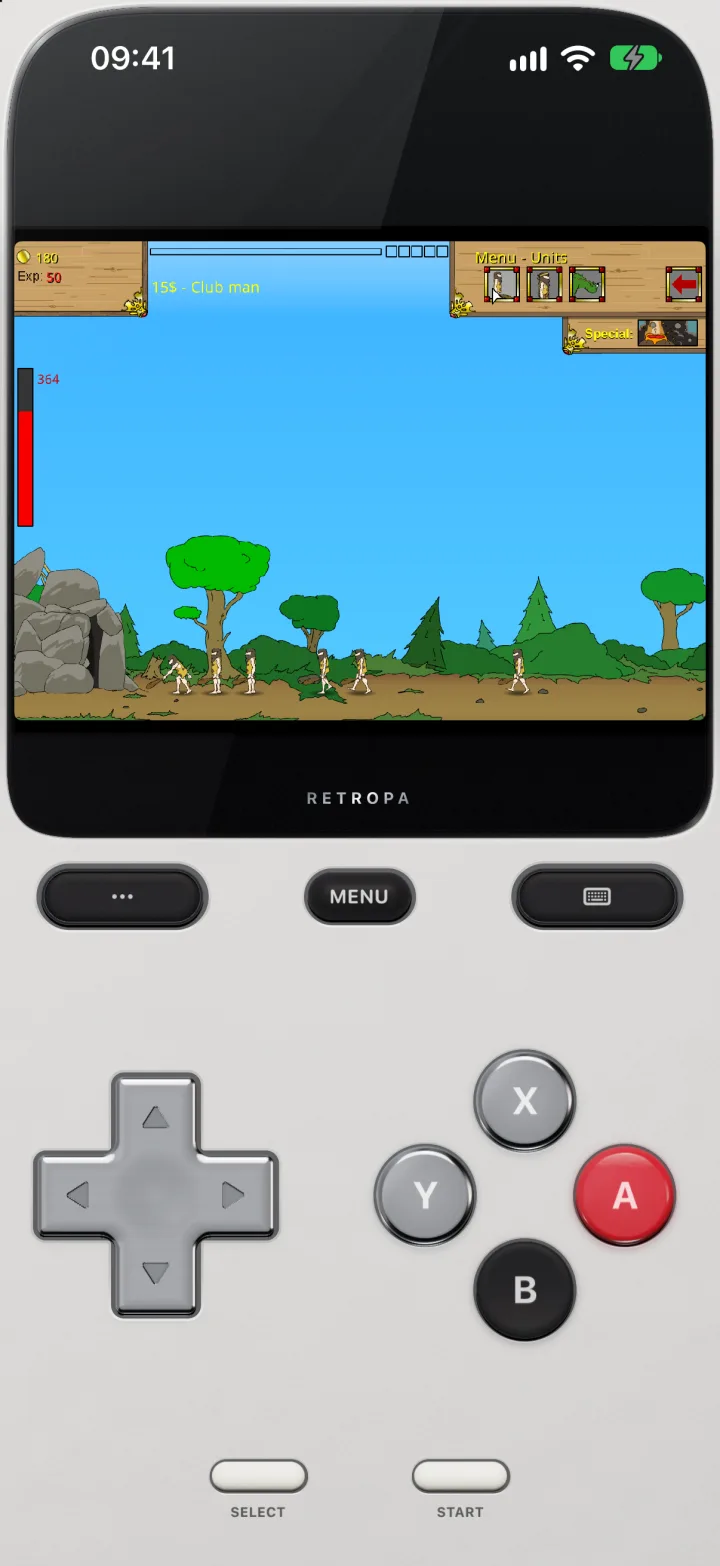
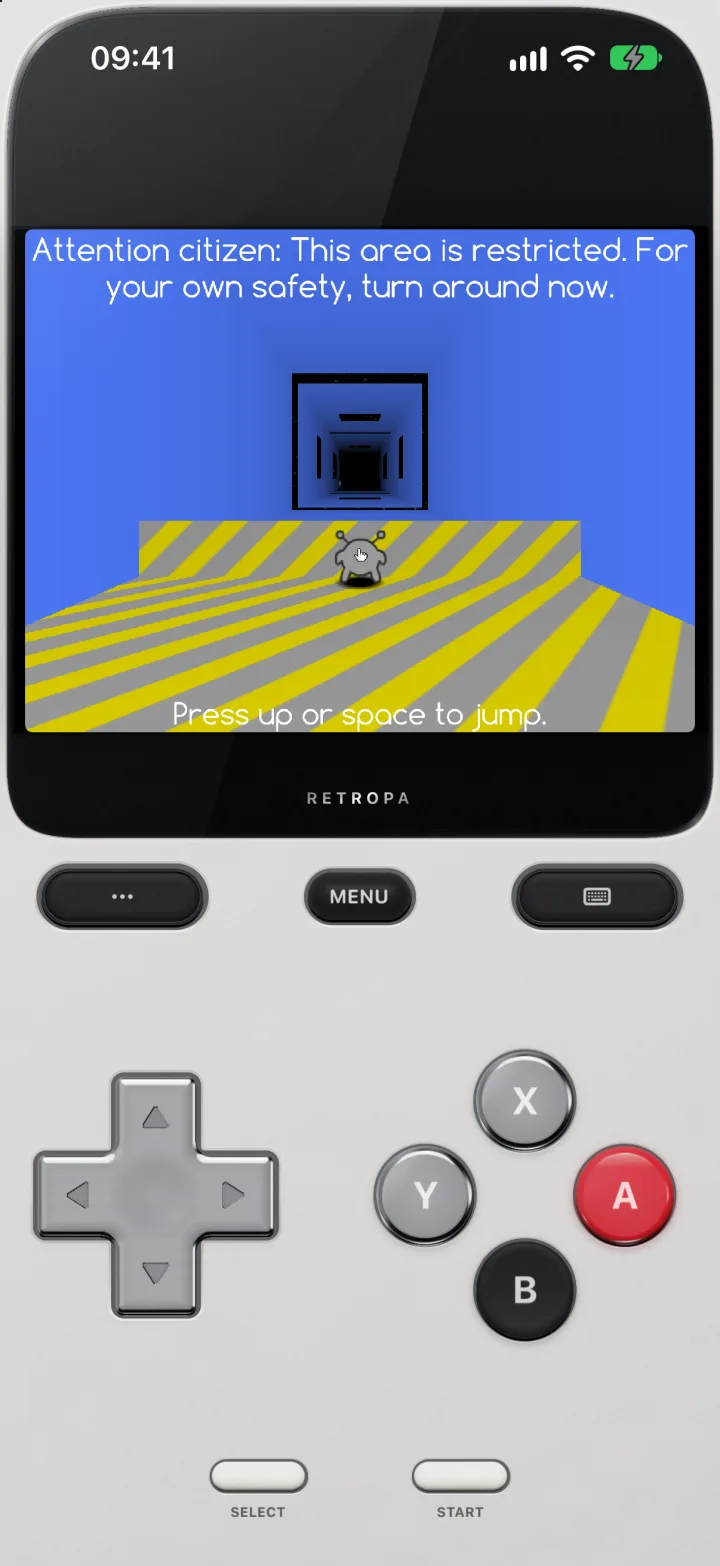
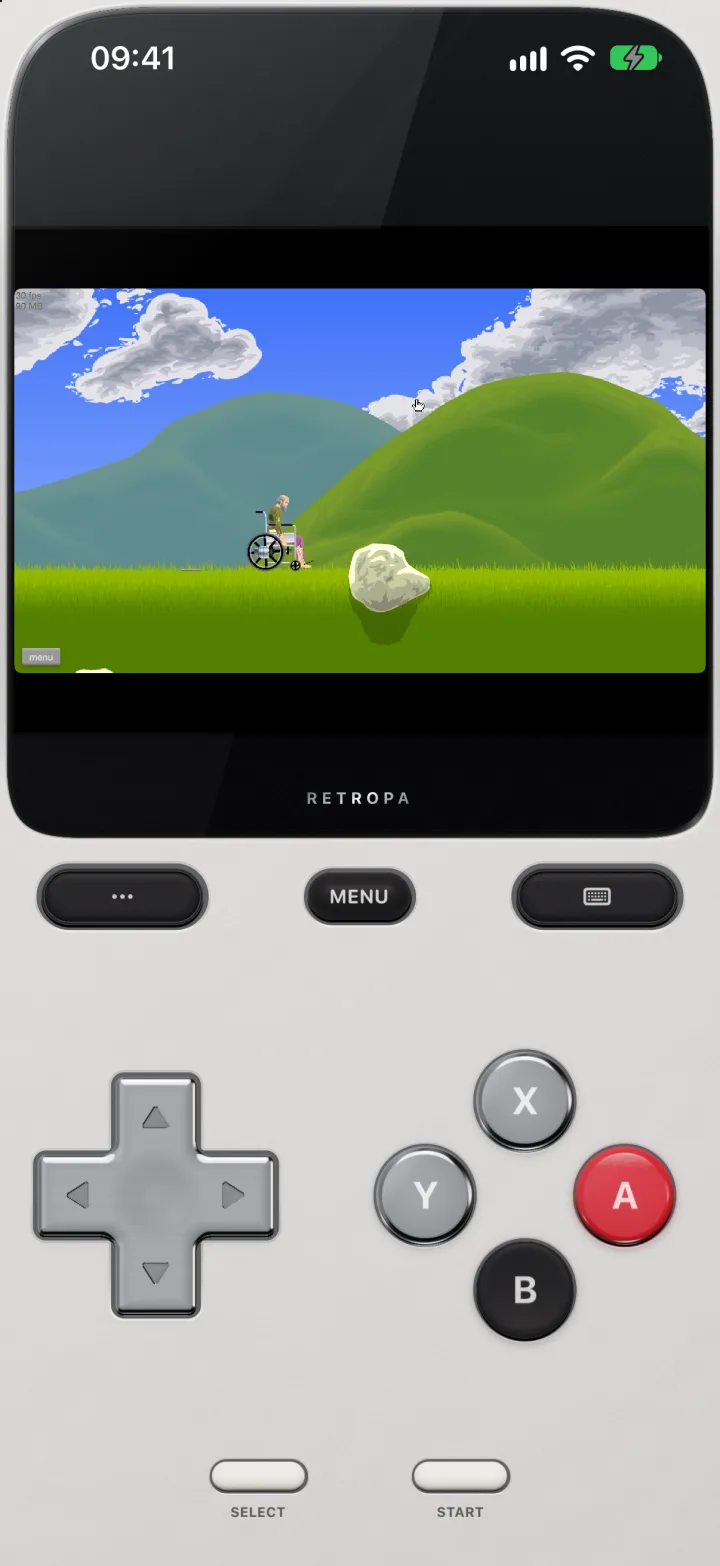
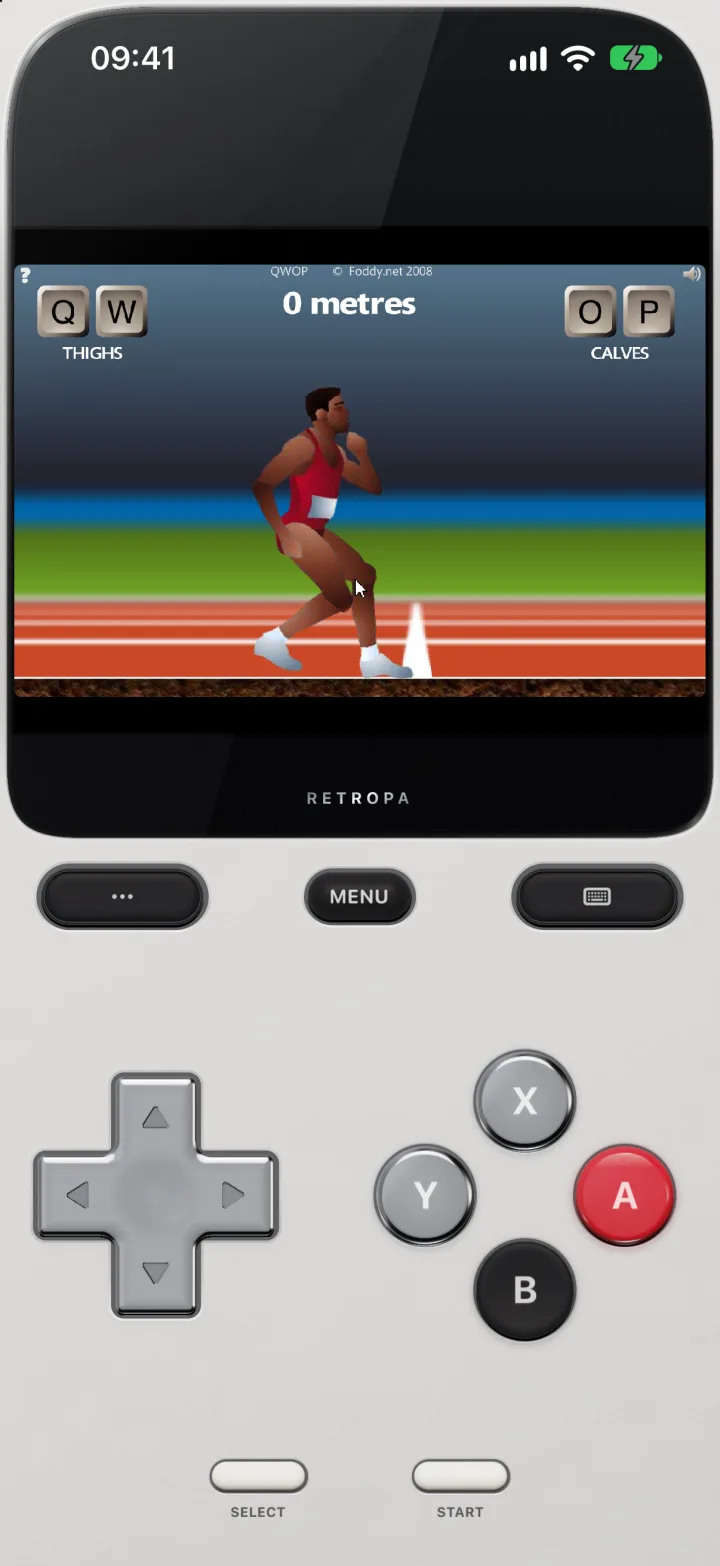
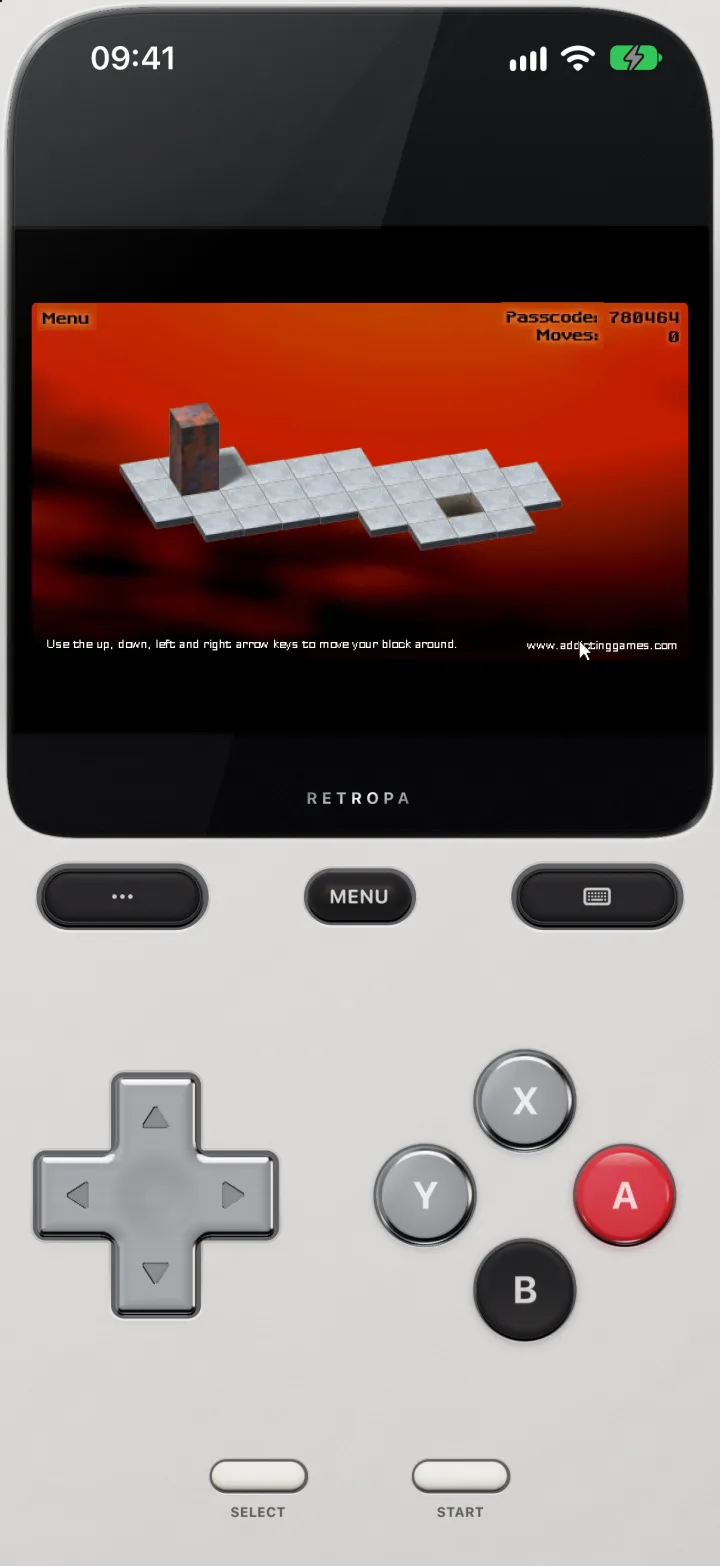
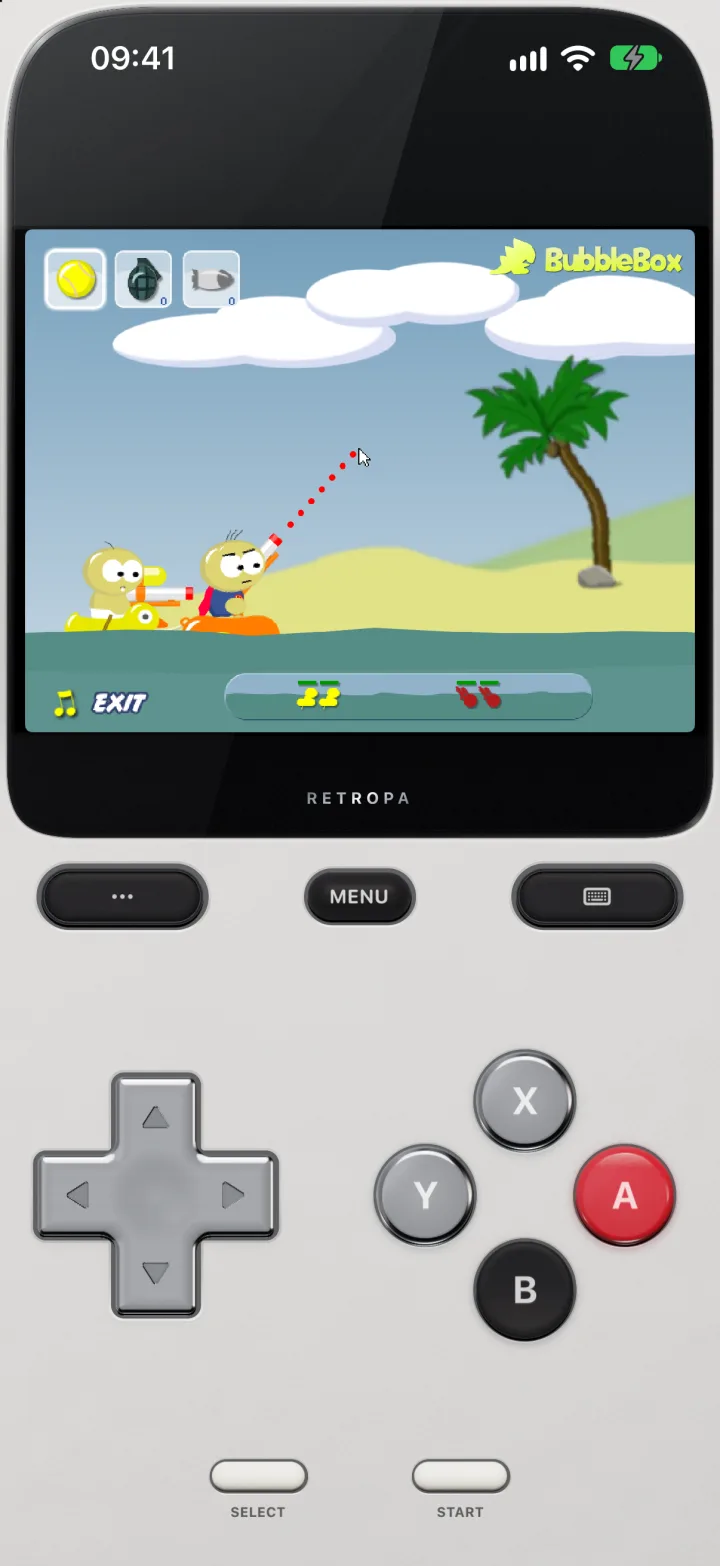
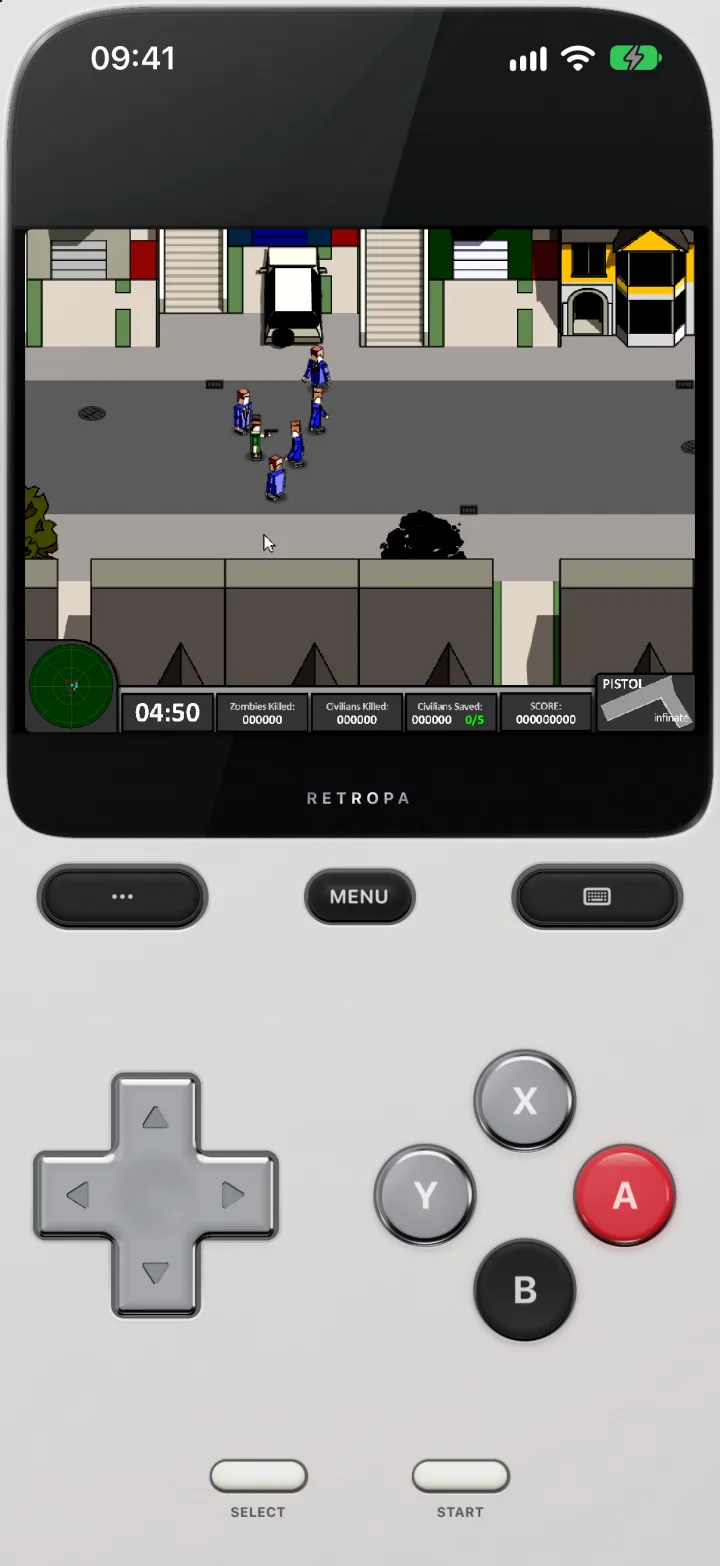
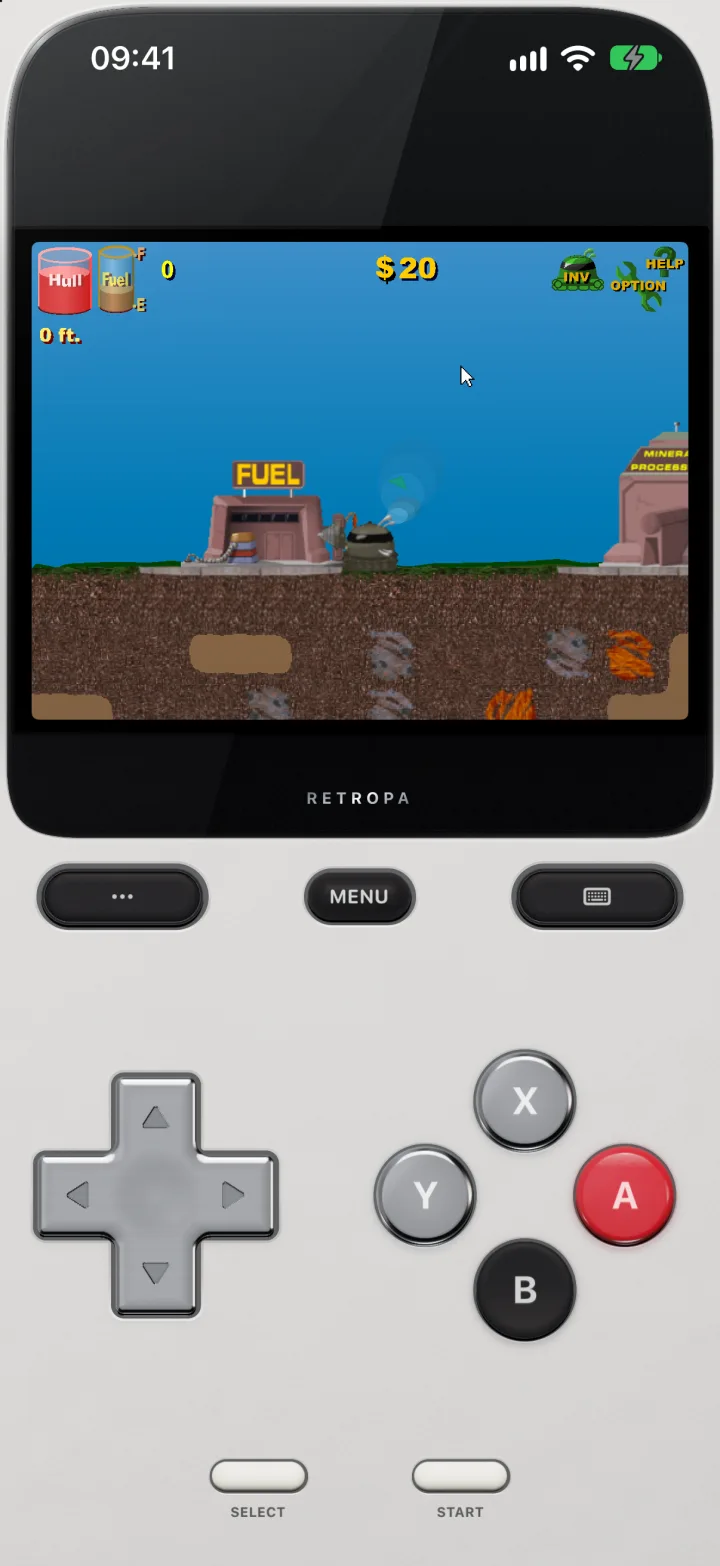
Well-known Flash games of many kinds, running in Retropa on iPhone: puzzle platformers, tower defense, a restaurant game, strategy, endless runners, physics games, a zombie shooter and a mining adventure. Each was imported as its .swf and played by tapping the picture, from the title screen to the level.
Import a .swf
Import the game's .swf file like any other game: from the Files app, AirDrop or the Wi‑Fi Portal. It joins your library under Flash and starts with a tap.
- Games made as one .swf file play on their own. A game that loads more files from its folder as it runs is not supported yet.
- A .swf packed in a ZIP, 7z or RAR file imports as it is; Retropa takes the .swf out and leaves the rest of the archive, such as a Windows player .exe, behind.
- There is no Flash Player or browser plugin to install; Retropa plays the file itself.
- Retropa does not include games. Import only games you have the right to use.
Played like a PC
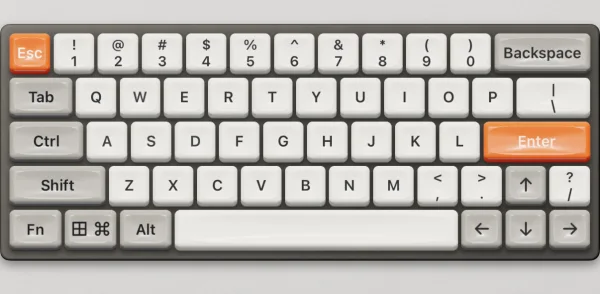
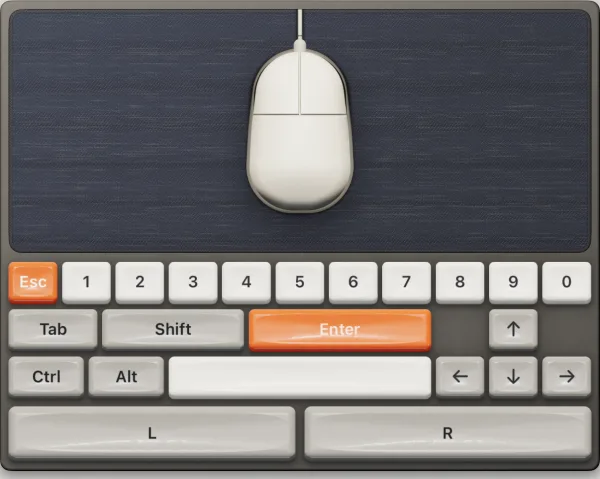
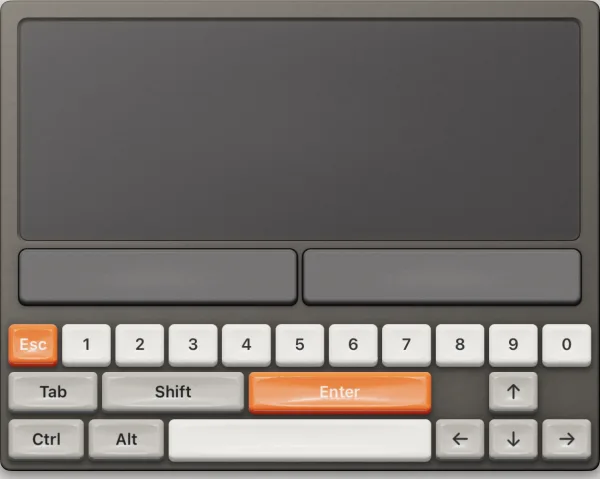
Flash games were made for a keyboard and a mouse, so Retropa gives them both. Everything the DOS page shows works for Flash games too.
- Tap the picture to click there. A finger on the game is the mouse's left button at that point, so menus and point-and-click games work by touch.
- Sixteen on-screen keyboards, with the function keys, editing keys and keypad on pages of their own.
- Twelve mice and trackballs and ten trackpads, each with the keys games ask for most beside it.
- Peripheral Looks restyles key colours, mouse shells and trackpad finishes, for Flash and DOS games alike.
- Each game remembers whether you last played it with the gamepad, the keyboard, the mouse or the trackpad.
Gamepad Keys: your keys for every game
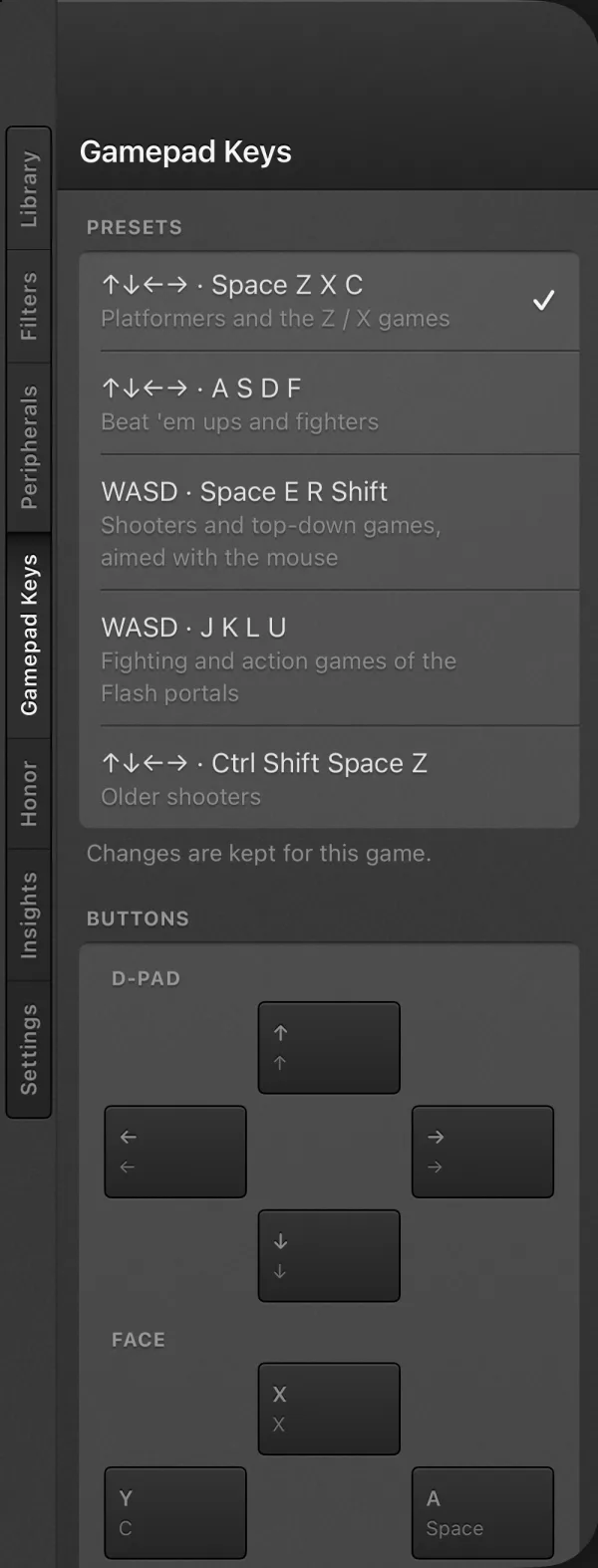
Flash games each chose their own keys: the arrows and Space in one, WASD and J K L in the next. The Gamepad Keys tab on the Desk sets which keyboard key each gamepad control presses, and every game keeps its own map.
- Five presets cover the common Flash layouts: the arrows with Space Z X C (the default, for platformers and the Z / X games), the arrows with A S D F (beat 'em ups and fighters), WASD with Space E R Shift (shooters and top-down games aimed with the mouse), WASD with J K L U (fighting and action games of the Flash portals), and the arrows with Ctrl Shift Space Z (older shooters).
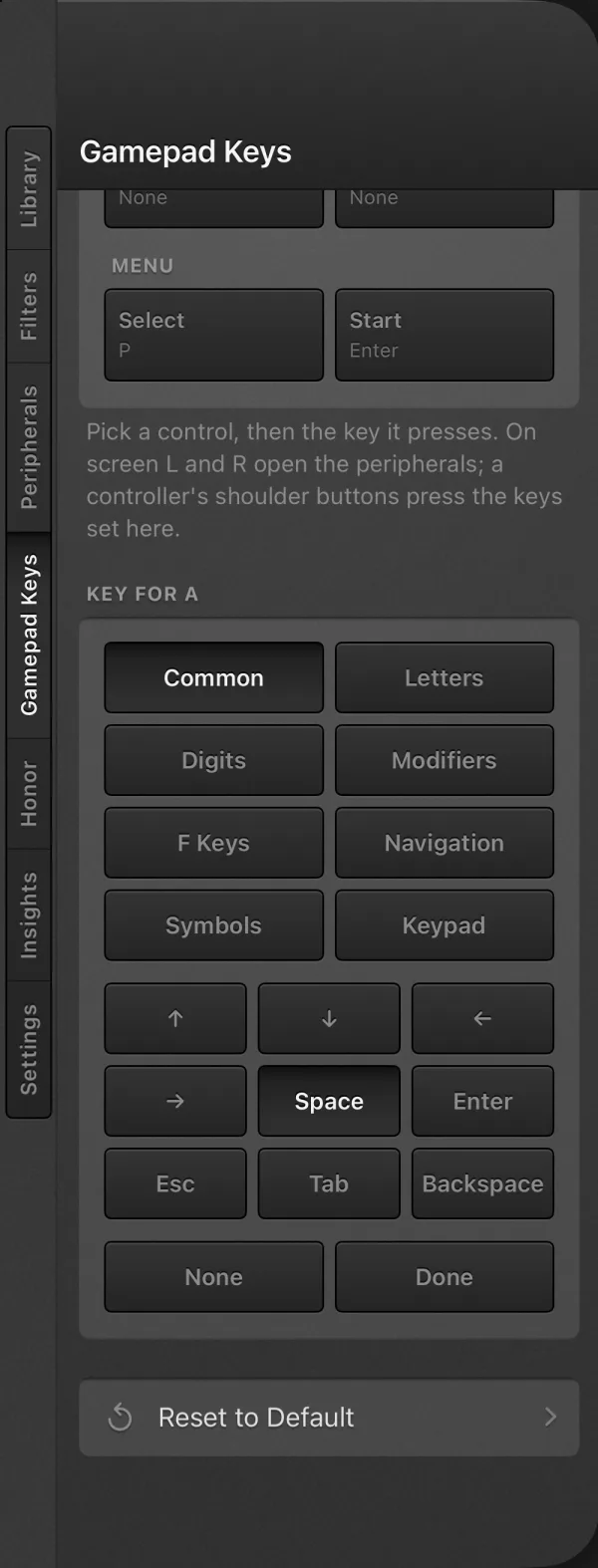
- Or set the controls one by one: pick a control on the pictured gamepad, then its key from the common keys, letters, digits, modifiers, function keys, navigation keys, symbols or keypad.
- Start presses Enter and Select presses P, the pause key of many Flash games.
- Changes reach the running game at once. Reset to Default puts the game back on the default map.
Controllers, keyboards and mice
A connected game controller presses the keys set on the Gamepad Keys tab: its D-pad, both sticks, the face buttons, the shoulders, and Start and Select.
- Both sticks can press keys of their own, so a WASD game can walk on the left stick while the right stick presses the arrows.
- A Bluetooth or USB keyboard types straight into the game, and a connected mouse moves the pointer and clicks.
Your progress stays
Flash games save the way they always did, and Retropa keeps what each game saves in a place of its own, so you carry on where you stopped.
- Each game's saves stay apart from every other game's.
- Save states are not offered for Flash games; the game's own saves keep your progress.
Offline by design
Flash games play without a network. A game cannot go online, open web pages or reach a server, so nothing leaves your device while you play.
- Online scores, multiplayer and anything else that needed a game's website will not connect.
Flash questions
Which Flash games can I play?
Games made as a single .swf file. Import the file and it plays. A game that loads more files from its folder as it runs, or that needs its website to be online, will not work.
Do I need Adobe Flash Player?
No. Nothing needs to be installed; Retropa plays the .swf itself, offline.
How do I open a .swf file on iPhone?
Save the .swf to the Files app, or send it from a computer with AirDrop or the Wi‑Fi Portal, then import it in Retropa. The game joins your library under Flash and starts with a tap, on iPhone and iPad alike.
Can I still play old Flash games now that Flash Player is gone?
Yes, if you have the game as a .swf file. Browsers stopped running Flash in 2021, but Retropa plays the file itself, offline, with nothing to install.
Where do I get Flash games?
Retropa does not include games or link to any. Import only games you have the right to use, such as games you made or games whose authors let you share them.
Can I play with a controller?
Yes. On the Gamepad Keys tab, apply one of five Flash presets or choose the key for each button and stick. Each game keeps its own map, and a connected controller uses it too.
Can I just tap the game?
Yes. A tap on the picture clicks there, so menus and mouse games play by touch. For precise aiming, choose a mouse or trackpad on the Peripherals tab.
Does my progress save?
Yes. What a Flash game saves itself is kept for that game. Save states are not offered for Flash games.
Do Flash games need Retropa Plus?
Flash is part of Retropa Plus, like DOS, the arcade and PlayStation. You can try it first, and Retropa Plus keeps it unlocked, with the Gamepad Keys tab and every keyboard, mouse and trackpad. Every handheld and console system except PlayStation stays free.
Fireboy and Watergirl © Oslo Albet. Bloons TD 5 © Ninja Kiwi. Papa's Burgeria © Flipline Studios. Age of War © Louissi (Max Games). Run 3 © Joseph Cloutier. Happy Wheels © Jim Bonacci (Fancy Force). QWOP © Bennett Foddy. Bloxorz © Damien Clarke. Raft Wars © Martijn Kunst (BubbleBox). Boxhead © Sean Cooper. The Fancy Pants Adventures © Brad Borne. Motherload © XGen Studios. The game pictures are screenshots of each game running in Retropa, shown only to demonstrate that it runs; Retropa is not affiliated with their owners. The other movie pictured is a sample made for testing Retropa. Adobe Flash is a trademark of Adobe Inc.; Retropa is not affiliated with Adobe.