
Retropa / J2ME
The phone games of the 2000s, in your hand again.
Before app stores, old mobile phones played Java games: racing, RPGs, puzzles and shooters made for a numeric keypad and a small screen. Import a game's .jar into Retropa and it plays on iPhone and iPad on a keypad modeled on the phones of the time, or on a gamepad with the keys each game needs.

Free to download. Optional in-app purchases. iOS 18 or later.
A Java game on a phone keypad
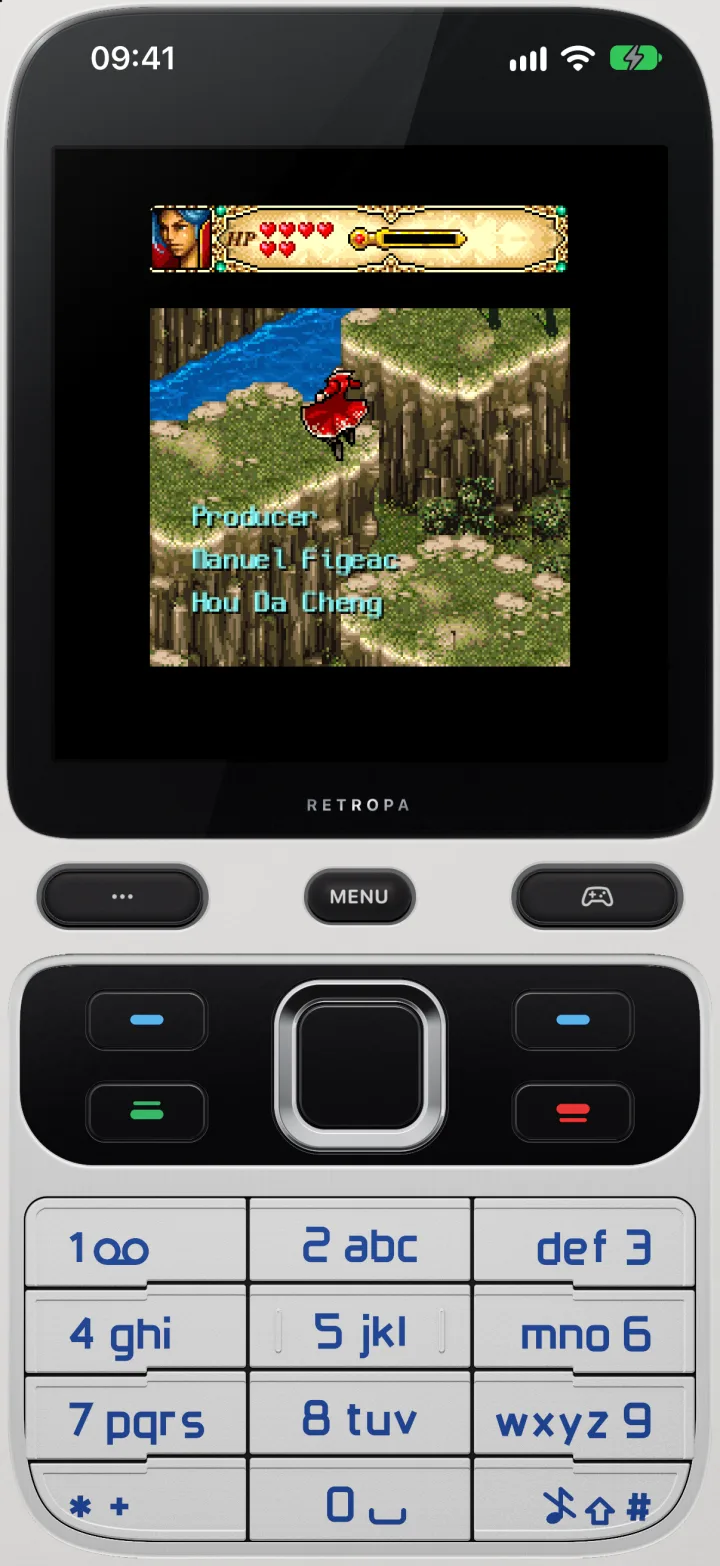
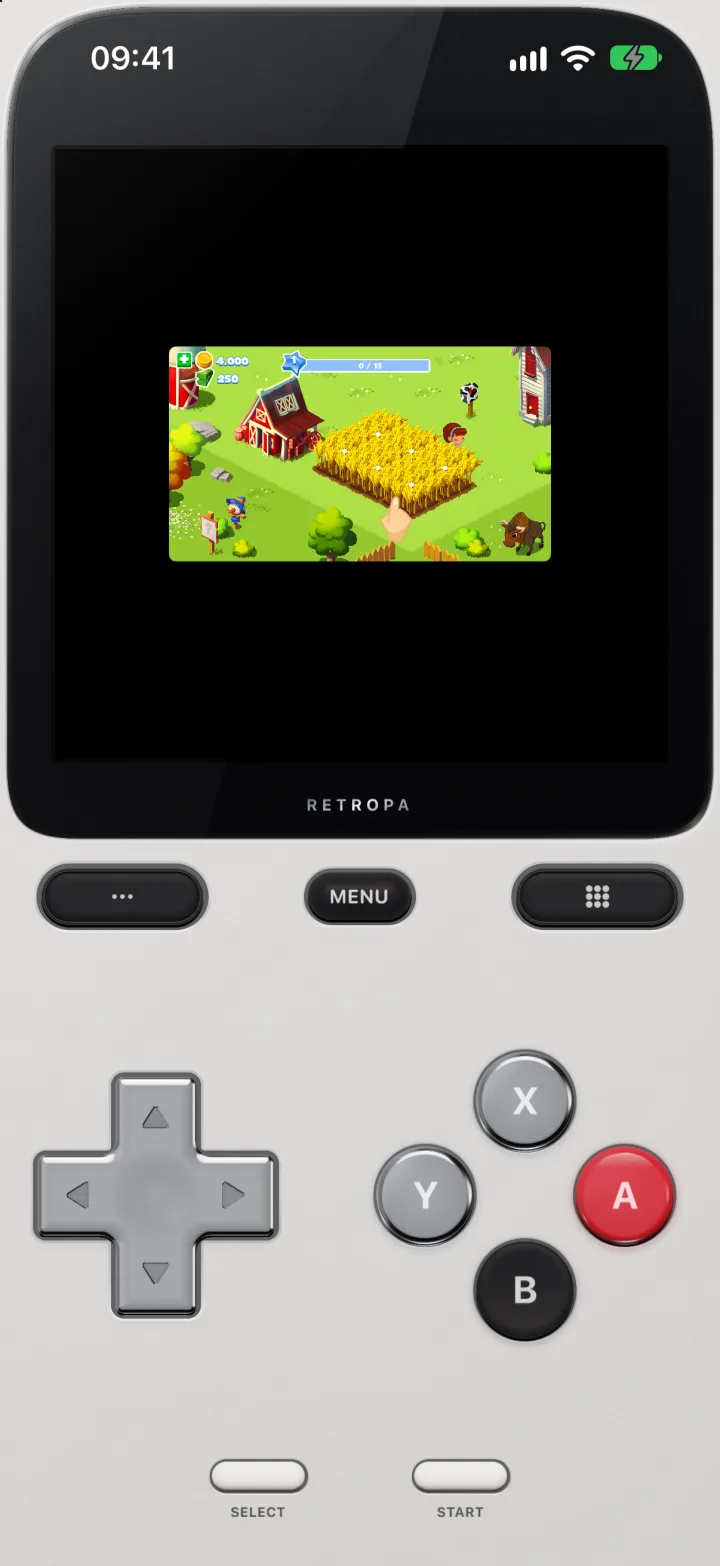
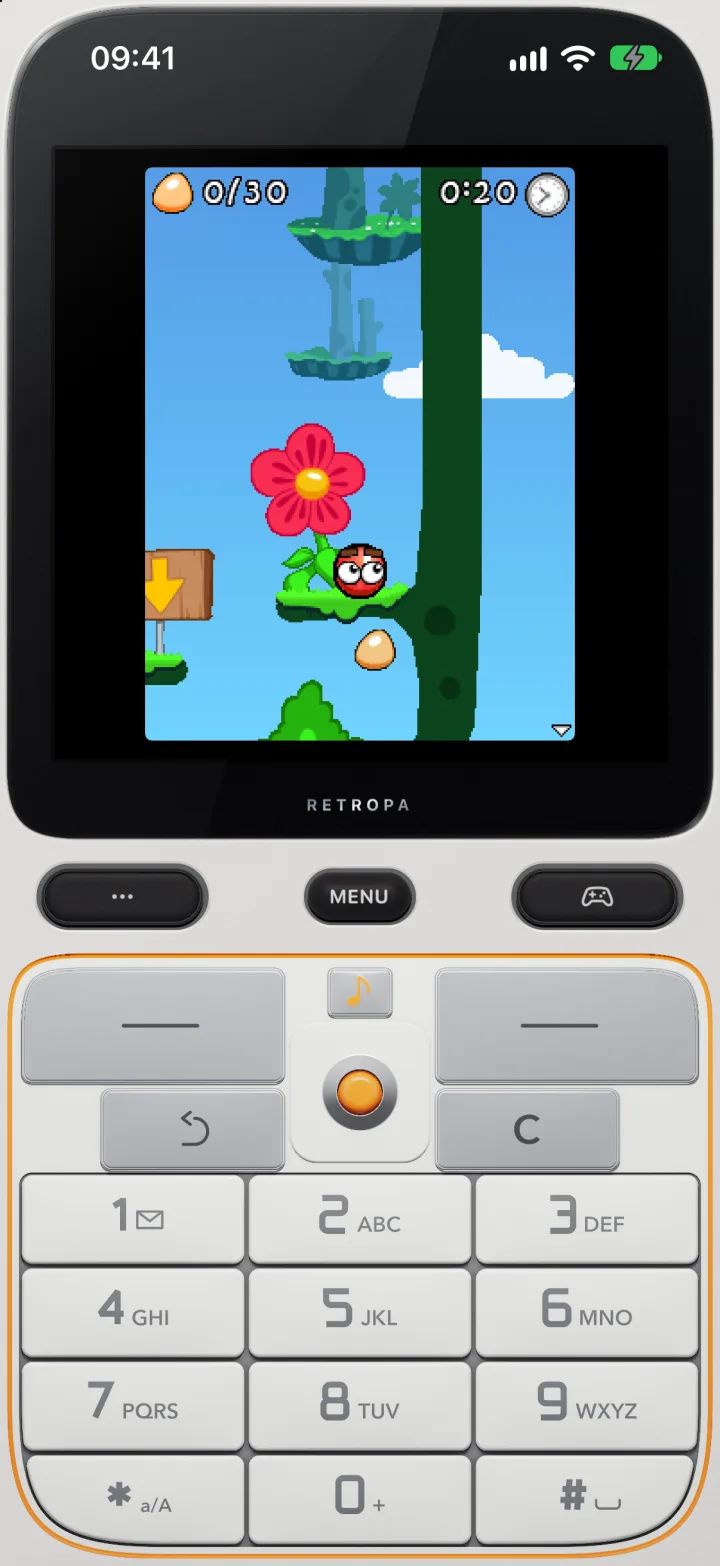
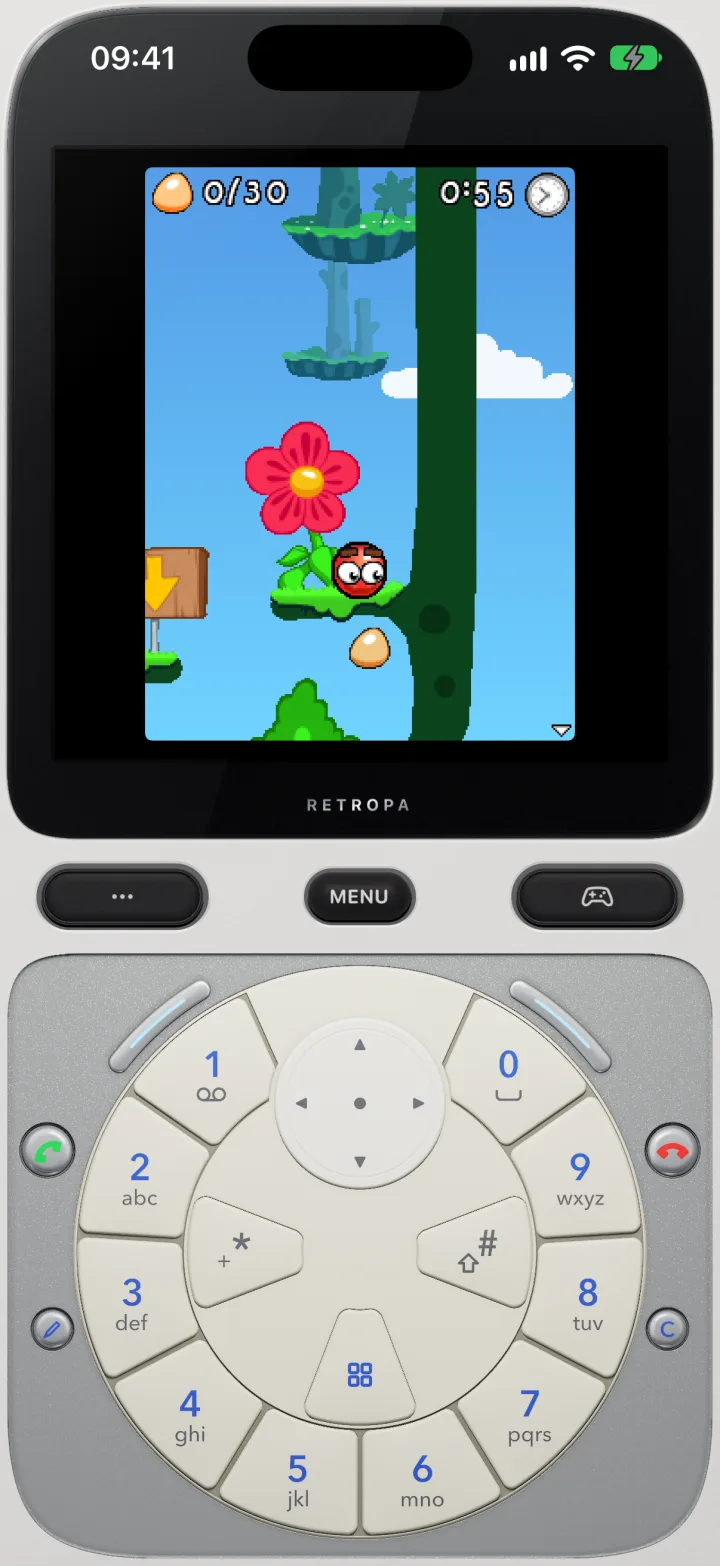
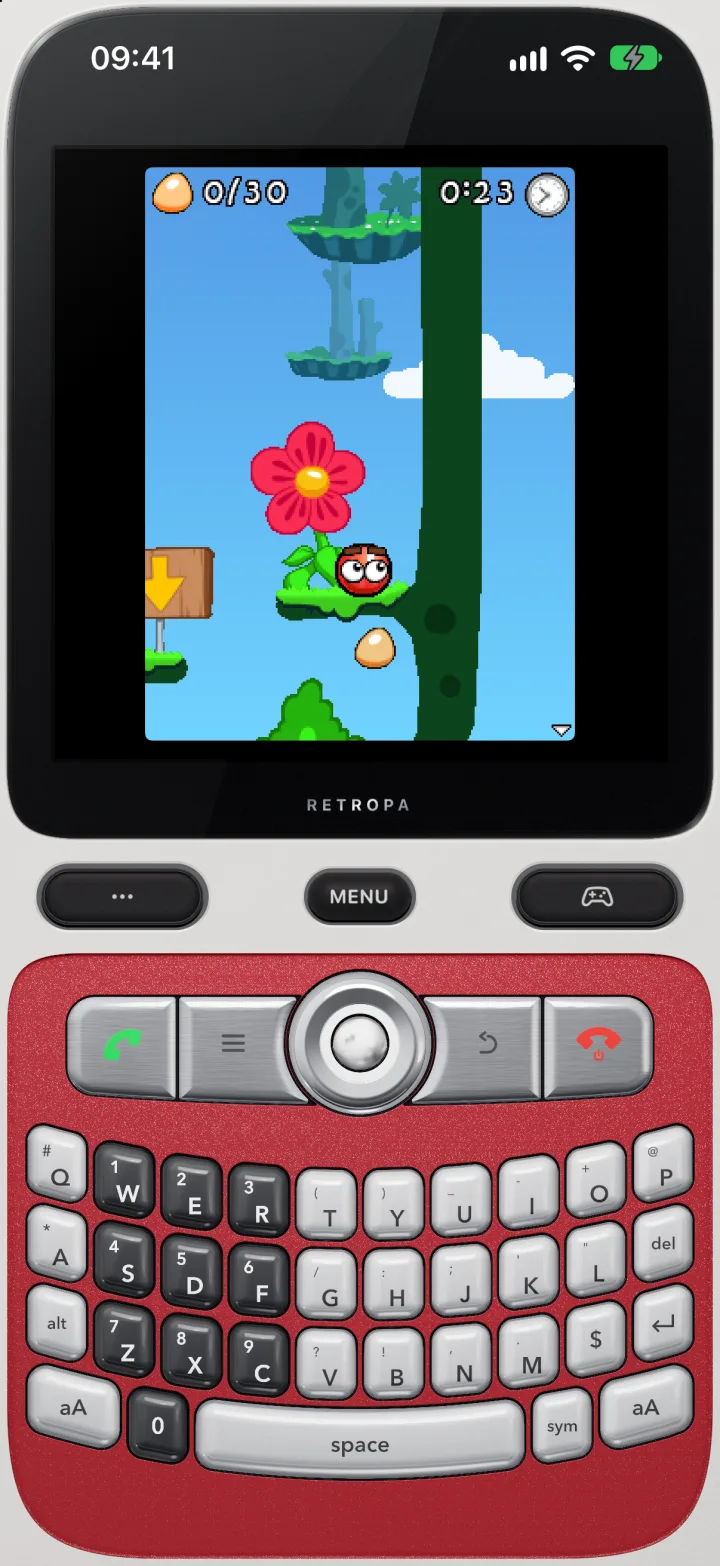
A Java game gets the same screen as every other system: the picture on top, and below it the gamepad or the phone keypad you choose. Shown here is one game on both.
- The keypad is a whole phone keypad: the two soft keys, the navigation key with OK in the middle, call and end, 0 to 9, * and #.
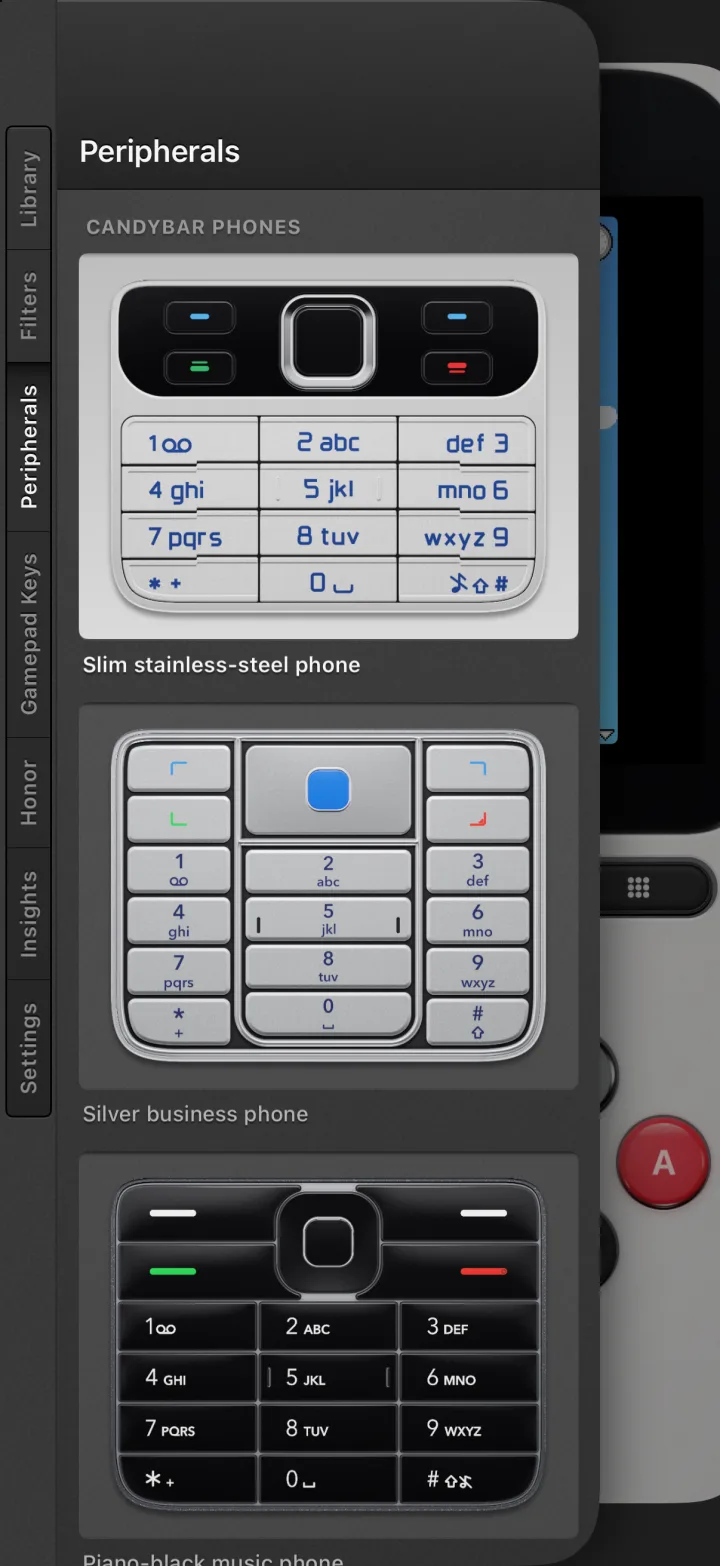
- The … key left of MENU opens the Peripherals tab; the key right of MENU flips between the gamepad and the keypad.
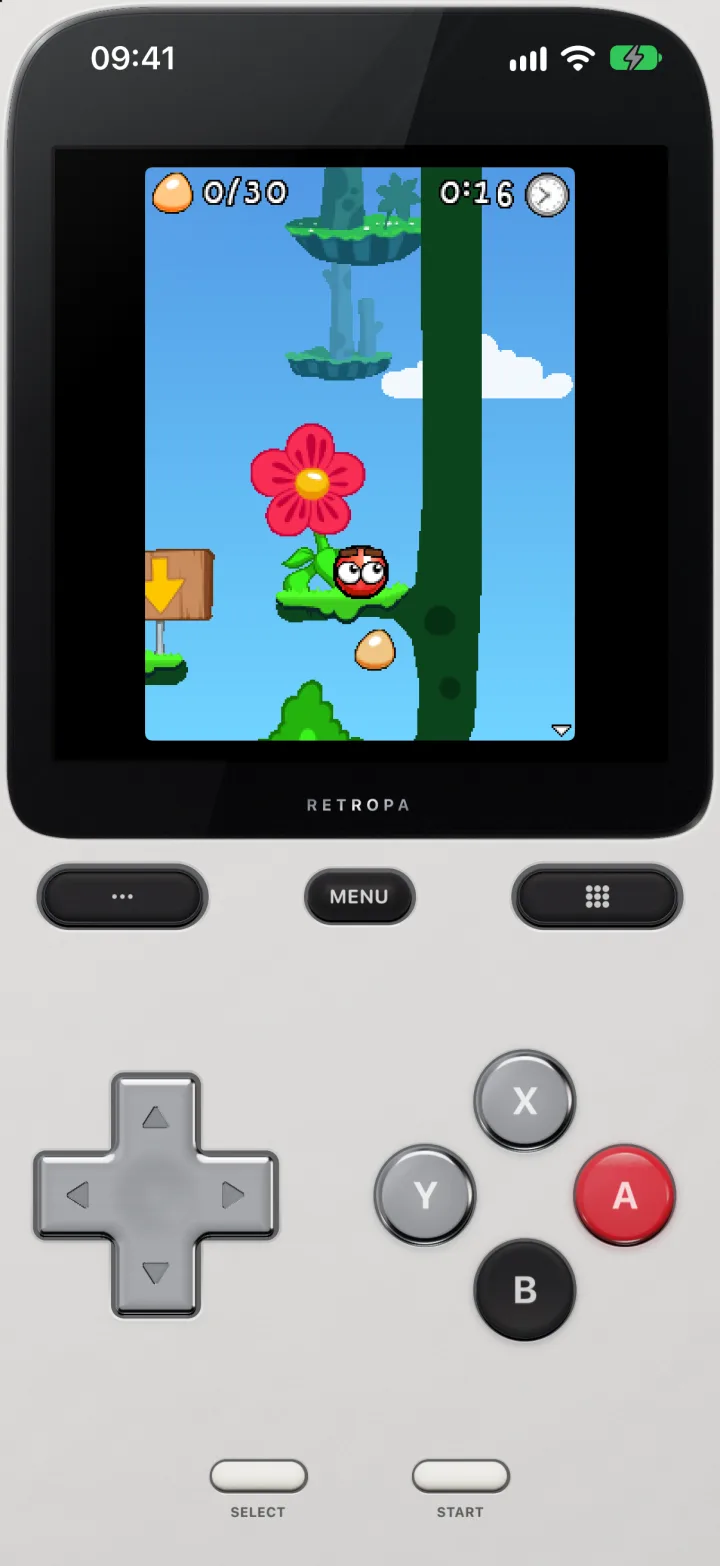
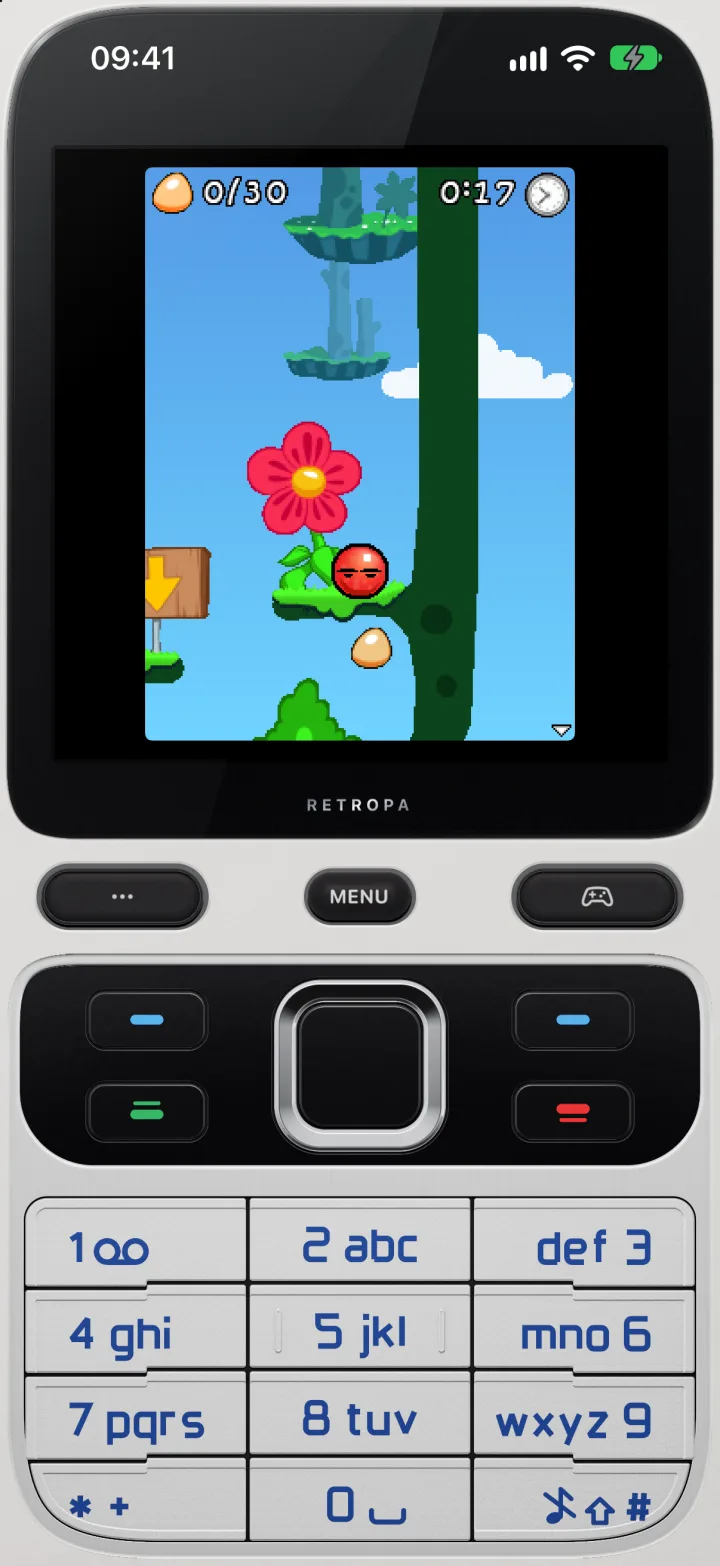
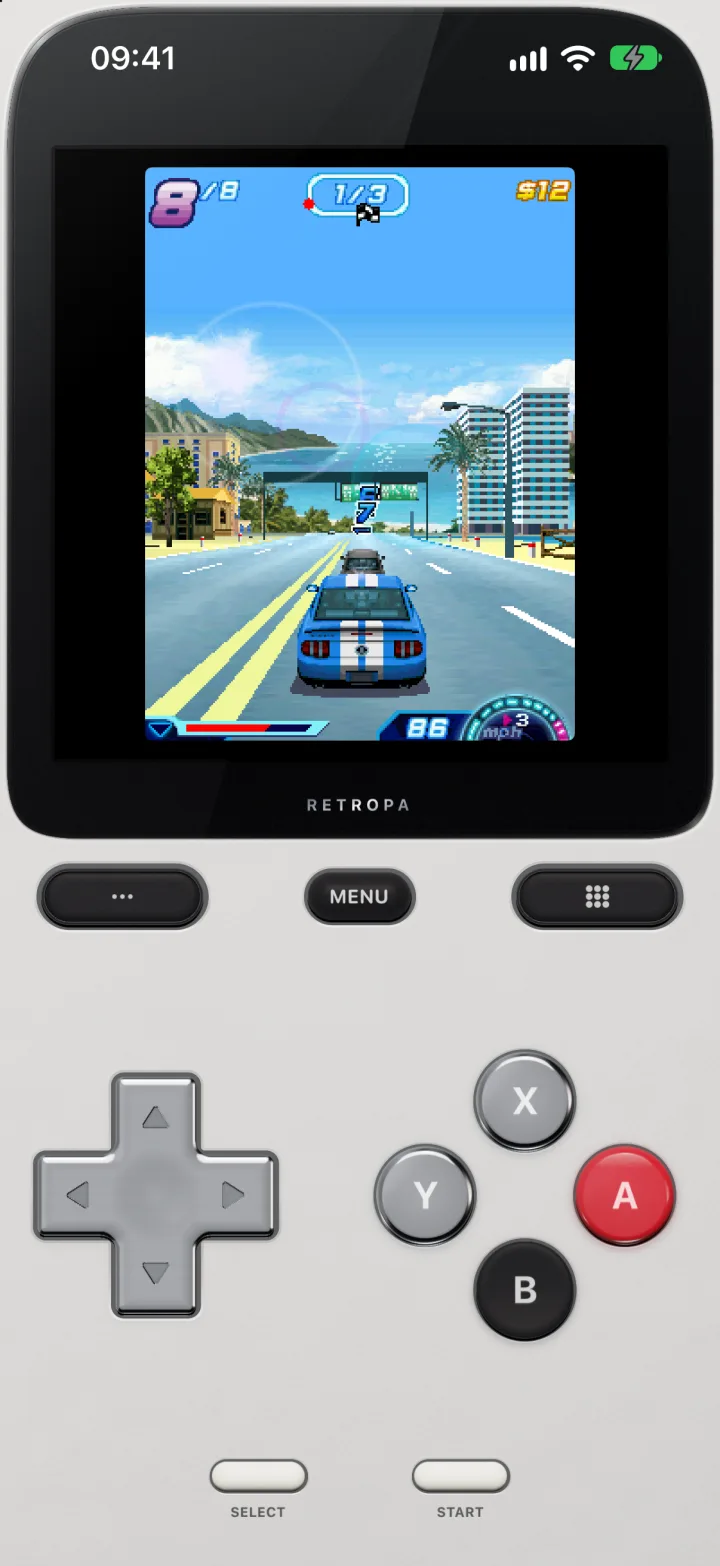
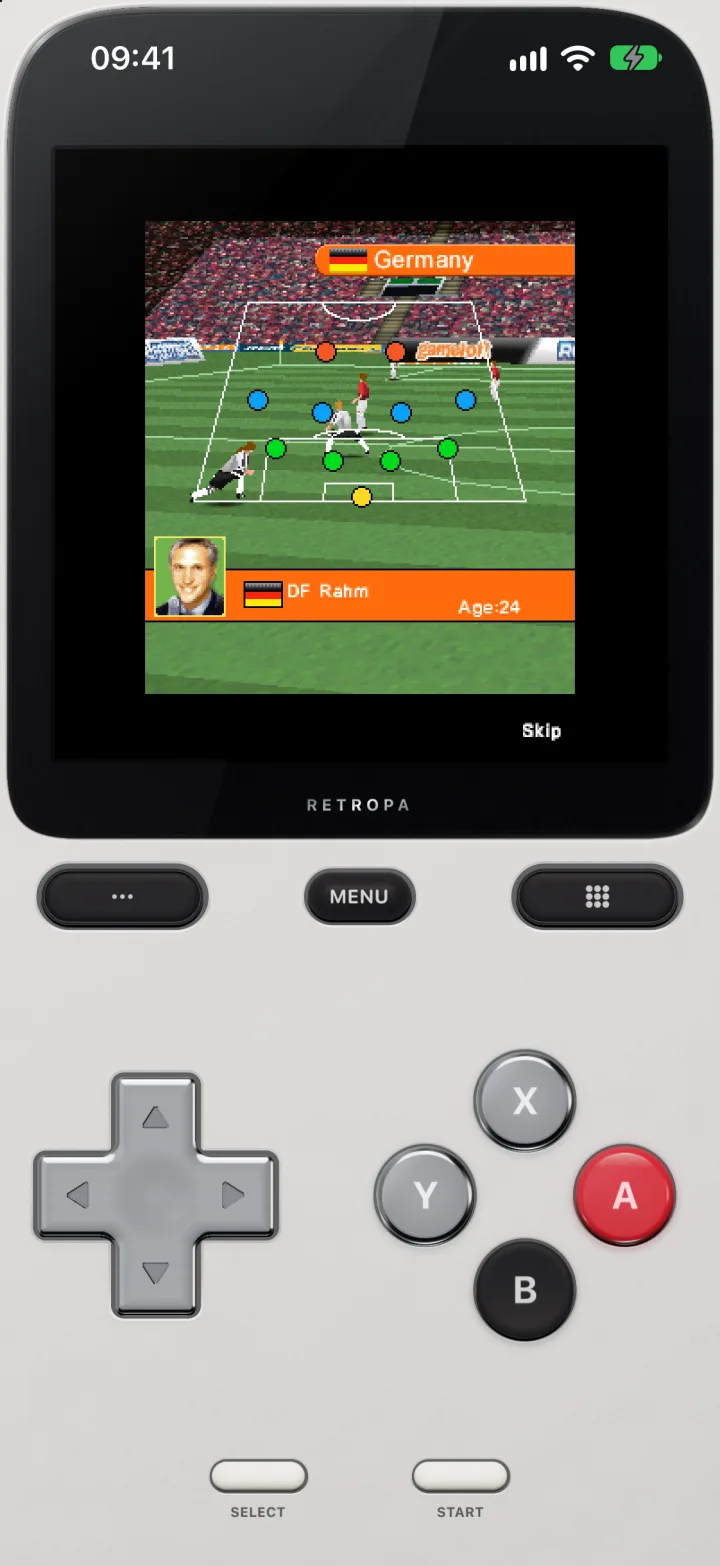
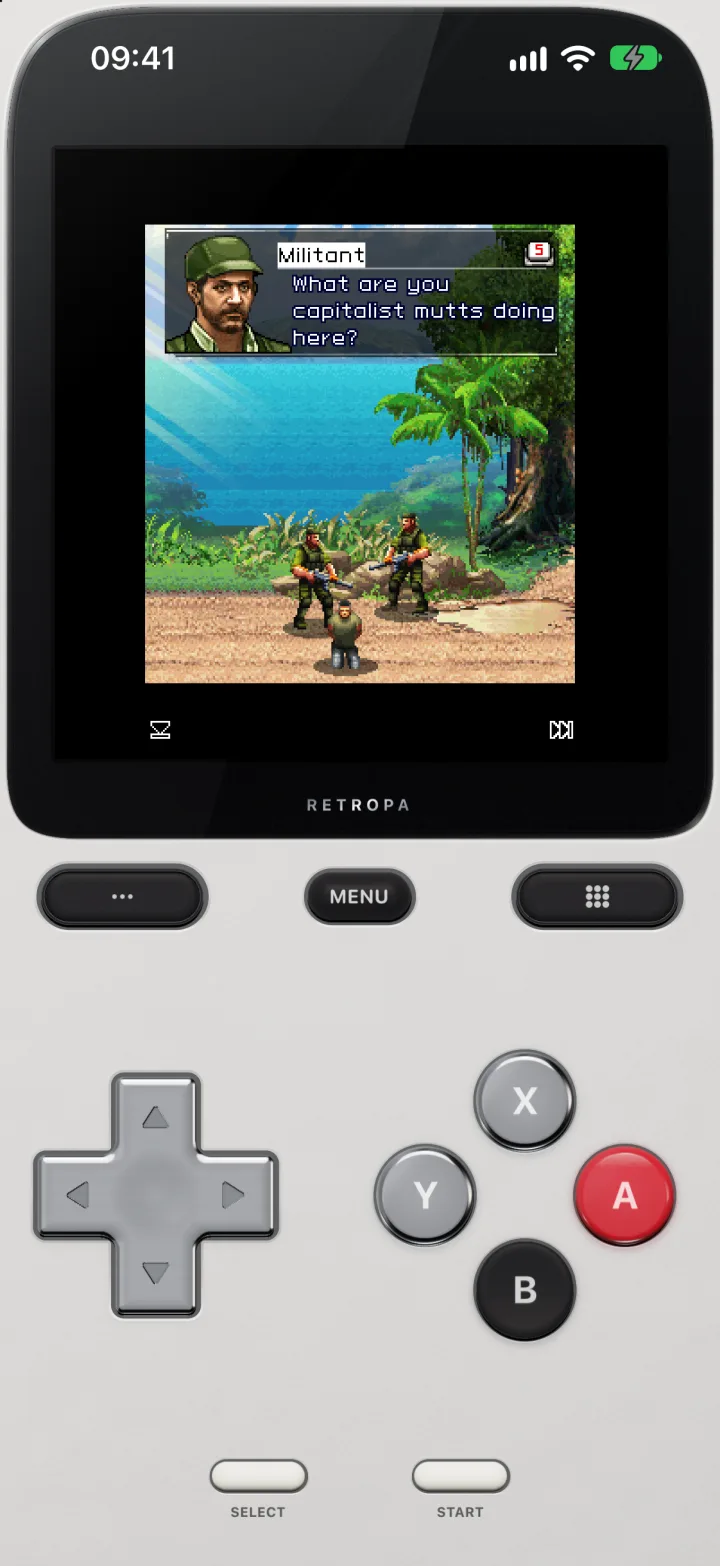
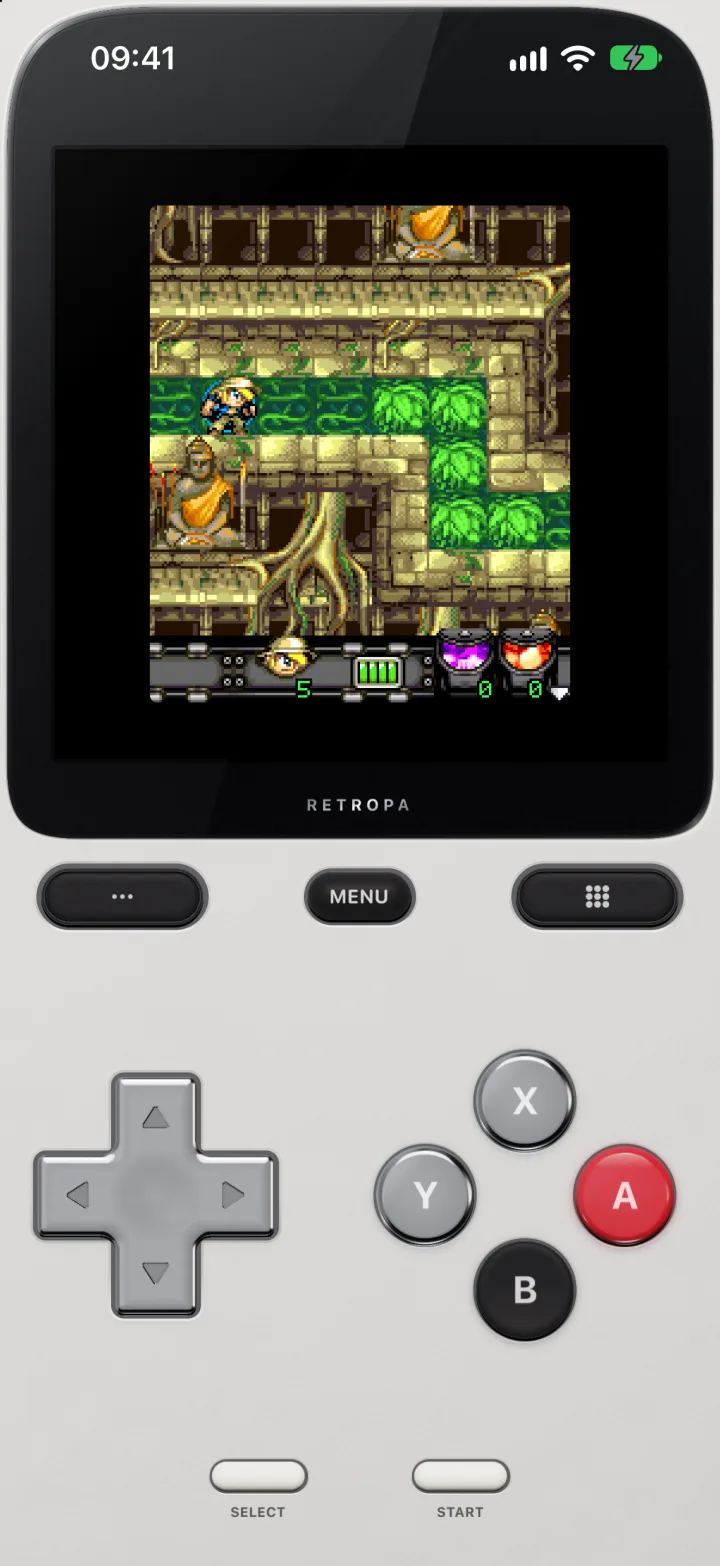
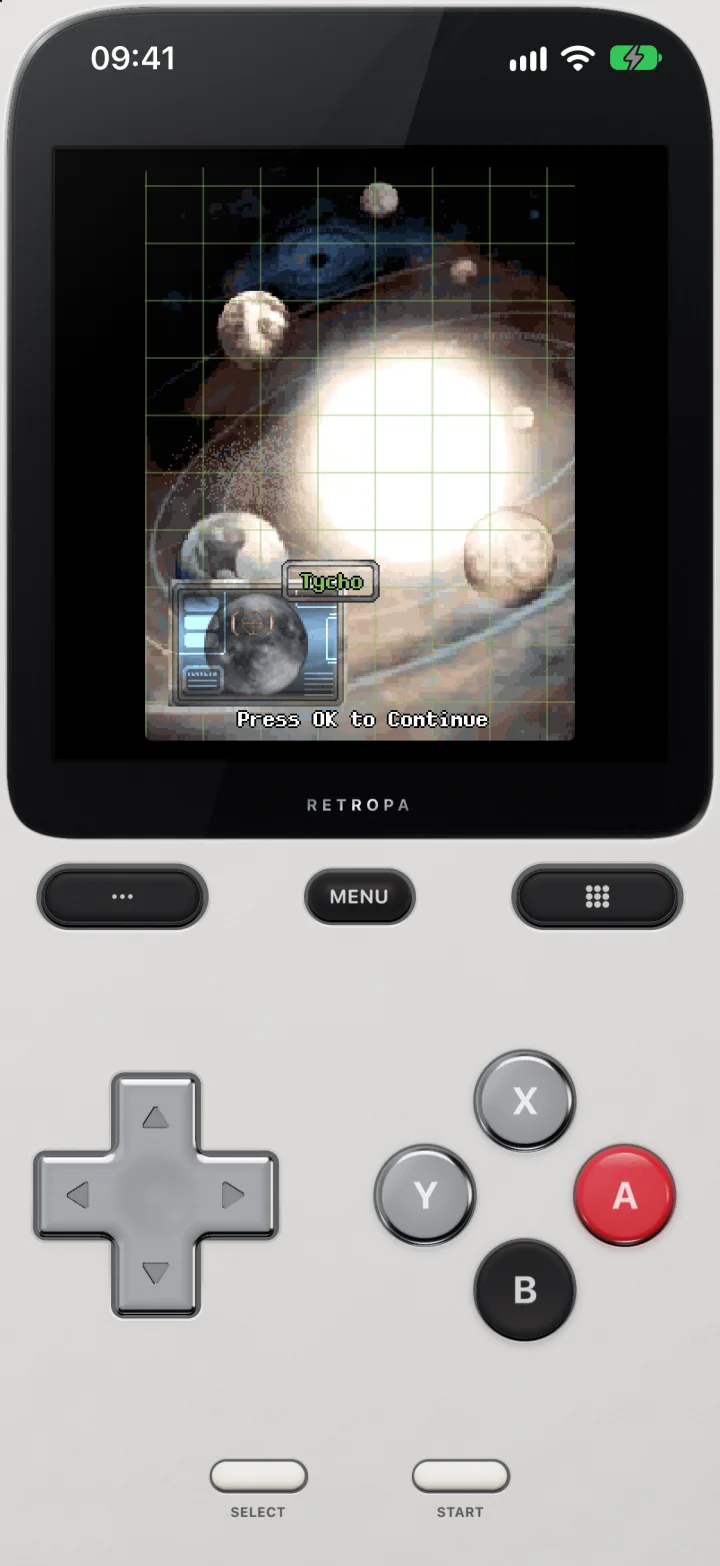
Well-known Java games, running
Java games of many kinds, running in Retropa on iPhone: racing, football, shooters, action and RPGs. Each was imported as its .jar and played on the gamepad or the keypad.
43 phone keypads
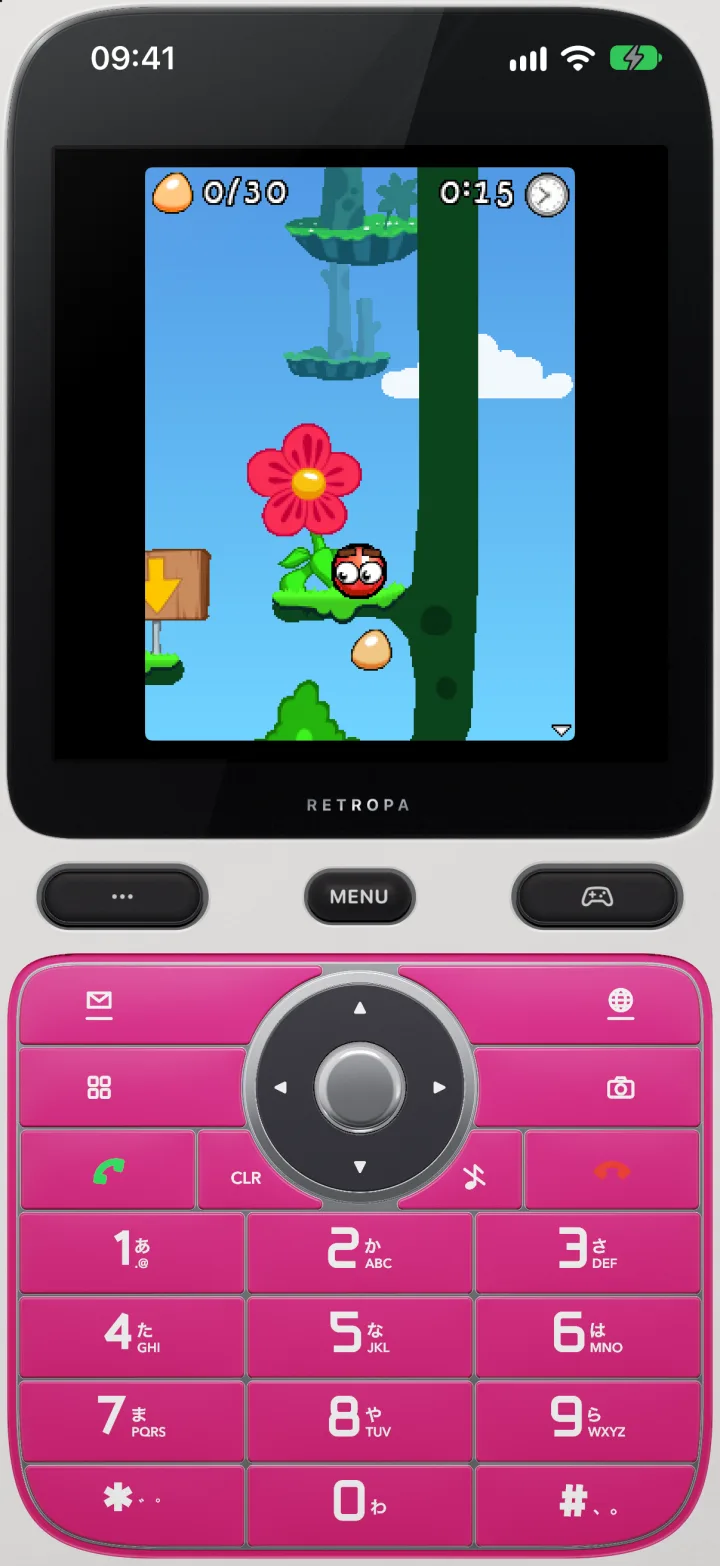
Every keypad is modeled on a phone of the time, its keys, colours and finish as they were made, never an invented one. They are grouped by the phone's form on the Peripherals tab, and a tap switches to one.
- Candybar phones: slim steel, silver and black business phones, music phones and a camera phone with a joystick.
- Flip, slide and twist phones, from an etched metal flip and a Japanese flip phone to gaming and music sliders.
- Smartphones: round and spider-web keypads, a pebble-shaped phone, keys beside the screen and a game deck phone.
- Keyboard phones, many in each colour they came in. Their digit keys press 0 to 9; some roll a trackball or glide on an optical pad that steps like the navigation key.
- Keys light up like a backlit keypad, and every key sinks under your finger as it is pressed.
- The keypad you choose is used for every Java game.
Import a .jar
Import the game's .jar file like any other game: from the Files app, AirDrop or the Wi‑Fi Portal. It joins your library under J2ME and starts with a tap.
- A .jad file of the same name beside the .jar is read too; a .jad on its own is not a game and is not imported.
- Games made for screens from 128 × 128 to 480 × 800 play; Retropa picks the phone screen a game was made for.
- There is no Java to install; Retropa plays the file itself.
- Retropa does not include games. Import only games you have the right to use.
Gamepad Keys: phone keys for every game
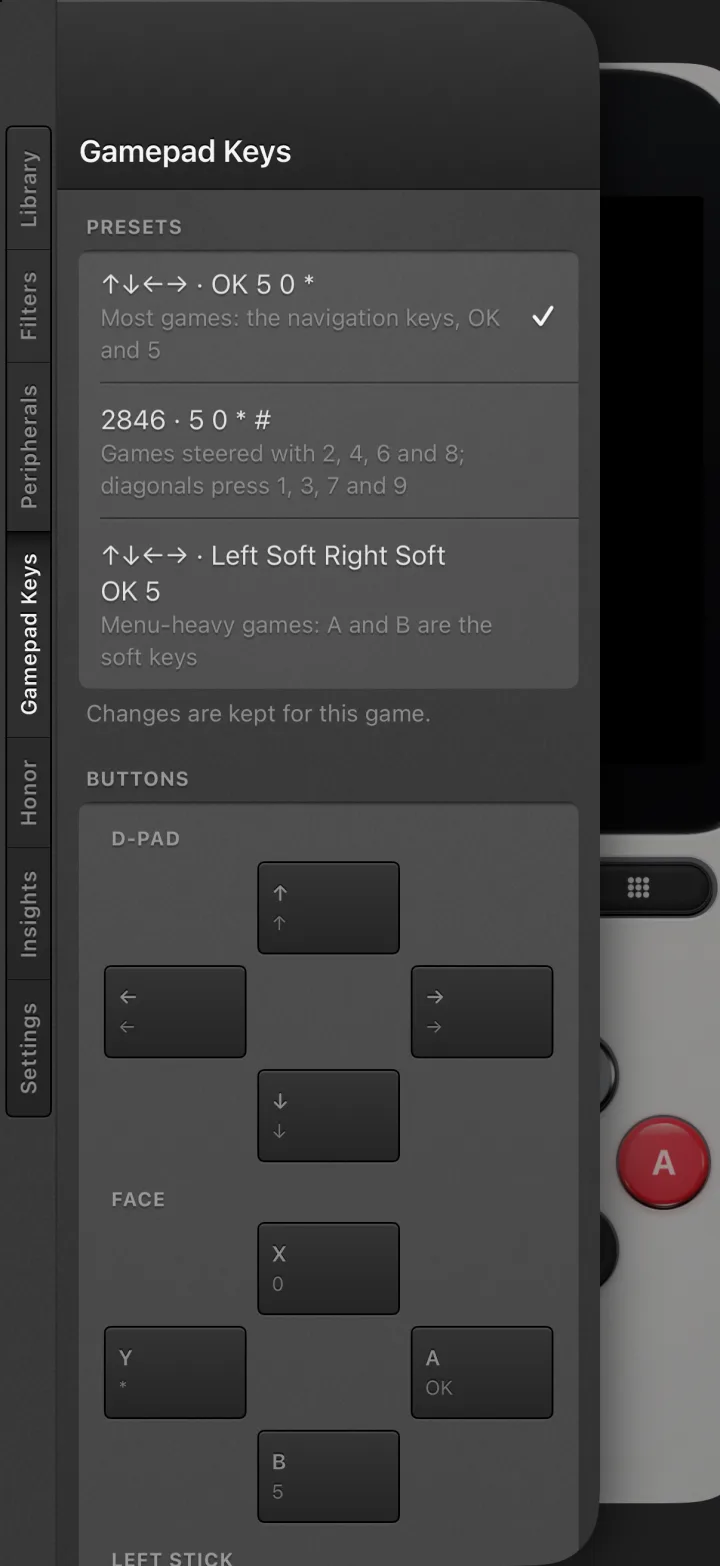
Most Java games steer with the navigation key, but many use 2, 4, 6 and 8, and some lean on the soft keys. The Gamepad Keys tab on the Desk sets which phone key each gamepad control presses, and every game keeps its own map.
- Three presets: the navigation keys with OK and 5 (the default, for most games); 2, 4, 6 and 8, with the diagonals pressing 1, 3, 7 and 9; and the soft keys on A and B, for games full of menus.
- Or set the controls one by one: pick a control on the pictured gamepad, then the phone key it presses.
- Held keys repeat after half a second, as they did on the phones.
- A connected controller presses the same keys: its D-pad, left stick, face buttons, and Start and Select; its shoulder buttons press the two soft keys.
Speed and screen size, per game
Phones drew these games at their own pace, and many games move a step for every picture they draw. Retropa plays each game at the pace phones drew it, and the Peripherals tab lets you choose another.
- Speed: Auto, or 10 to 30 pictures a second. Lower it if moves are too quick to stop in time; it applies at once.
- Screen Size: Auto, or one of the phone screens games were made for, from 128 × 128 to 480 × 800 and the wide 320 × 240. It applies the next time the game starts.
- Each game keeps its own speed and screen size.
Touch screens and every language
Games made for touch-screen phones take taps on the picture, and games written in Chinese, Japanese or Korean show their text.
Your progress stays
Java games save the way they always did, and Retropa keeps what each game saves in a place of its own, so you carry on where you stopped.
- Each game's saves stay apart from every other game's.
- Save states and rewind are not offered for Java games; the game's own saves keep your progress.
Offline by design
Java games play without a network. A game cannot go online or make a purchase, so nothing leaves your device and nothing is charged while you play.
- Online scores, multiplayer and levels sold over the network will not connect.
Java phone game questions
Can you play old Java games on iPhone?
Yes. The iPhone never ran Java phone games itself, but Retropa does: import a game's .jar from the Files app, AirDrop or the Wi‑Fi Portal, tap it in your library, and it plays on iPhone and iPad, offline.
How do I open a .jar file on iPhone?
A .jar that holds a Java phone game opens in Retropa: share it to Retropa from the Files app, or import it from inside Retropa. A .jar made as a desktop Java program rather than a phone game will not run.
Which Java games can I play?
Games made for Java phones (MIDP), the .jar files of the 2000s, from small puzzle games to racing and RPGs. Games that need a network, a phone's camera or its files will not get them.
Do I need to install Java?
No. Nothing needs to be installed; Retropa plays the .jar itself, offline.
Where do I get Java games?
Retropa does not include games or link to any. Import only games you have the right to use, such as games you bought for your own phone or games whose authors let you share them.
How do I switch between the gamepad and the keypad?
Press the key right of MENU. To pick another phone keypad, open the Peripherals tab with the … key left of MENU and tap one.
Can I play with a controller?
Yes. On the Gamepad Keys tab, apply one of three presets or choose the phone key for each button. Each game keeps its own map, and a connected controller uses it too.
A game runs too fast. What can I do?
Open the Peripherals tab and lower Speed for that game. Retropa starts each game at the pace phones drew it, but some games were tuned for slower phones.
Does my progress save?
Yes. What a Java game saves itself is kept for that game. Save states are not offered for Java games.
Do Java games need Retropa Plus?
Java phone games are part of Retropa Plus, like DOS, Flash, the arcade and PlayStation. You can try them first on the stainless-steel keypad; Retropa Plus keeps them unlocked and opens every other phone keypad, with the Gamepad Keys tab. Every handheld and console system except PlayStation stays free.
Bounce Tales © Nokia. Asphalt 6: Adrenaline, Real Football 2008, Modern Combat 2: Black Pegasus, Diamond Rush and Green Farm 3 © Gameloft. Doom II RPG © id Software. Might and Magic © Ubisoft; mobile game by Gameloft. The game pictures are screenshots of each game running in Retropa, shown only to demonstrate that it runs; Retropa is not affiliated with their owners. Java is a trademark of Oracle and/or its affiliates; Retropa is not affiliated with Oracle.