
Retropa / PS1 emulator
PlayStation games, smooth on iPhone.
Retropa plays PlayStation games on its own PS1 core, made for iPhone and iPad. Games run at full speed with steady motion, the phone stays cool through long sessions, and a controller works like a DualShock. Bring your discs as .cue and .bin files or as one .chd, and start without a BIOS.

Free to download. Optional in-app purchases. iOS 18 or later.
Full speed, steady and cool
The PS1 core is written for the iPhone's own chip and tuned frame by frame, so games hold their full speed without stutter, sound stays in step with the picture, and the phone stays cool. It is the only PlayStation core in Retropa, so there is nothing to pick or switch.
- On an iPhone 12 Pro, the games in the list below run at full speed through long sessions.
- PAL games run at their own 50 Hz and NTSC games at 60 Hz, and fast-forward works for both.
- Screen filters, skins and the library work as they do for every other system.
Running in Retropa
Captured in Retropa on an iPhone: each picture is the game screen as it plays.
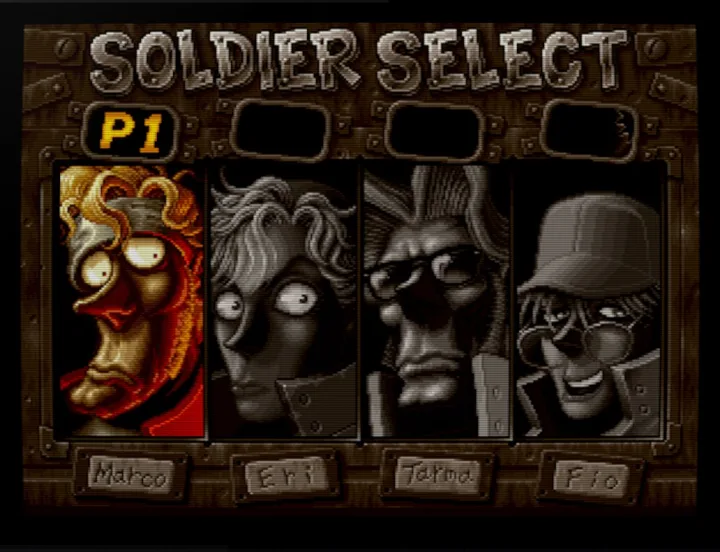
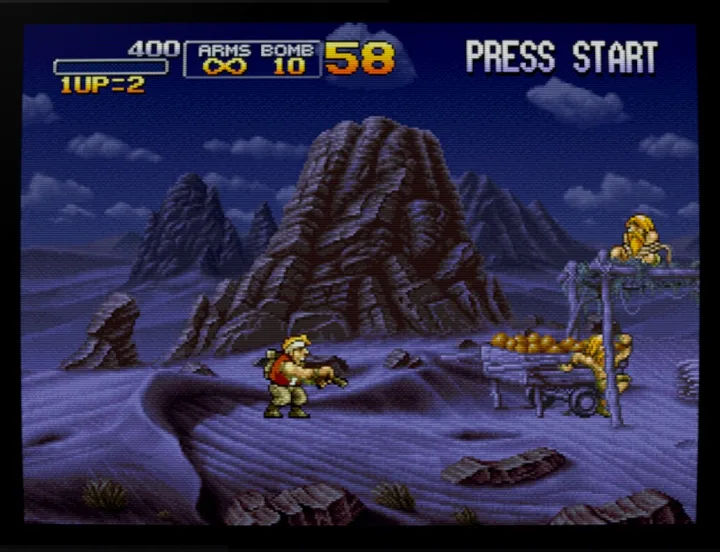
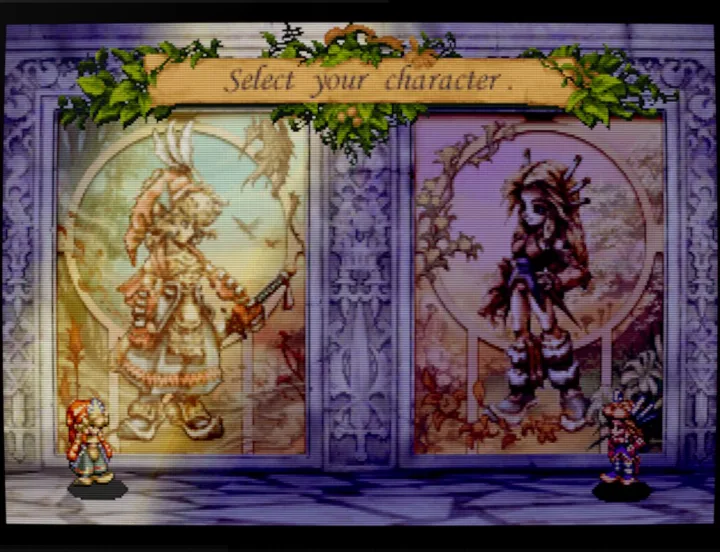
Compatibility: games we have played at length
These games have been played at length on iPhone and run excellently in Retropa, from start screen to long play sessions. The list grows as we test more games, and we keep tuning the core with every release.
| Game | Genre | Experience |
|---|---|---|
| Crash Bandicoot | Platformer | Excellent |
| Diablo | Action RPG | Excellent |
| Disney's Tarzan | Platformer | Excellent |
| Final Fantasy VII | RPG | Excellent |
| Harvest Moon: Back to Nature | Farming sim | Excellent |
| JoJo's Bizarre Adventure | Fighting | Excellent |
| Legend of Mana | Action RPG | Excellent |
| Marvel vs. Capcom: Clash of Super Heroes | Fighting | Excellent |
| Metal Gear Solid | Stealth action | Excellent |
| Metal Slug X | Run and gun | Excellent |
| Need for Speed III: Hot Pursuit | Racing | Excellent |
| Street Fighter Alpha 2 Gold | Fighting | Excellent |
| Tekken 3 | Fighting | Excellent |
| Toy Story 2: Buzz Lightyear to the Rescue | Platformer | Excellent |
| Yu-Gi-Oh! Forbidden Memories | Card battle | Excellent |
Play PlayStation in Retropa
PlayStation runs on Retropa's own core, with no BIOS needed. Download Retropa, import a disc you own and play.
Discs: .cue and .bin, or one .chd
Import a PlayStation disc the way you import any other game. In Files, choose the .cue together with its .bin track files, or put them in one ZIP; a .chd imports on its own. All of a disc's tracks go into your library as one game, with its cover found by the disc's serial.
| Files | What they are |
|---|---|
| .cue + .bin | A disc image: the .cue lists the disc's tracks, and each .bin holds one or more of them |
| .chd | A disc image compressed into one file, made from a PlayStation disc |
| .sbi | LibCrypt data for a protected PAL disc, kept with that disc |
| .exe | A PlayStation program file, such as a homebrew test or demo |
- A .chd made from another system's disc, or one that depends on a parent .chd, is turned away with the reason.
- Changing discs mid-game is not supported, so .m3u playlists and .pbp files are not accepted.
No BIOS needed
Retropa has a built-in BIOS, so games start without one. Add a BIOS dumped from your own console in BIOS Management and Retropa uses it instead; a console BIOS is the most compatible choice.
- Until you add your own, its entry in BIOS Management shows Built-in.
- BIOS files end in .bin, .rom or .bios. Retropa does not provide them.
LibCrypt PAL discs
Some PAL discs carry LibCrypt copy protection, and a disc image alone does not keep the data it checks. That data comes as a small .sbi file. Put it beside the disc with the same name, or import it later and it joins the disc whose name matches.
- Without its .sbi file, a LibCrypt game can stop or misbehave.
- A damaged .sbi file, or one whose name matches no disc in your library, is rejected.
Touch keys marked × ○ □ △
On the touch screen, PlayStation games use the Super NES layout, with the face keys marked as on a PlayStation pad: × at the bottom, ○ on the right, □ on the left and △ on top.
- L and R on the touch screen are L1 and R1.
- L2, R2, L3, R3 and the analog sticks are on a controller.
A controller becomes a DualShock
With a controller, PlayStation games get a DualShock: both thumbsticks are analog sticks, the triggers are L2 and R2, and pressing a stick is L3 or R3. A controller that can rumble vibrates with the game.
- Face buttons go by place on Xbox, PlayStation and Nintendo controllers: the bottom button is ×, the right one ○, the left one □ and the top one △.
- The touchpad button on a DualShock 4 or DualSense is the Analog button. On other controllers, assign Analog in the mapping center.
- In digital mode, the left stick works the D-pad too.
- Vibration plays on the controller, never on the iPhone.
Save states and memory cards
Save states work as on every other system: save anywhere, let autosaves keep your place, and pick a state from the timeline by its thumbnail. Saves made inside a game go to a memory card of its own.
- Loading a save state never rolls a memory card back, so your in-game saves are safe.
- Discs of one game share a memory card when their names differ only by the disc number, such as (Disc 1) and (Disc 2).
- Rewind is not available for PlayStation.
PlayStation questions
Do PS1 games run smoothly on iPhone?
Yes. Retropa's own PS1 core runs games at full speed with steady motion and sound, and keeps the phone cool. The games in the compatibility list have been played at length on an iPhone 12 Pro.
Do I need to jailbreak my iPhone to play PS1 games?
No. Retropa is an App Store app for iPhone and iPad with iOS 18 or later. It installs like any other app, with no jailbreak, sideloading or computer.
Do I need Retropa Plus for PlayStation?
PlayStation is part of Retropa Plus, like the arcade. You can try it first, and Retropa Plus keeps it unlocked. Every other handheld and console system stays free.
Which PS1 games work?
The compatibility list shows the games we have played at length, all with an excellent experience, from Final Fantasy VII and Metal Gear Solid to Tekken 3 and Crash Bandicoot. We keep testing more games and tuning the core with each release.
Do I need a PlayStation BIOS?
No. Retropa has a built-in BIOS that starts games on its own. A BIOS from your own console is the most compatible choice; add it in BIOS Management.
Which PlayStation files can I import?
A .cue with its .bin track files, a single .chd made from a PlayStation disc, or a ZIP holding the .cue and .bin files. A LibCrypt .sbi file joins its disc. .m3u and .pbp files are not accepted.
How do I play a game that spans several discs?
Import every disc. When the game asks for the next one, make the save it offers on the memory card, start the next disc from your library, and load that save in the game. Discs whose names differ only by the disc number share one memory card, so the save is there.
Can I use analog sticks and vibration?
Yes, on a controller. Both thumbsticks work as DualShock analog sticks, the Analog button switches modes in games that allow it, and controllers that can rumble vibrate with the game. The touch screen has no sticks.
Can I play PS1 games on iPad?
Yes. Retropa runs on iPad with iOS 18 or later, and PlayStation games play there as they do on iPhone. On the larger screen a controller is a comfortable way to play, with both sticks working as DualShock analog sticks.
Metal Slug X © SNK CORPORATION. Legend of Mana © SQUARE ENIX CO., LTD. Game names belong to their owners. The pictures are captured in Retropa to show the games running; owners can ask for their removal at the address below.