Retropa / DS
DS emulator for iPhone and iPad
Drop your .nds games into Retropa and make room for two screens. Check touch input, controls and file requirements before you go looking for a new layout or filter.

Free to download. Optional in-app purchases. iOS 18 or later.
Prepare a .nds game
DS is its own system, not a bigger GBA. Retropa runs .nds files on iPhone and iPad with iOS 18 or later, and it brings no ROM or BIOS downloads of its own. Use files you are entitled to, keep a separate backup, and remember that renaming a .gba file will never make it a DS game.
Import and check both screens
Get the file fully downloaded in Files, then choose it from the library import entry. Open the game with the default layout and look at both display areas. Play far enough to reach a touch interaction, because a title screen will not tell you whether every required input works.
- Start from the system Retropa detects for the .nds file, or set it yourself.
- Meet whatever BIOS or firmware requirement the installed core reports.
- Hold on to the original file while you diagnose errors.
Give the touch screen enough room
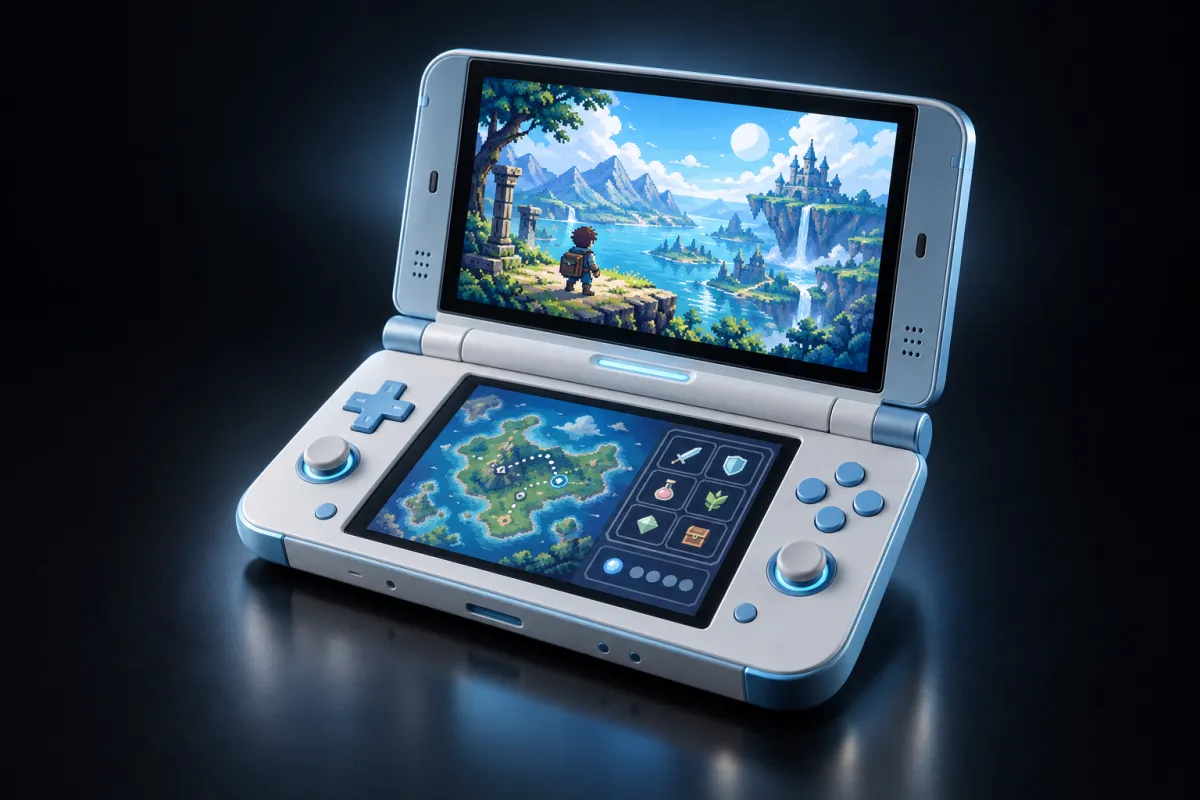
Two displays will not fit a single-screen handheld layout. Pick a DS skin that shows both screens along with the controls the game needs. Portrait gives the screens a natural stacked arrangement; landscape depends on the skin you chose. Tap the small targets at the size you really play, especially on a smaller iPhone.
Controllers do not replace every touch action
Retropa works with compatible external controllers and lets you remap buttons. Pair the controller in iOS, then confirm the assignments inside the app. A physical D-pad and action buttons will not stand in for a game's touch-screen prompts, so test those before you settle on a controller-only setup.
Keep the first session simple
Get game and input compatibility settled before you layer on a complex shader chain. If frame pacing or the picture shifts after you pick a filter, step back to a simple preset and compare. Performance depends on the device, the core and the output size, and DS support is not a promise that every game behaves the same way on every phone.
- Premium skins and advanced filters require Retropa Plus.
- Back up original saves and save states; the two formats are not interchangeable.
- For support, send the app version, core and exact error, not the game or BIOS files.